vscode uses Better Align plugin and shortcut key configuration examples
Brief introduction
In the development process, if the code is neat, then the code will look more comfortable. It's like seeing a neat house.
Among them, =,: equal alignment is an important tidy treatment.
Better Align
This is the alignment plugin of vscode. Start vscode and enter the plugin management. If it is not installed, search for it and it will be available soon. Then install it. The plugin management of vscode is really well done and easy to use.
use
After the installation is complete, you can use it
Move the cursor to the code block to be aligned, and then install ctrl+shift+p, and then enter the command to immediately align it.
as shown below
Comma-first sytle

Trailing comment
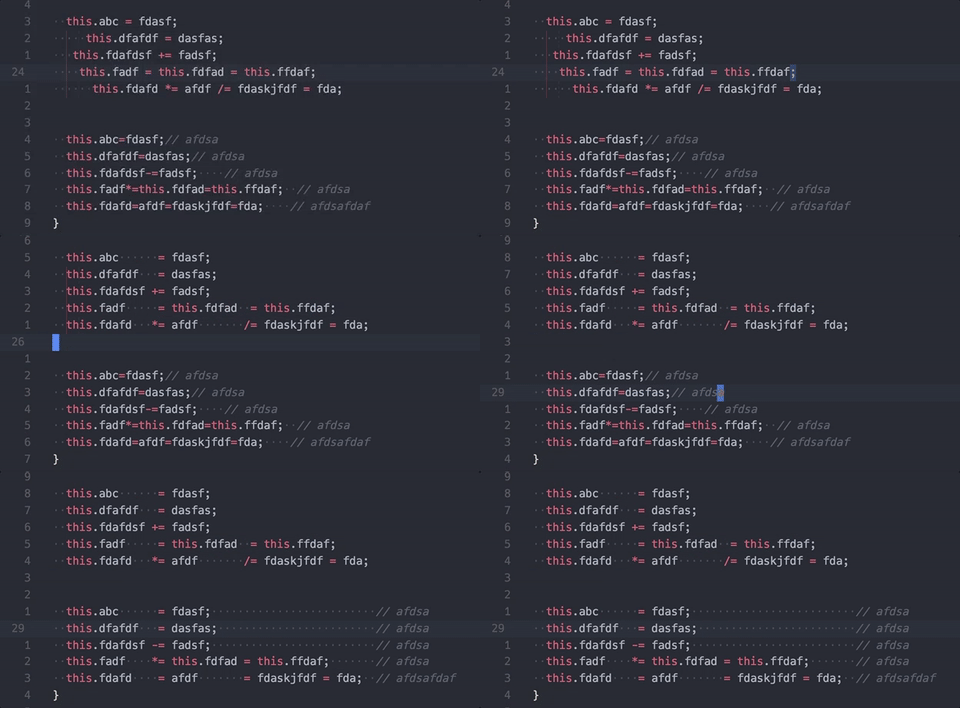
Align within selection

Shortcut key settings
If you always enter commands, it is really troublesome, you can configure shortcut keys
I configured here ctrl+alt+=
as shown below: File->Preferences->Keyboard shortcut, as shown below

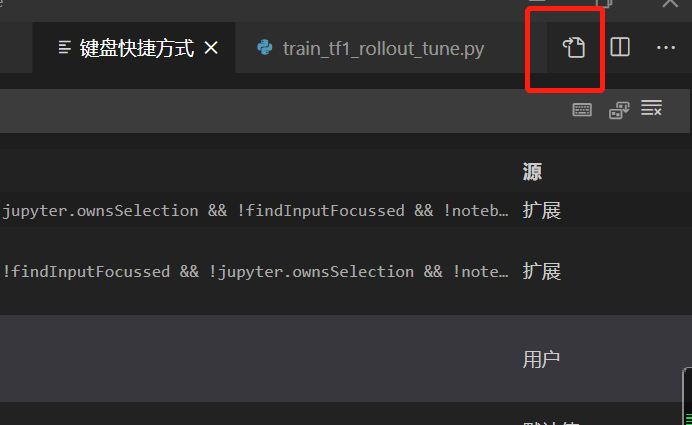
After entering: In the keyboard shortcut editing, click keybindings.json,

After entering json settings

Then I type ctrl+alt+=

Then enter the operation content
    {
        "key": "ctrl+alt+oem_plus",
        "command": "wwm.aligncode",
        "when": "editorTextFocus && !editorReadonly"
    }
In this way, you can use shortcut keys to operate
Intelligent Recommendation

VScode shortcut key settings
One:Open vscode, select: File-Preferences-User Code Snippet 2: Enter the javascript type in the search box and open the javascript.json file Three: write your own code snippets...
VSCode shortcut key
Since birth, Vscode has quickly popular with its own excellent characteristics. Especially for the front-end development small partners, almost an essential development tool. So, proficiently masterin...
VSCode shortcut key (Updating)
Article catalog interface menu Terminal editor Note: Mobile line Code indent choose Column selection Note: W: Windows, M: Mac interface menu Terminal Current file location open the console w: ctrl + ~...
vsCode comment shortcut key
Series Article Directory Article directory Series Article Directory foreword 1. What is pandas? 2. Use steps 1. You can also select the code and use [Edit] in the upper menu to manually annotate the c...
VSCODE uses the prettier plugin formatting configuration
prettier 1. VSCODE installation of the PRETTIER plugin 2. Download dependencies yarn add -D prettier 3. File configuration Create in the root directory.prettierrcConfiguration file and.prettierignoreI...
More Recommendation
Modify the VSCode shortcut key to the shortcut key of Eclipse
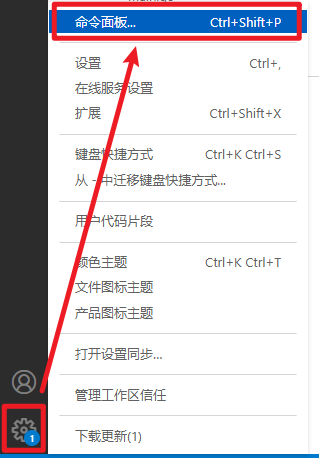
Articles directory 1. Open the command panel `in VSCODE, as shown in the figure below. 2) Enter `keyboard` in the command panel 3) Open `First option: Open the keyboard shortcut (JSON)` 4) Configure s...
Vscode shortcut key configuration (comment template, vue file template)
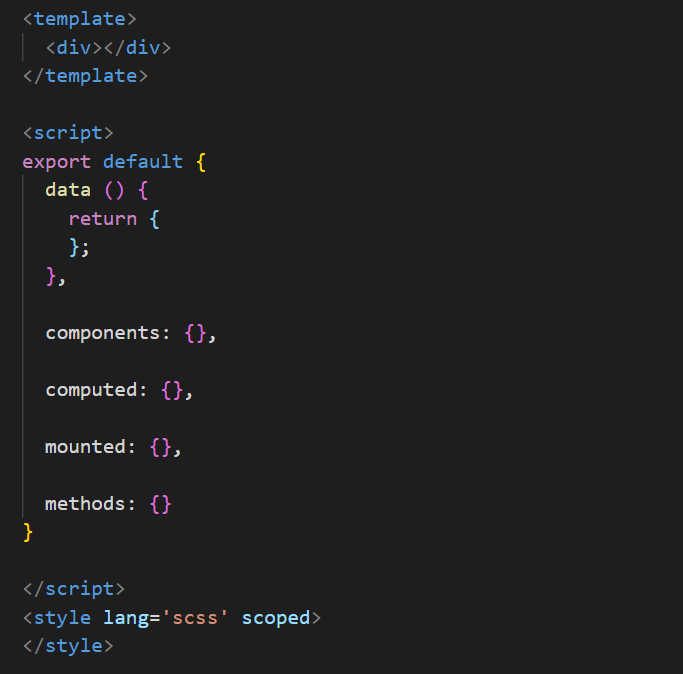
Vscode shortcut key configuration (comment template, vue file template) 1. The header of the vscode fileAutomatically generate commentsConfiguration: Detailed operation reference: https://blog.csdn.ne...
Solve the vscode shortcut key configuration has always been Numlock
Solve the vscode shortcut key configuration has always been Numlock Article catalog Solve the vscode shortcut key configuration has always been Numlock Foreword solution: contact details: Foreword Yes...
VSCode Practical Guide ---- Common shortcut key, configuration file and practical plug-in
1. VSCODE commonly used shortcut keys Copy the current line Ctrl+Alt+D Ctrl+// Multi -line annotation shift+alt+a Add the same selection Ctrl+D Insert ctrl+Enter below Insert shift+Ctrl+Enter above De...
SUBLIME Format Code Plugin Installation and Shortcut Key Configuration
Foreword As an initiator for Sublime, formatting code is a more important feature when writing code. Install the plugin (take the JSFormat plugin as an example) Press shortcuts ["Ctrl + Shift + P...