notepad ++ run Python code configuration
tags: python
The normal notepad ++ installed software can not run Python code directly, it should be configured notepad ++
1. Click on the menu bar or shortcut keys F5 to run the following dialog box will pop up, and enter in the dialog box:
cmd /k cd /d "$(CURRENT_DIRECTORY)" & python "$(FULL_CURRENT_PATH)" & ECHO. & PAUSE & EXIT
And save

2. Type the name and run the shortcut key (defined in terms of personal habits son) and save

3. After the Run menu appeared to run the way we just created, compiled Python can be run directly

Intelligent Recommendation
Notepad++ run python
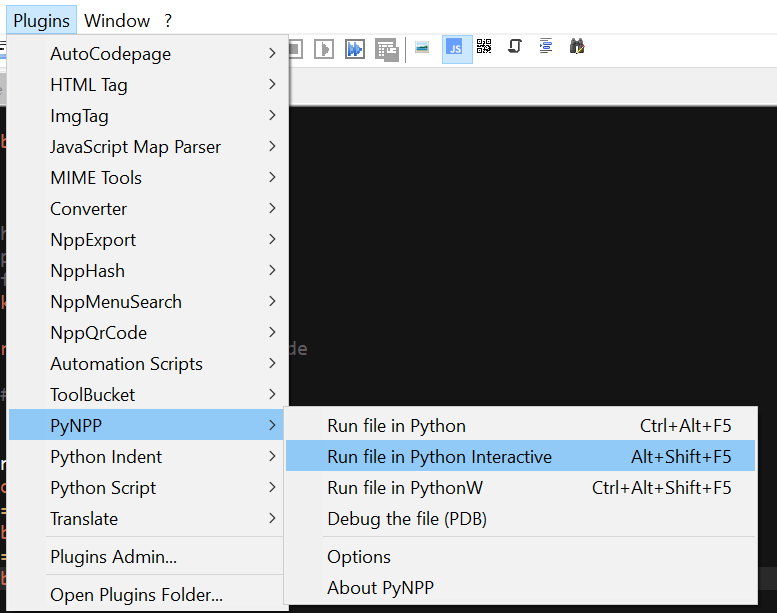
Notepad++ run python Click to download the plugin Search pynpp and download the plugin Restart Notepad++ after downloading Click PyNPP->Run file in Python Interactive Note, Python IDLE must be inst...
Run python directly in Notepad++
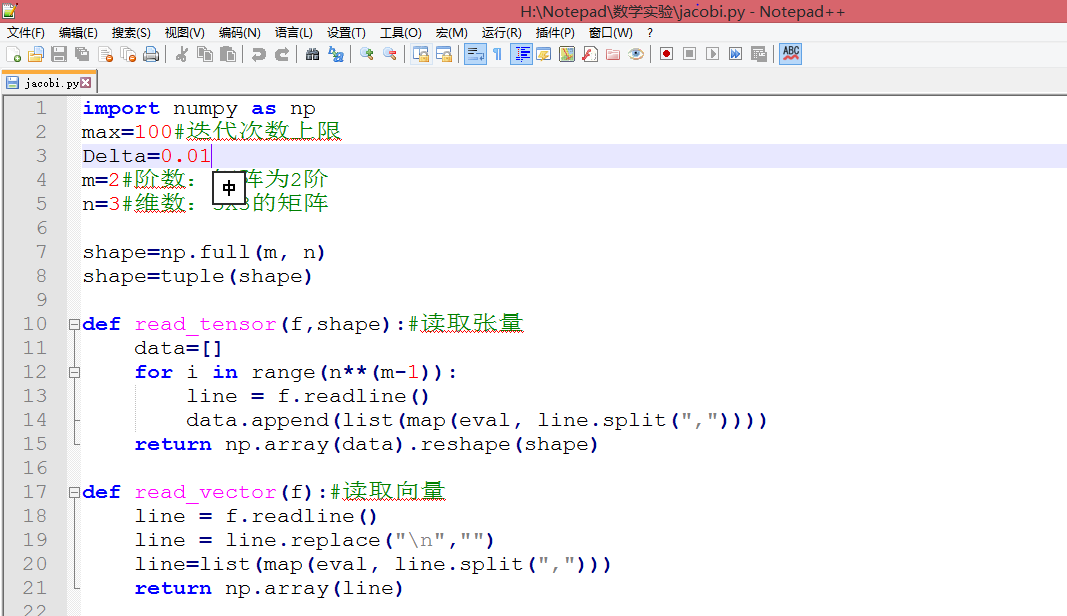
Click to enter the curtain view to browsehttps://mubu.com/doc/a8VGCUfqqw 1. Use Notepad++ to edit python files and run them directly 1. Open the python file with notepad++. Or create a new file and sa...
Run python with notepad
Why can't 80% of programmers be architects? >>> Notepad++ It is an open source text editor, powerful and easy to use. In general, Notepad++ is very convenient as a code viewe...
Notepad ++ directly run Python
Open NOTEPAD ++, press F5 After saving, customize a name and shortcut, then open the PY file with NOTEPAD ++, and then press the shortcut to run the PY script:...

Run Python directly in NOTEPAD ++
First, you need to set some content, make NotePad ++ more well 1, set the indentation to 4 spaces Setting - Preferences - Language - Table Width 4, Replace with Space (Check) 2, set up new time defaul...
More Recommendation
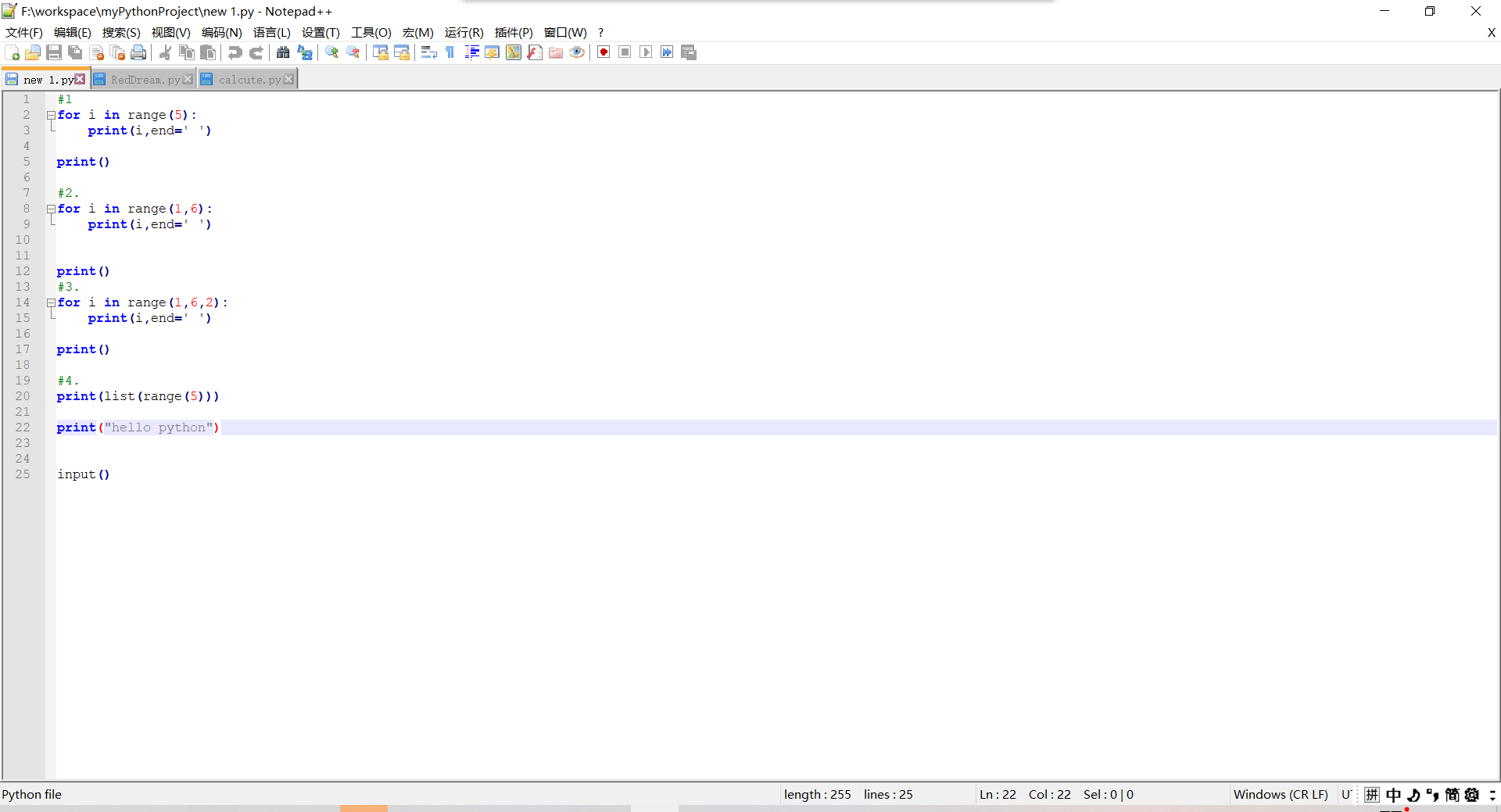
Install NotePad ++ installation of the value of the Python Python environment variable. How to run Python code on NotePad ++
1. Download and install a python editor notepad ++, (I have ready -made ones here, you can also go online to search a lot) This is the interface of this. 2. Install Python, (I have ready -made ones he...

Methods to quickly run simple LUA and Python code on NotePad ++
NotePad ++ 8.4.2 64 -bit download address: Installation version:npp.8.4.2.Installer.x64.exe Portable version:npp.8.4.2.portable.x64.zip NotePad ++ plug -in list (contains the download address of each ...
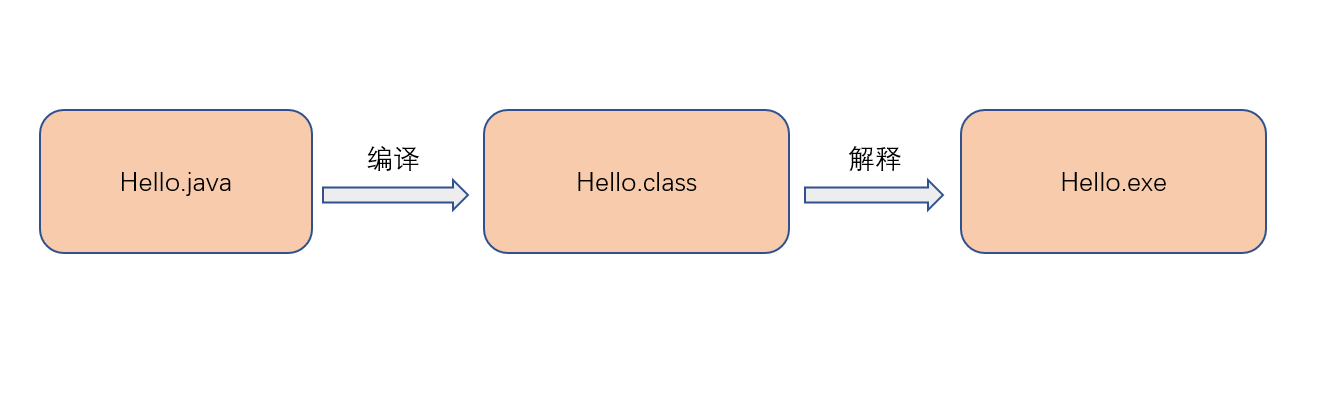
Notepad is written and run Java code
This introduction uses notepad to perform Java code writing and execution, using Notepad to execute Java code is correctly installed and configure Java Development Kit JDK (Java Development Kit). The ...
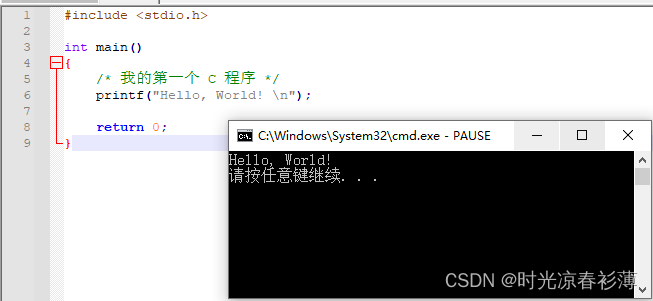
NotePad run code (installed environment)
NotePad compile and run C method Install the C environment (GCC) link https://sourceforge.net/projects/mingw/ After the installation is completed, a window will pop up automatically, calledMinGW ...

Run python program using Notepad++
1. Find the anaconda installation directory, find python.exe, and copy its path. Personal is G:\Anaconda3\python.exe, you can see it in the properties. 2. Press F5 in Notepad++ and type cmd /k G:\Anac...