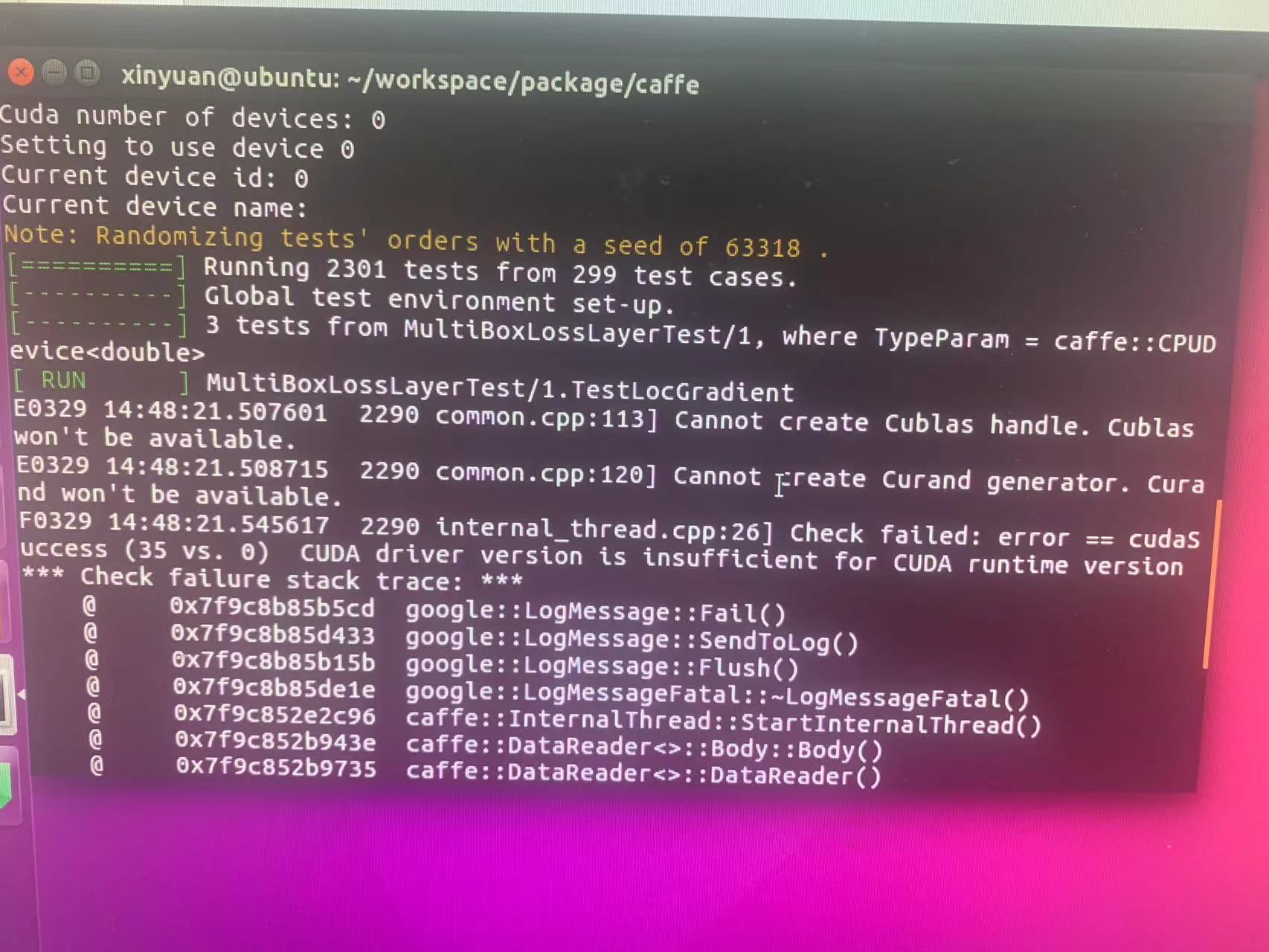
1 The gcc version is too high
Install cuda
sudo apt-get install nvidia-cuda-toolkit
cuda is version 7.5.18, restart after installation, enter nivdia-smi in the terminal, if there is a result, the driver and cuda are installed successfully.
 But cuda only supports gcc5.0 and below, even if opencv is successfully compiled with cmake, gpu still cannot be called
Need to forcibly cancel the gcc version check of cuda
comment out the gcc version check in host_config.h, if the version is greater than 5, an error will be returned
//
//
//
Installed through nvidia-cuda-toolkit, host_config.h is under /usr/include/, if it is installed through the run file of cuda, an error will be prompted due to the gcc version check, and host_config.h in the corresponding location must be modified.
2 There is no cuda folder under usr/local/
ln -sf /usr/lib/nvidia-cuda-toolkit /usr/local/cuda
3 Error when Building GPU docker image for caffe: Unsupported gpu architecture 'compute_60'
In the Makefile.example, try commenting out the *_60 and *_61 lines (for compatibility with CUDA < 8.0).
CUDA_ARCH := -gencode arch=compute_20,code=sm_20 \
        -gencode arch=compute_20,code=sm_21 \
        -gencode arch=compute_30,code=sm_30 \
        -gencode arch=compute_35,code=sm_35 \
        -gencode arch=compute_50,code=sm_50 \
        -gencode arch=compute_52,code=sm_52 \
        #-gencode arch=compute_60,code=sm_60 \
        #-gencode arch=compute_61,code=sm_61 \
        #-gencode arch=compute_61,code=compute_61
vim the Makefile and changing the line
NVCCFLAGS += -ccbin=$(CXX) -Xcompiler -fPIC $(COMMON_FLAGS)
into
NVCCFLAGS += -D_FORCE_INLINES -ccbin=$(CXX) -Xcompiler -fPIC $(COMMON_FLAGS)
For me this was on line 415