SOLOV2.TENSORT environment configuration in Conda virtual environment
tags: conda python Deep learning SOLOv2.tensorRT
1. First, first list the required installation environment
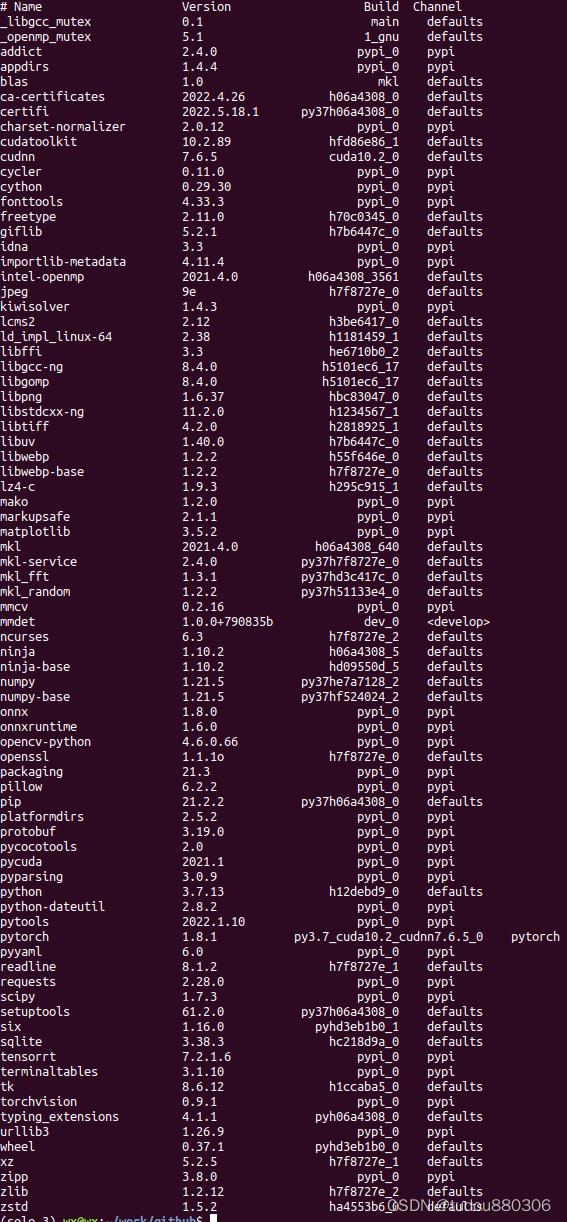
Each library version number
cuda10.2.89+cudnn7.6.5
pytorch 1.8.1
conda install pytorch==1.8.1 cudatoolkit==10.2.89 -c pytorch
Slowly installation can refer toConda Install PyTorch installation solution -Zhihu
conda install cudnn==7.6.5
pip install torchvision==0.9.1
pip install onnx==1.8.0
pip install onnxruntime==1.6.0
Download tensorrt7.2.1
https://developer.nvidia.com/nvidia-tensorrt-7x-download
Download 7.1FOR Linux and CUDA10.2
cd /home/wx/Downloads/TensorRT-7.2.1.6.Ubuntu-18.04.x86_64-gnu.cuda-10.2.cudnn8.0/TensorRT-7.2.1.6/python
pip install tensorrt-7.2.1.6-cp37-none-linux_x86_64.whl
Download onnx-Tensorrt7.2
refer to [Tensorrt series] 2.onnx -Tensorrt installation tutorial -Zhihu
git clone --recursive -b 7.2.1 https://github.com/onnx/onnx-tensorrt.git onnx-tensorrt7.2
Configure the Tensorrt path and CUDA path. CUDA's path in the environment created by Conda is not a local CUDA path
cmake .. -DTENSORRT_ROOT=//home/wx/Downloads/TensorRT-7.2.1.6.Ubuntu-18.04.x86_64-gnu.cuda-10.2.cudnn8.0/TensorRT-7.2.1.6 -DCUDA_TOOLKIT_ROOT_DIR=/home/wx/anaconda3/envs/solo-3 -DONNX_BUILD_TESTS=ON
When compiling and installation, you need propobuf> = 3.19.0
pip install protobuf==3.19.0
Finally compile Solov2.Tensorrt
Error 1
Error cpython-37m-x86_64-linux-Gnu.so: Undefined Symbol: ThPVARIableClasss
Solution: 1. Check the version matching 2. It is compiled before, delete Build re -compilation
train error cpython-37m-x86_64-linux-gnu.so: undefined symbol: THPVariableClass
Error 2
nvcc fatal : Unknown option '-generate-dependencies-with-compile'Find the last line of setup.py,
Original cmdclass = {'Build_ext': BuildextEntension},
zip_safe=False)
Modify to cmdclass = {'Build_ext': Buildextent.With_options (use_ninja = false)},
zip_safe=False)
Error 3. Error: ‘AT_CHECK’ WAS Not Declared in this scope
PyTorch version <1.5 will appear. Modify AT_CHECK as torch_check
Error 4 NVCC FATAL: Redefinition of Argument 'STD'
Modify cmakelists.txt, comment on the list (APPEND CUDA_NVCC_FLAGS "-Std = C ++ 11")
Most of the errors are caused by the version that is not matched. I tried several versions of PyTorch1.1 / 1.4 / 1.11
CUDA 10.0 10.1 10.2 11.3 Trial several times before running on this version. After installing the environment, you can run deploy/quick_onnx_trt_test.py to see if the environment is right.
Intelligent Recommendation
Conda export/export configuration virtual environment
1. Export existing environment: Open Conda and enter the specified virtual environment Export the virtual environment Create this environment:...
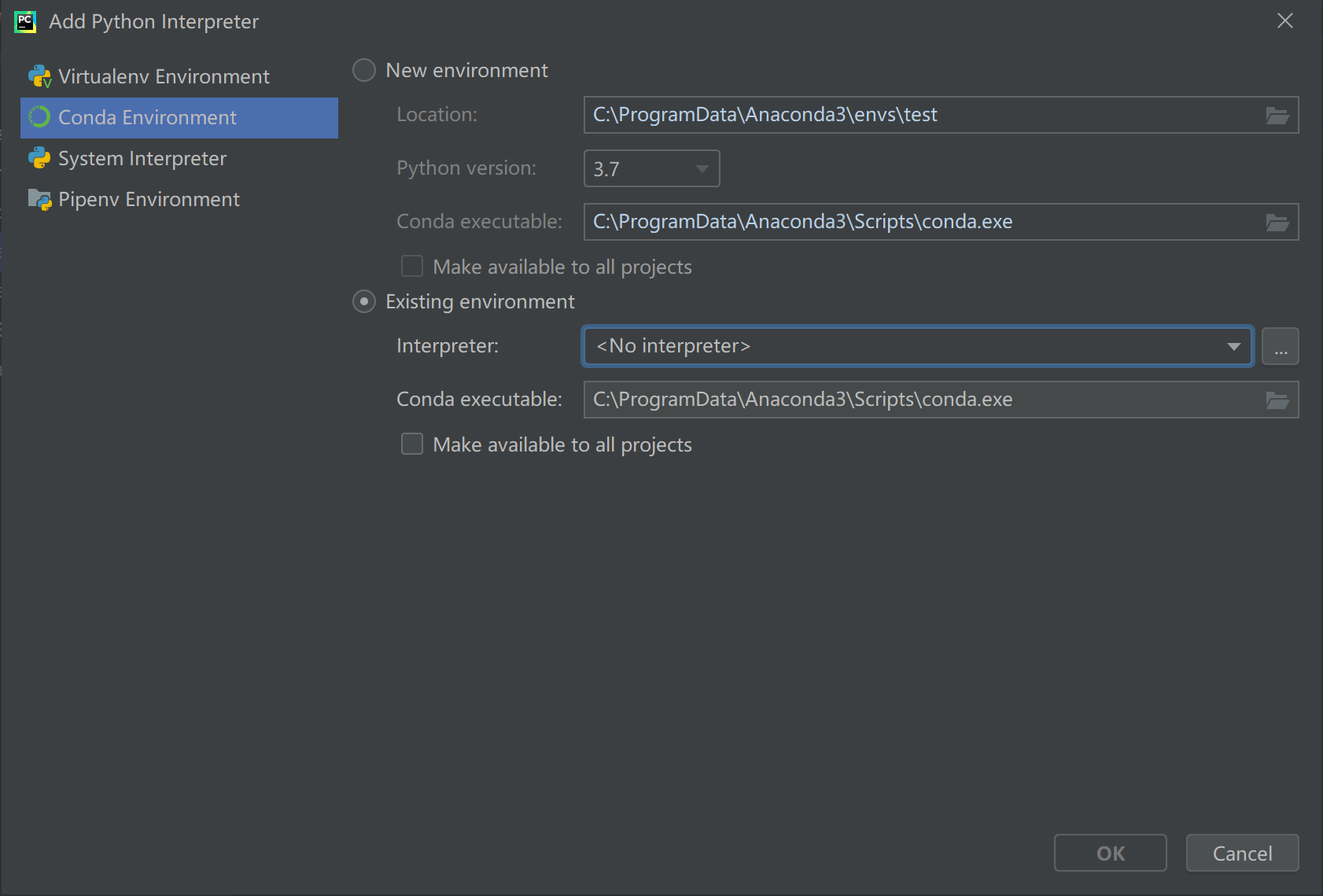
pycharm conda virtual environment configuration windows environment, can not solve the problem found conda virtual environment
surroundings: windows 10 anaconda 4.7 pycharm community 2019.3 problem: PyCharm open, the project interpreter => Add ..., FIG opened, the environment can not be displayed automatically conda ...
Solov2 Environment Configuration: ubuntu18.04
Solov2 Environment Configuration: ubuntu18.04 Environmental configuration Run Solov2 Demo Test your own picture The SOLOV2 configured several times decided to record the configuration process. The fol...
Conda virtual environment management
some problems: Used in a virtual environmentipythonWhen I entered the ipython of the base instead of the ipython in the virtual environment? A: Referencehttps://github.com/ipython/ipython/issues/10986...
Conda virtual environment
View all environments New virtual environment Delete virtual environment Activate virtual environment Exit the virtual environment ImportError: numpy.core.multiarray failed to import python 3.5 tensor...
More Recommendation
conda create a virtual environment
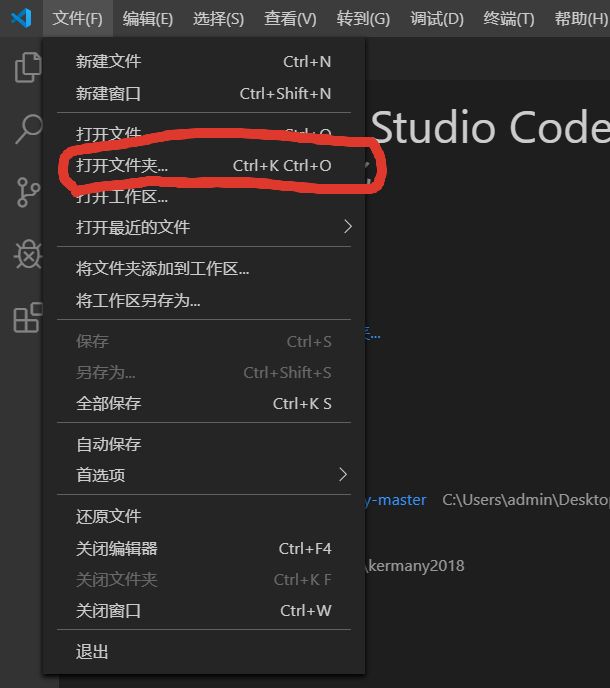
Select Open folder in the file, select the folder to create a virtual environment. in open view in the terminal After opening the terminal in a terminalconda create -n Vscode python=3.5 # here in my v...
conda virtual operating environment
conda view existing environment conda Create a virtual environment Activating virtual environment Delete the virtual environment ...
conda creates a virtual environment
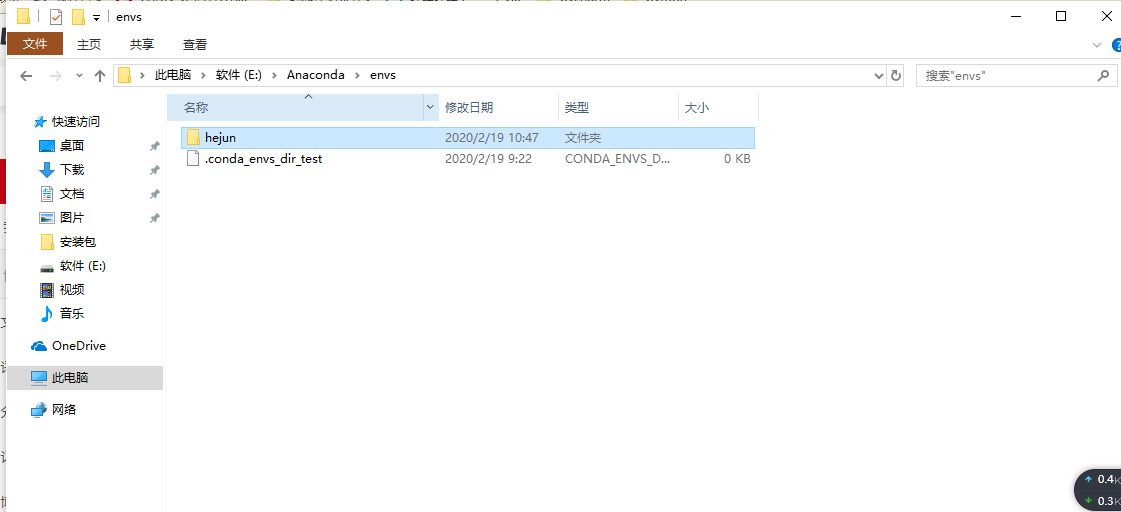
1 Find the anaconda installation directory, find the envs folder, and create a new folder under the envs file (the name is the name of the virtual environment you want to create) 2 Open ...
Python conda virtual environment
Anaconda is a commercial software that integrates Python. It used to be a very useful conda management package, but it has been a bit of a draw recently. First of all, Tuna, ustc and other mirror sour...
conda virtual environment operation
View the existing environment: Delete the environment Create an environment with a specified Python version ...