Openlayer layer control of react
1. Principle
The loading of the map layer is the layer after loading shows the layer above the layer loaded before, so this is also the index can change the layer display order. openlayers provides setZIndex to change the map layer.
Second, load dependent library files
import React, { Component } from 'react';
import Map from '../../component/map/map';
import style from './map.css'
import TileLayer from 'ol/layer/Tile';
import XYZ from 'ol/source/XYZ.js';
Three, load the map components and page rendering
render() {
    return (
      <div className={style.mapBg} >
        <button onClick = {this.show.bind (this, "TiandiMap_vec")}> Vector illustration </ button>
        <Map ref="map" center={{ lon: 113.8, lat: 34.6 }}  />;
      </div>
    );
  }
Fourth, load different layers
 let {map} = this.refs.map
    let {mapkey} = window.config
    var TiandiMap_vec = new TileLayer({
                 name: "Sky Map Vector Layer",
        source: new XYZ({
                         url: "http://t0.tianditu.com/DataServer?T=vec_w&x={x}&y={y}&l={z}&tk=" + mapkey, // mapkey is the sky map key
            wrapX: false
        })
    });
    var TiandiMap_cva = new TileLayer({
                 name: "Sky Map Vector Annotation Layer",
        source: new XYZ({
                         url: "http://t0.tianditu.com/DataServer?T=cva_w&x={x}&y={y}&l={z}&tk=" + mapkey, // mapkey is the sky map key
            wrapX: false
        })
    });
    var TiandiMap_img = new TileLayer({
                 name: "Sky Map Image Layer",
        source: new XYZ({
                         url: "http://t0.tianditu.com/DataServer?T=img_w&x={x}&y={y}&l={z}&tk=" + mapkey, // mapkey is the sky map key
            wrapX: false
        })
    });
    var TiandiMap_cia = new TileLayer({
                 name: "Sky Map Image Annotation Layer",
        source: new XYZ({
                         url: "http://t0.tianditu.com/DataServer?T=cia_w&x={x}&y={y}&l={z}&tk=" + mapkey, // mapkey is the sky map key
            wrapX: false
        })
    });

       // Download Data
    map.addLayer(TiandiMap_vec);
    map.addLayer(TiandiMap_cva);
    map.addLayer(TiandiMap_img);
    map.addLayer(TiandiMap_cia);
    this.setState({
        TiandiMap_vec,TiandiMap_cva,TiandiMap_img,TiandiMap_cia
    })
Five, change the display level of the layer
show=(type)=>{
         console.log ("Layer", type)
    console.log(this.state.TiandiMap_vec)
    this.state.TiandiMap_vec.setZIndex(10)
  }
Six, all codes
// Set the background color of the map
import React, { Component } from 'react';
import Map from '../../component/map/map';
import style from './map.css'
import TileLayer from 'ol/layer/Tile';
import XYZ from 'ol/source/XYZ.js';

class LayerIndex extends Component {
    constructor(props){
        super(props)
        this.state={

        }
    }
  componentDidMount() {
    // console.log(bg)
    let {map} = this.refs.map
    let {mapkey} = window.config
    var TiandiMap_vec = new TileLayer({
                 name: "Sky Map Vector Layer",
        source: new XYZ({
                         url: "http://t0.tianditu.com/DataServer?T=vec_w&x={x}&y={y}&l={z}&tk=" + mapkey, // mapkey is the sky map key
            wrapX: false
        })
    });
    var TiandiMap_cva = new TileLayer({
                 name: "Sky Map Vector Annotation Layer",
        source: new XYZ({
                         url: "http://t0.tianditu.com/DataServer?T=cva_w&x={x}&y={y}&l={z}&tk=" + mapkey, // mapkey is the sky map key
            wrapX: false
        })
    });
    var TiandiMap_img = new TileLayer({
                 name: "Sky Map Image Layer",
        source: new XYZ({
                         url: "http://t0.tianditu.com/DataServer?T=img_w&x={x}&y={y}&l={z}&tk=" + mapkey, // mapkey is the sky map key
            wrapX: false
        })
    });
    var TiandiMap_cia = new TileLayer({
                 name: "Sky Map Image Annotation Layer",
        source: new XYZ({
                         url: "http://t0.tianditu.com/DataServer?T=cia_w&x={x}&y={y}&l={z}&tk=" + mapkey, // mapkey is the sky map key
            wrapX: false
        })
    });

       // Download Data
    map.addLayer(TiandiMap_vec);
    map.addLayer(TiandiMap_cva);
    map.addLayer(TiandiMap_img);
    map.addLayer(TiandiMap_cia);
    this.setState({
        TiandiMap_vec,TiandiMap_cva,TiandiMap_img,TiandiMap_cia
    })
  }

  show=(type)=>{
         console.log ("Layer", type)
    console.log(this.state.TiandiMap_vec)
    this.state.TiandiMap_vec.setZIndex(10)
  }

  render() {
    return (
      <div className={style.mapBg} >
                 <button onClick = {this.show.bind (this, "TiandiMap_vec")}> Vector illustration </ button>
        <Map ref="map" center={{ lon: 113.8, lat: 34.6 }}  />;
      </div>
    );
  }
}

export default LayerIndex;
Seven, renderings


Intelligent Recommendation
Openlayer study notes control
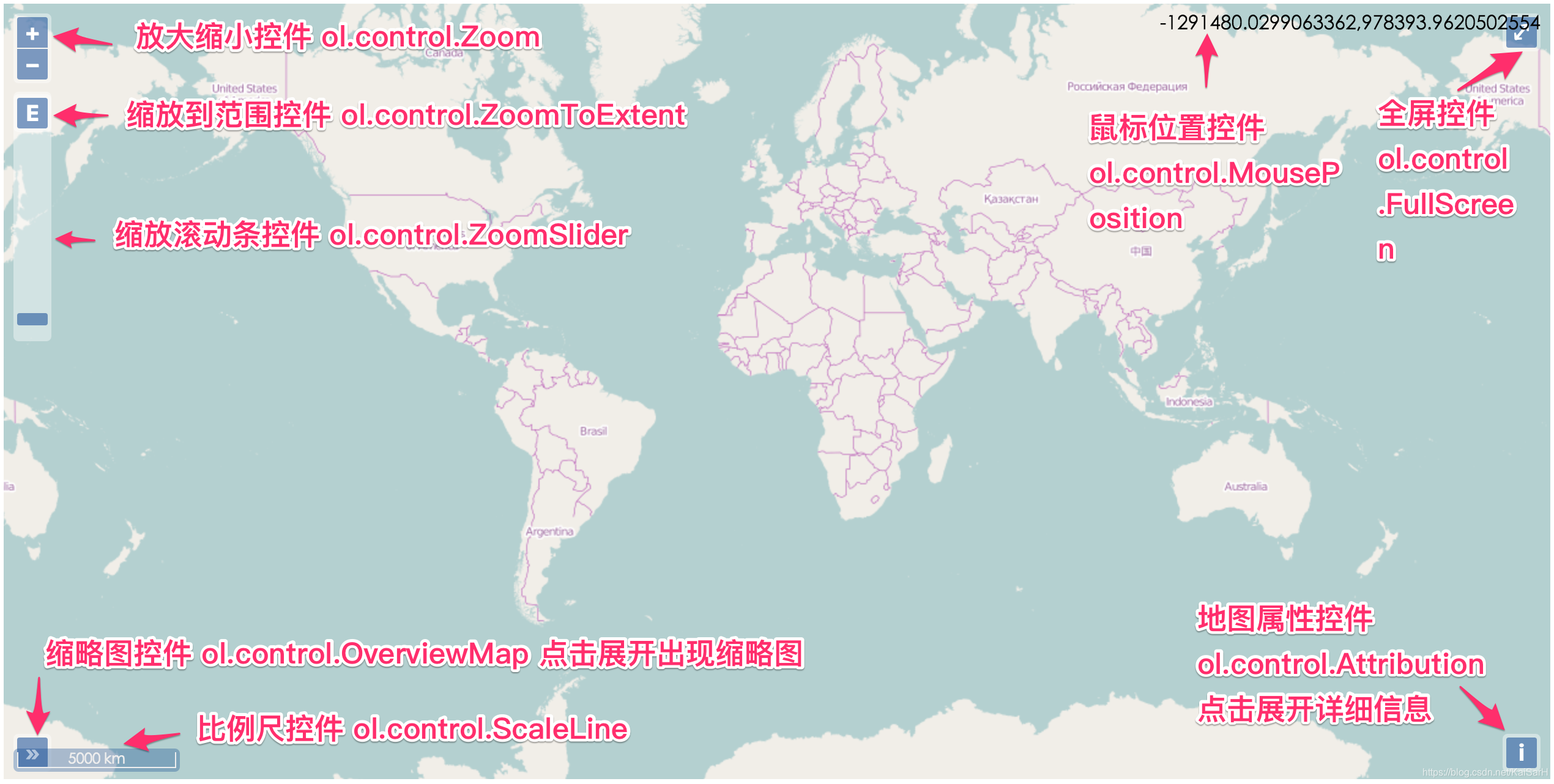
The implementation of these controllers is not drawn on the canvas, but using traditional HTML elements to facilitate separation from the map and interface. 1. All Controllers OpenLayers 3's currently...
Vue3.0 + OpenLayer, implement layer switching
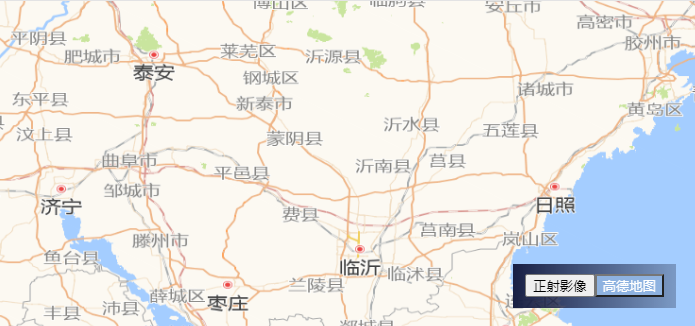
Step 1: NPM installation Because of the valence of brother components, MITT is also introduced In main.js, the configuration is as follows: Step 2: Create MapView.Vue, Floatview.Vue, Home.Vue MapView....
OpenLayer loads GeoServer WMS layer
Vector service Grid service...
More Recommendation
OpenLayer adds a polymerization point layer
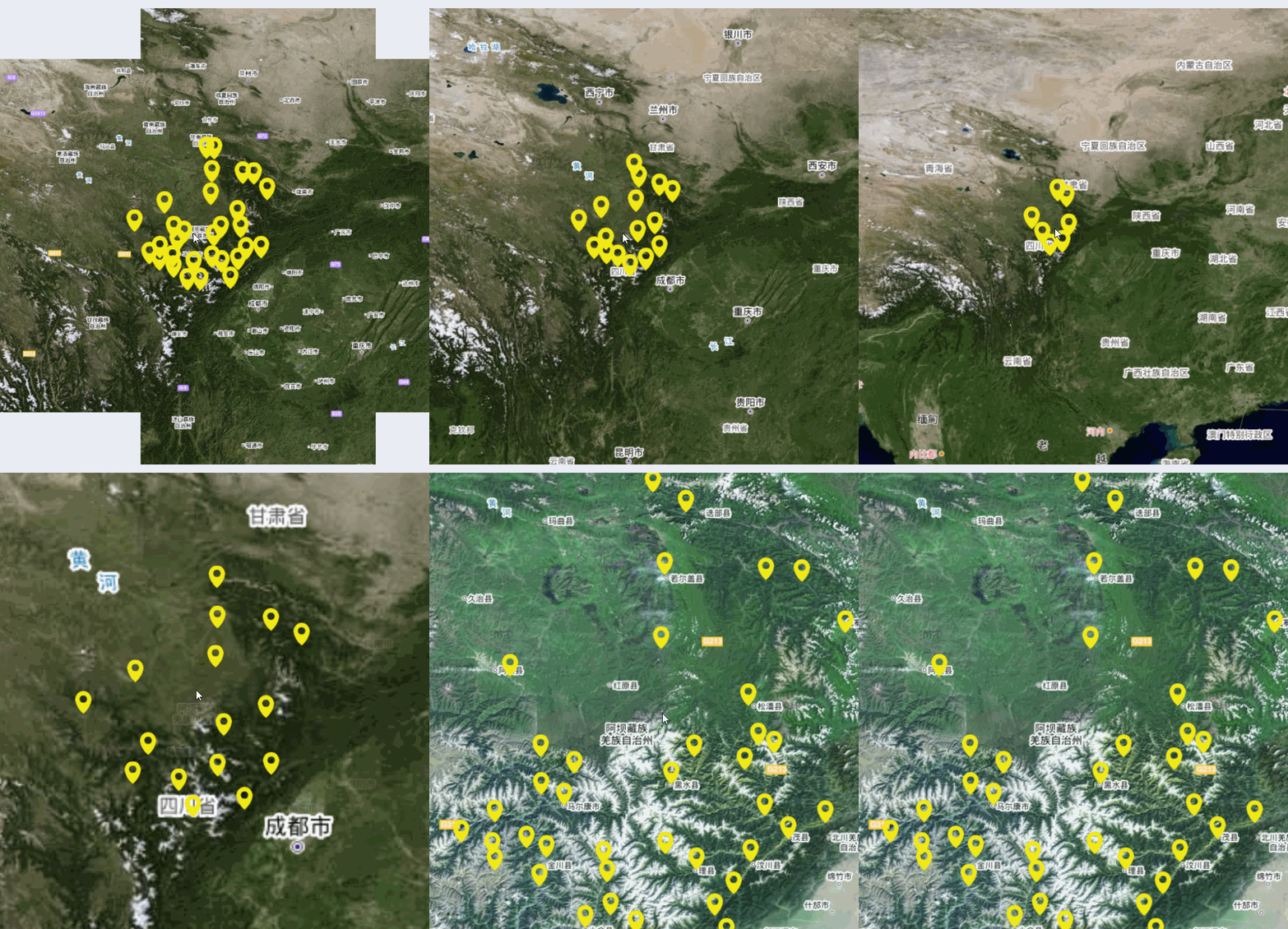
Official documentation Document link portalhttps://openlayers.org/en/latest/apidoc/module-ol_source_Cluster-Cluster.html Core code: There are many parameters to view the official documents ment...
OpenLayer zoomed to the vector layer center
When moving the brick today, I encountered a demand. You need to use OpenLayer to release the vector layer and zoom to the center of the layer. 1. Problem description First of all, when obtaining laye...
OpenLayer adds a custom image layer
OpenLayer adds a custom image layer This is a picture, put him in Openlayer! First introduce related library documents Then write the JavaScript code. // Obtain the map layer according to the layer ti...

React openlayer map image download
First, the principle Map rendering is rendered by canvas. The map.once('postcompose', function (event) {}) function provided by openlayers can get the canvas object and convert the canvas into a pictu...
Introduce OpenLayer Map Services in React
Installation Dependence: $ NPM Install Ol --save // OpenLayers package has been abandoned, and the official recommended maintenance is OL package ...