java connect to sql server database
Since the retest of Huagong needs to program a database and interactive interface on the computer, many seniors recommend using c#. Since I have been learning java before, I plan to write it in java. Java is used here to connect to the sql server database. Hereby record
First, go to the official website to download the sqlserver jar package, and enter the following websitehttps://www.microsoft.com/en-us/download/details.aspx?id=11774, Click Download, enter the interface as shown in Figure 1, and select the compressed package at the bottom
figure 1
After downloading, unzip the file, as shown in Figure 2. Obtain the jdk1.8 and jdk1.7 jar packages (my understanding is this, please correct me if there is any error), choose the appropriate jar package according to your own project. To facilitate future use, copy these two jar packages to a folder. If I copy it to the java_connect_sqlServerJar folder of Disk E, as shown in Figure 3
figure 2
image 3
Next, we need to import this jar package into the project we built, right-click the java project, select build path->configure build path, as shown in Figure 4. Then in the new interface, select the library menu interfaceadd extendal jarsButton, just select the jar package you copied earlier. This is the basic process of adding jar to a java project.
Figure 4
Then you can connect to the sql server database in your project. The specific code is as follows
public class Test {
	//Return the connection object
	public static Connection Conection()throws Exception{
		 //Drive
		String driveName="com.microsoft.sqlserver.jdbc.SQLServerDriver";
		 //databasename is the name of the database you want to connect to
		String dbURL="jdbc:sqlserver://localhost:1433;DatabaseName=library";
		 //Database login name
		String username="sa";
		 //Password
		String password="123";
		Class.forName(driveName);
		 		//Connect to the database
		Connection dbConn=DriverManager.getConnection(dbURL, username, password);

		return dbConn;
	}
	public static void main(String[] args) {
		 //Test to see if it is connected
		Connection con=null;
		try{
			con=Conection();
		if(con!=null)
			System.out.println("success");
		else
			System.out.println("fail");
		}catch(Exception e){
			e.printStackTrace();
		}
		finally{
			 //Finally execute to close the database
			try {
				con.close();
				 System.out.println("Database has been closed");
			} catch (SQLException e) {
				// TODO Auto-generated catch block
				e.printStackTrace();
			}
		}
	}
}Intelligent Recommendation
JDBC connect to sql server database
JDBC connect to sql server database Connect to the sql server database through JDBC, the code is as follows:...
C# connect to SQL Server database
Below is the code snippet I used to get the connection, mainly the creation of the connection string. It is a Windows connection (teacher check.. Connection without Sql Server username and password) w...

Thinkphp5.1 connect to sql-server database
@Thinkphp5.1 connect to sql-server database When I started the project two years ago, I used TP3.2 to connect to the sql-server database. This is a recent project need, just review it! 1. First, downl...

C# connect to the database Sql Server
First contact with C#, today I tried to connect to Sql Server, I will talk about it in detail below, it is my own summary and impression, if there are any inaccuracies, please point out Simply create ...
c# Connect to the database (SQL SERVER)
Connect to the database (SQLSERVER 2008) with code...
More Recommendation
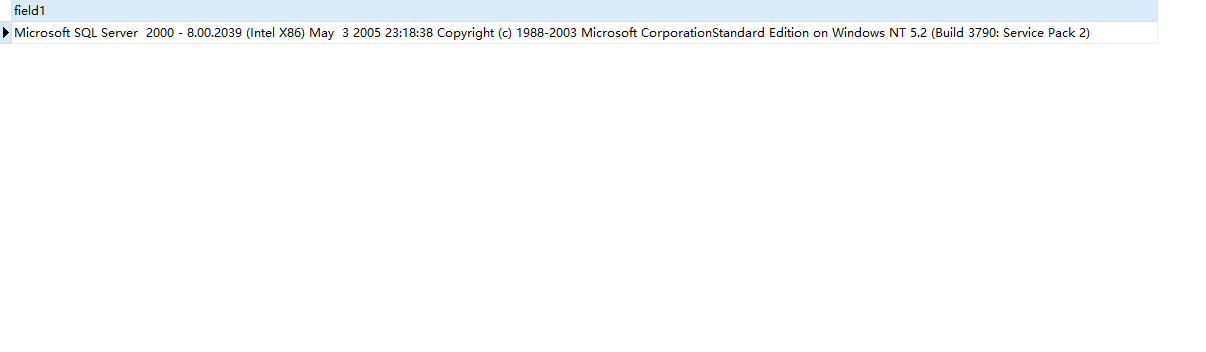
Navicat connect to sql server database
Today I used Navicat Premium15 to connect to the sql server database, but it failed. sql server database version number: Therefore, I re-downloaded a Navicat 12, and the re-connection was successful. ...
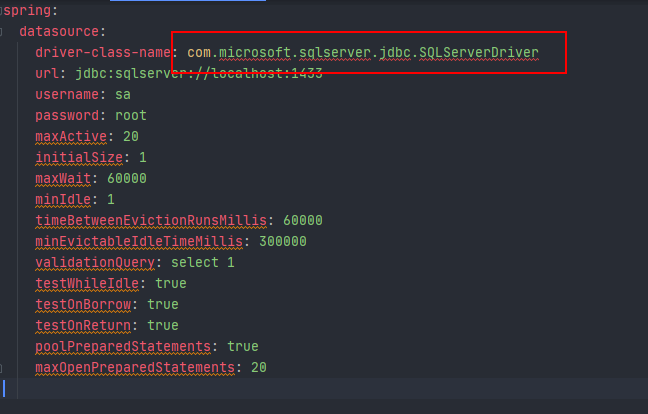
Springboot connect to SQL server database
I have imported the dependency but still report an error. The reason is that the downloaded jar package needs to be imported into the lib folder, otherwise it is useless. How to import the lib folder:...
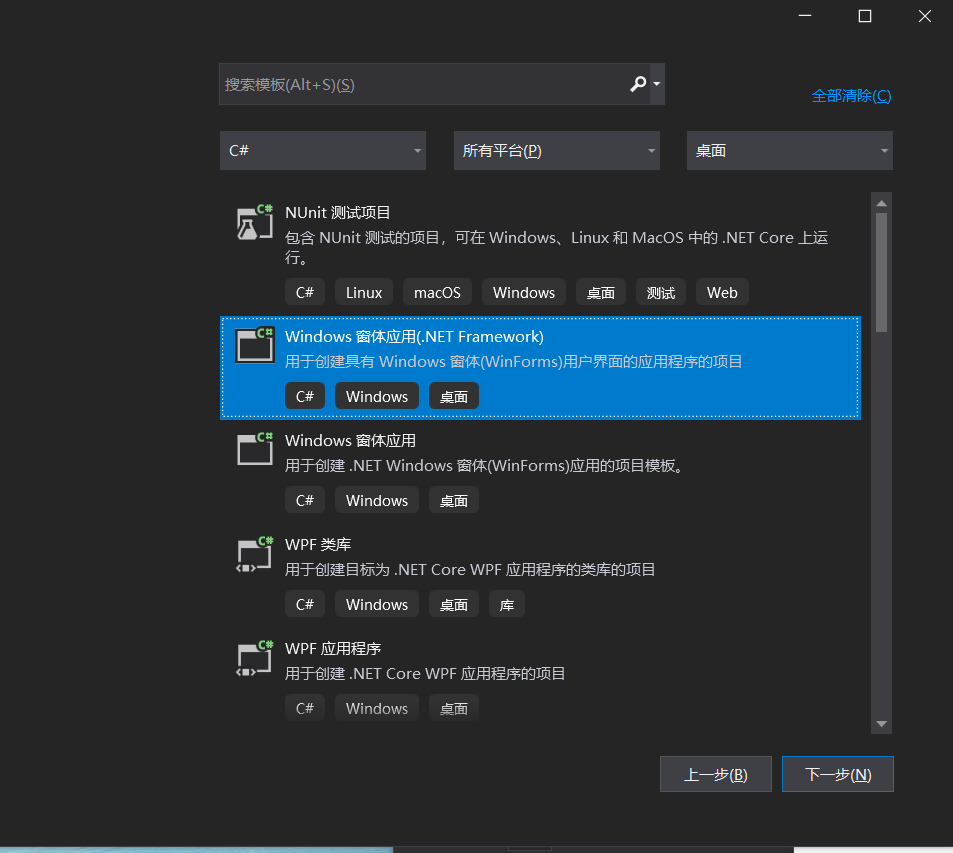
C # Connect SQL Server Database
Use the advanced language to operate the database, you need to build a database in SQL Server, for example, I have built a database called "Baokan" in SQL Server, followed by Select New Form...
Python Connect SQL Server Database
PyodBC package connection PIP Install Pyodbc Installing PyodBC Package Specify the driver, install ODBC driverhttps://www.microsoft.com/en-us/download/details.aspx?id=50420 2. PyMSSQL package connecti...

Remotely connect to SQL server database
Development tools and key technologies: ssms SQL Author: GuanLW Writing time: 2022/3/28 Step 1: Open the computer's firewall and add inbound and outbound rules in advanced settings (Control Panel =>...