How to convert multiple columns of data into one column in Excel
tags: excel probability theory Linear Algebra
As shown in the figure below, it is a table of students attending a certain class on a certain day. Now I want to convert this table into one column first and then the columns.

Enter the formula in cell H2 =INDIRECT(TEXT(SMALL(IF($B$2:$F$10<>"",ROW($2:$10)/1%+COLUMN(B:F),9999),ROW(A1 )),"R0C00"),0)&"" and then press Ctrl+shift+enter. to extract the first student name

Fill down the H2 cell until a blank cell appears. You can convert these 5 columns of data into 1 column for display

Let's analyze this formula with you. The first is the row function and the column function, and their functions are to return the row number and column number of the cell respectively. Enter the formulas =ROW(A1), =COLUMN(A1) in cells I2 and J2 respectively, and then fill down and right respectively. The result is as shown below
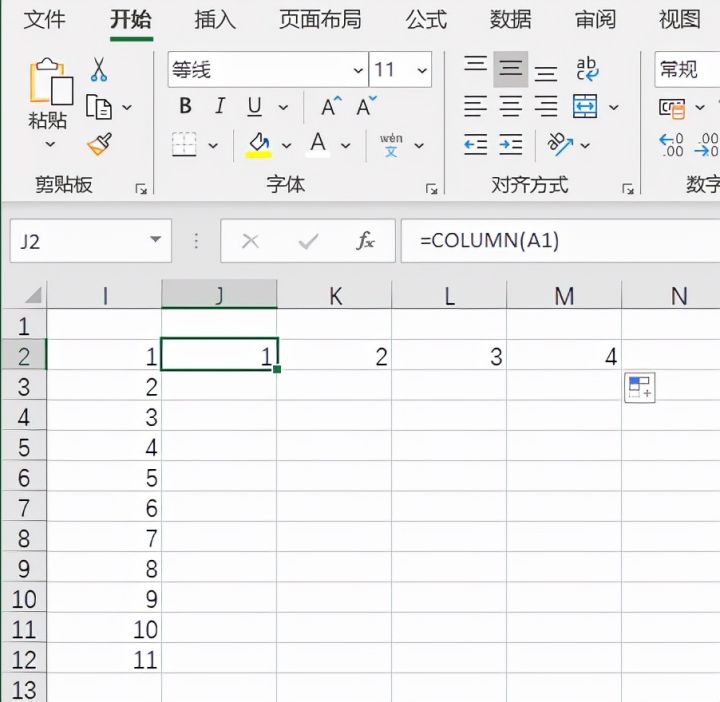
Then [IF($B$2:$F$10<>"",ROW($2:$10)/1%+COLUMN(B:F),9999)], it first judges whether the cell B2:F10 is an empty cell If not, return the corresponding row number divided by 1% and then add the corresponding column number, otherwise return the value 9999, in this article the result it returns is an array of row and column numbers.

Then there is the small function. As the cell is pulled down, it returns the first minimum value, the second minimum value, ... the nth minimum value of the array mentioned in the previous step.
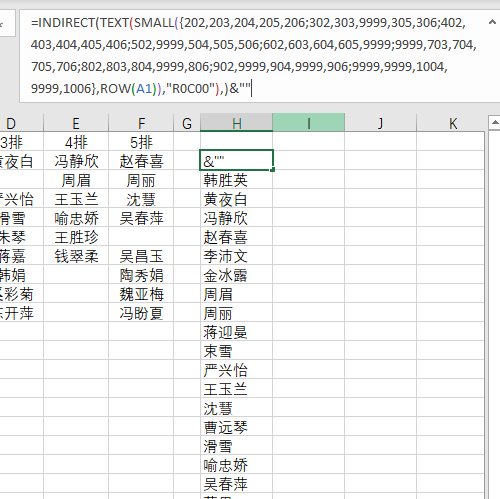
Next comes the text function, which is a literal that converts a value to a specific number format. In this context it converts the location information returned by the small function into an R1C1 reference-style string.

Finally, the INDIRECT function returns a reference specified by a text string. This function immediately evaluates the reference and displays its contents. If you need to change references to cells in a formula without changing the formula itself, use the function INDIRECT. What it does in this context is return R1C1 style cell references.

Intelligent Recommendation

Excel 2010 how to turn a column into multiple columns
I encountered a problem today, there is a column of data in excel, I don't think this column of data, divided into multiple columns, in order to facilitate the statistics of different data. The specif...

Excel separates a column of data into multiple columns
In the call to a stored procedure, the output is printed, and the above customer says to use the excel table. The log information output is a fixed format data, as follows: First, paste the data into ...
Excel divides a column of data into multiple columns
To process the data, a column of data in Excel needs to be rearranged into several columns, and it is found that the operation directly with excel is more complicated, so MATLAB is used to implement, ...
How to convert two columns of data into a column of data
【question】 how to move two column data to one column data Hi, I have users that belongs to groups. I need to make both data in one column and specify if this is group or user. Source data in “my...

How to Merge Two Columns into One Column in Excel
Today I will share with you how to combine two columns of content into one column of content 1. The table in the figure below contains two columns of data, now we need to combine the two columns of da...
More Recommendation

Excel converts multiple columns to one column first column then row
Today, the boss handed Xiao Wang a document and asked him to convert the multi-column data in the file into one column for display, and when converting, he should first list and then row. Let's share ...

One column of data to multiple rows and columns
One column of data to multiple rows and columns Method two: insert row and column formulas Formula analysis: **ROW()** function is to return the referenced row number **The function of COLUMN()** is t...

Excel drop-down box shows multiple columns, how to display only one column
Xiaobian recently took over a project, and needed to guide the data, but we need to set the header in advance, it is more convenient for other friends to help us import the data, the friends know that...
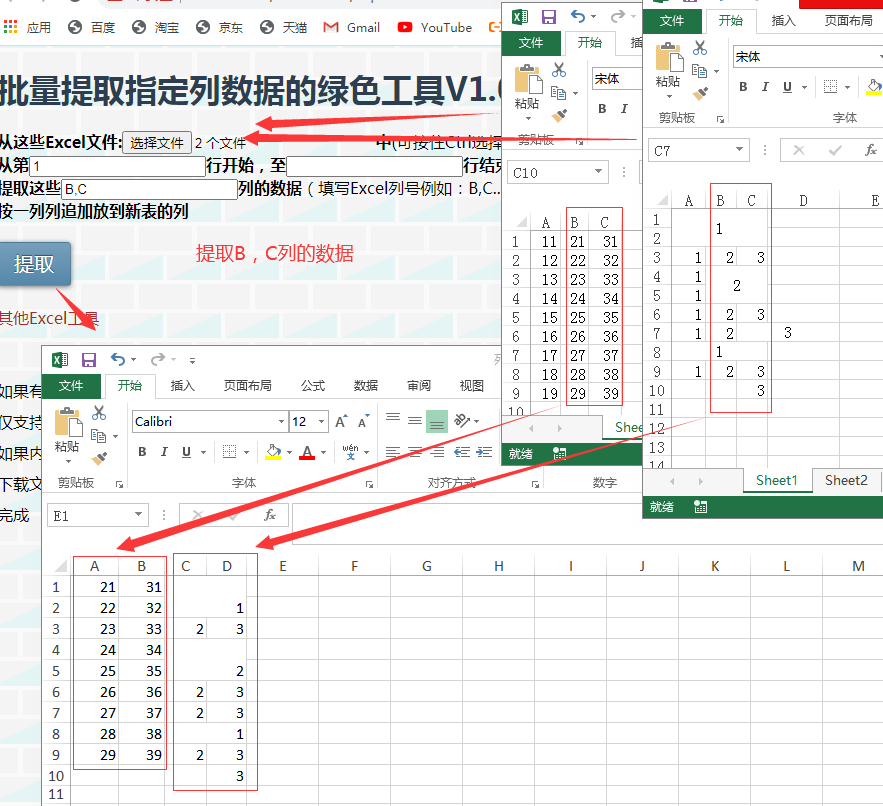
How to extract the information of multiple specified columns of Excel (one or more columns) is a green online tool for appending to a new table by column
Sometimes it is often faced with extracting data in a specified column (one or more columns) from multiple Excel files and appending it to a new table by column. What about partners who do not know VB...
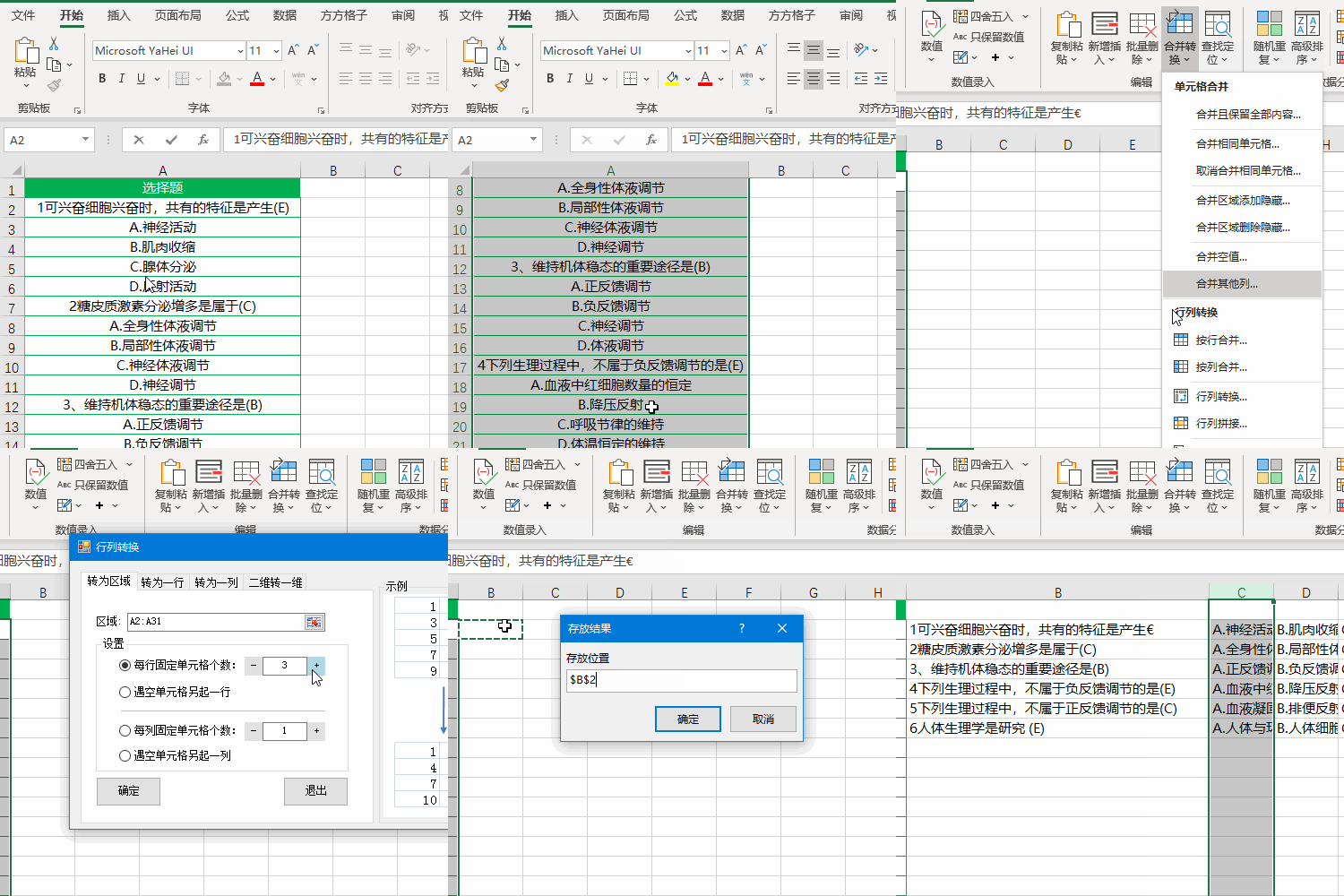
How Excel adjusts a column of multiple choice questions to display in multiple columns
The data in column A in the figure below are some multiple-choice questions. For the convenience of viewing, you want to put the multiple-choice question options and the titles on the same row, that i...