Solve android.system.ErrnoException: open failed
open failed: EISDIR (Is a directory)
When doing the breakpoint resume function of apk, I encountered an open failed problem, which is a relatively simple EISDIR (Is a directory).
Exception description:
java.io.FileNotFoundException: /storage/emulated/0/Android/data/com.xxx.xxx/files/Download: open failed: EISDIR (Is a directory)
        at libcore.io.IoBridge.open(IoBridge.java:487)
        at java.io.RandomAccessFile.<init>(RandomAccessFile.java:117)
The code in question:randomAccessFile = new RandomAccessFile(file, "rwd");
Looking at the code, I found that when I created the xxx.apk file under xxx/xxx/Download, the path was written to the folder path of the apk file (xxx/xxx/Download), and there was no apk name. Is there, will create an error, plus the apk name just fine (xxx/xxx/Download/xxx.apk).
Another situation that can cause this error is that when creating a file, be sure to note whether there is a duplicate file or folder when the folder where the file is stored (yes, xxx/xxx/Download/xxx.apk) It could also be a folder), and if it is, it cannot be created successfully.
open failed: EACCES (Permission denied)
Checking this question online, I have no intention of slipping to another similar issue (EACCES), this is a permission issue, and record it together.
Option 1. Request permission
Online is generally a solution to add request permissions in the code:
In API23+, you not only need to add permissions in AndroidManifest.xml
   <uses-permission android:name="android.permission.READ_EXTERNAL_STORAGE" />
   <uses-permission android:name="android.permission.WRITE_EXTERNAL_STORAGE" />
Also request permission in the JAVA code:
     // Storage Permissions
      private static final int REQUEST_EXTERNAL_STORAGE = 1;
      private static String[] PERMISSIONS_STORAGE = {
              Manifest.permission.READ_EXTERNAL_STORAGE,
              Manifest.permission.WRITE_EXTERNAL_STORAGE };

      /**
       * Checks if the app has permission to write to device storage
       *
       * If the app does not has permission then the user will be prompted to
       * grant permissions
       *
       * @param activity
       */
      public static void verifyStoragePermissions(Activity activity) {
          // Check if we have write permission
          int permission = ActivityCompat.checkSelfPermission(activity,
                  Manifest.permission.WRITE_EXTERNAL_STORAGE);

          if (permission != PackageManager.PERMISSION_GRANTED) {
              // We don't have permission so prompt the user
              ActivityCompat.requestPermissions(activity, PERMISSIONS_STORAGE,
                      REQUEST_EXTERNAL_STORAGE);
          }
      }
But if there is no context in the class, there is only one context, then you can't add permissions in this way. You can try the second option.
Option II. New file
Create a new file in the download directory, then go to the directory to write the file.
        File outputFile = new File(getDownloadPath(mContext, fileName));
        outputFile.getAbsolutePath();

        public static String getDownloadPath(Context context, String fileName) {
            return getDownloadPath(context) + File.separator + fileName;
        }

        public static String getDownloadPath(Context context) {
            return context.getExternalFilesDir(Environment.DIRECTORY_DOWNLOADS).getAbsolutePath();
        }
Answer to the EACCES question in stackoverflow
There are also answers to the EACCES question in stackoverflow.
stackoverflow: open failed: EACCES (Permission denied)
Among them, the high-vote answer is still plus permission, and the first one is its standard translation version :), skipping the table.
The second high ticket answer is the way of the second new file:
I ran into a similar issue a while back.
Your problem could be in two different areas. It's either how you're creating the file to write to, or your method of writing could be flawed in that it is phone dependent.
If you're writing the file to a specific location on the SD card, try using Environment variables. They should always point to a valid location. Here's an example to write to the downloads folder:
java.io.File xmlFile = new java.io.File(Environment
   .getExternalStoragePublicDirectory(Environment.DIRECTORY_DOWNLOADS)
    + "/Filename.xml");
If you're writing the file to the application's internal storage. Try this example:
java.io.File xmlFile = new java.io.File((getActivity()
   .getApplicationContext().getFileStreamPath("FileName.xml")
   .getPath()));
Personally I rely on external libraries to handle the streaming to file. This one hasn't failed me yet.
org.apache.commons.io.FileUtils.copyInputStreamToFile(is, file);
I've lost data one too many times on a failed write command, so I rely on well-known and tested libraries for my IO heavy lifting.One more note, if the files are large, you may also want to look into running the IO in the background, or use callbacks.
The problem of open failed is first recorded here, followed by new discoveries.
Intelligent Recommendation
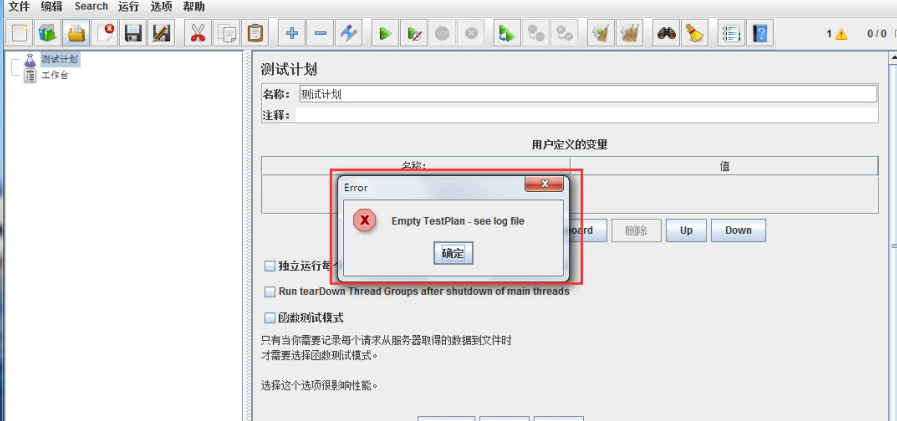
JMeter failed to open the script How to solve it?
Recently I encountered a script before JMeter opened, and I got an error, see the following picture: Later I found out that this was because the jmeter that saved the script before and the jmeter that...
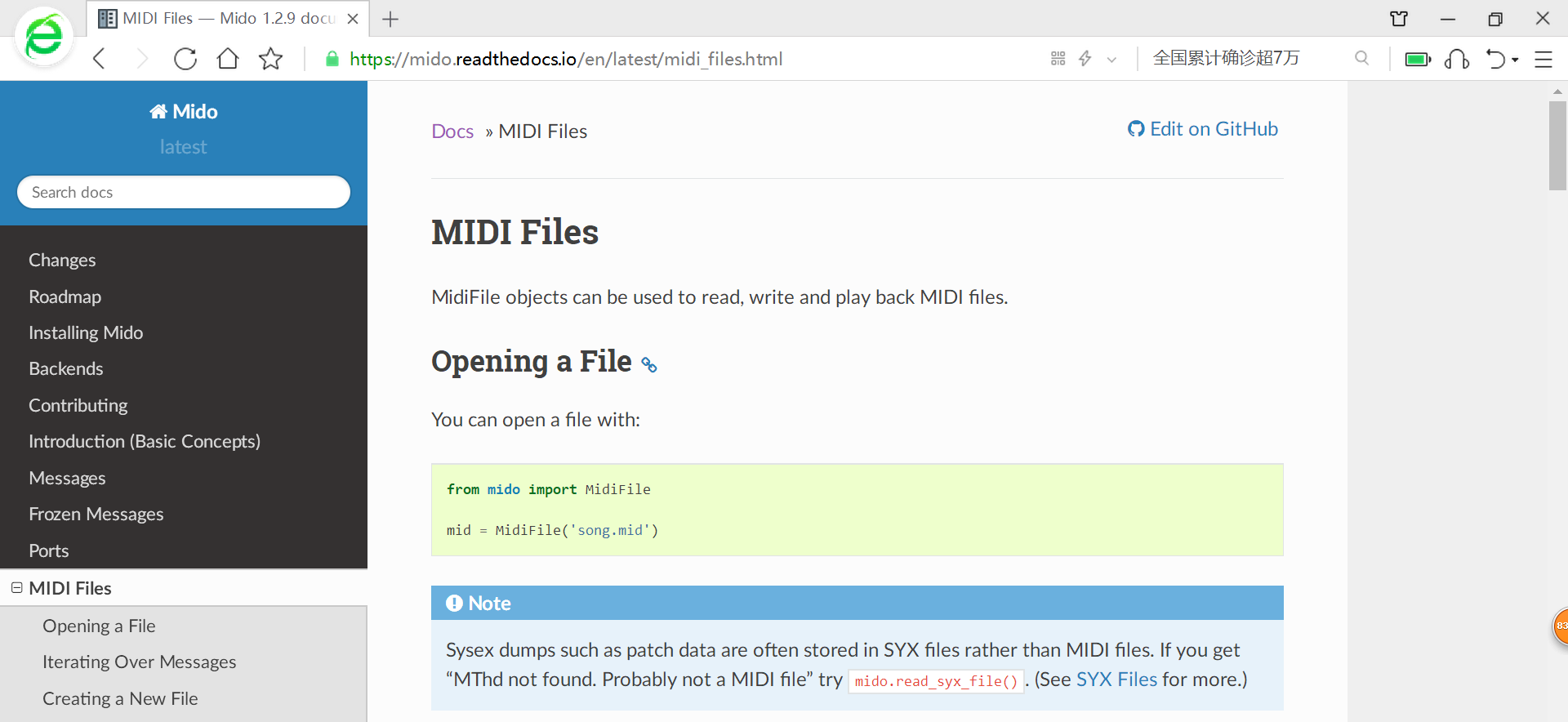
Solve the problem that mido failed to open midi file
In the past few days, I was studying the instructions of Mido and tried to operate while reading the documents, but I got an error when opening the file using MidiFile This is a screenshot of the offi...
Solve Vue error: failed to execute 'open' on 'XmlhttpRequest'
The cause of the problem is that I set it in main.js.Vue.prototype.$server = 'http://127.0.0.1:8000'And use in the JS functionthis.$serverAccess this address. The solution is to change a way to access...
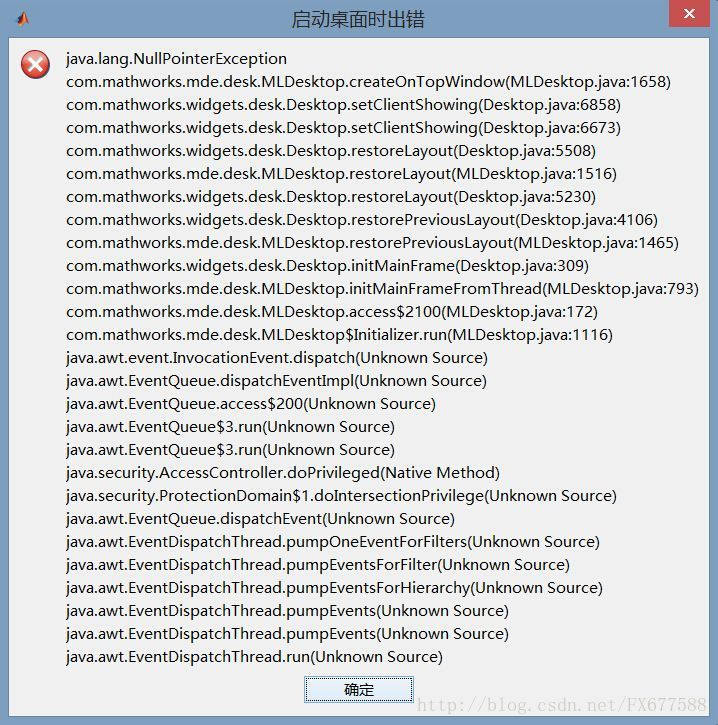
Ubuntu16.04 to solve the problem related to Matlab open failed
Ubuntu16.04 to solve the problem of matlab premise solution premise My matlab follows this blog -MATLAB-MATLAB has disabled some advanced graphic rendering by using OpenGL software. middleopengl('save...
Solve SystemctL OpenStack-Nova-Compute.Service to open failed
Fault Phenomenon: OpenStack-Nova Computing Node Systemctl OpenStack-Nova-Compute.Service Turns on failed solution: Rabbitmq authentication is invalid Computing node is successful Control Node Rabbitmq...
More Recommendation
Android 6.0 permission crash analysis: Android.system.errnoException: statvfs failed: ENOent (No Such File or Directory)
Android 6.0 permission crash analysis: Android.system.errnoException: statvfs failed: ENOent (No Such File or Directory) Recount Device on some 6.0 devices, because the private directory of the extern...
The first line of code Third edition Chapter 11 Network Technology 11.6.1 Retrofit Application Error: android.system.ErrnoException: isConnected failed: ECONNRE
In the study of Chapter 11 11.6.1Retrofit usage, an error occurred during this section: the book did not say about this place. The key sentence of my search question is: java.net.ConnectException: Fai...

Solve the Vscode configuration default browser appears Open browser failed!!
The problem that arises is: Open browser failed!! Please check if you have installed the browser chrome correctly! User configuration: Description: I also set the path of the default browser, or an er...

Open***-2.1_rc20-install.exe client installation and reinstallation error CreateProcess Failed solve
Reinstall Open××× error resolution System: Windows_7 Today installed open *** client path placed in E: \ application software \ open ***, found with a certificate, write a good confi...

Failed to solve the problem of method open zip file appears Android Studio
After the upgrade to the latest version of Android Studio 3.1.2 version, gradle they reported the followingerror Error:Failed to open zip file. Gradle's dependency cache may be corrupt After Find item...