Run python program using Notepad++
1. Find the anaconda installation directory, find python.exe, and copy its path. Personal is G:\Anaconda3\python.exe, you can see it in the properties.

2. Press F5 in Notepad++ and type cmd /k G:\Anaconda3\python.exe "$(FULL_CURRENT_PATH)" & PAUSE & EXIT
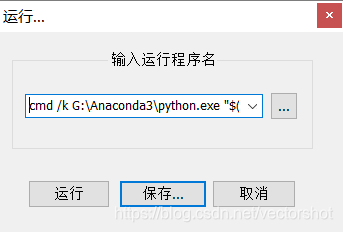
3. Save and set shortcuts
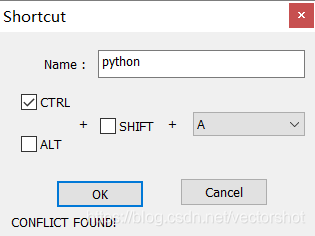
4. Testing

Intelligent Recommendation
Use Notepad to run java program
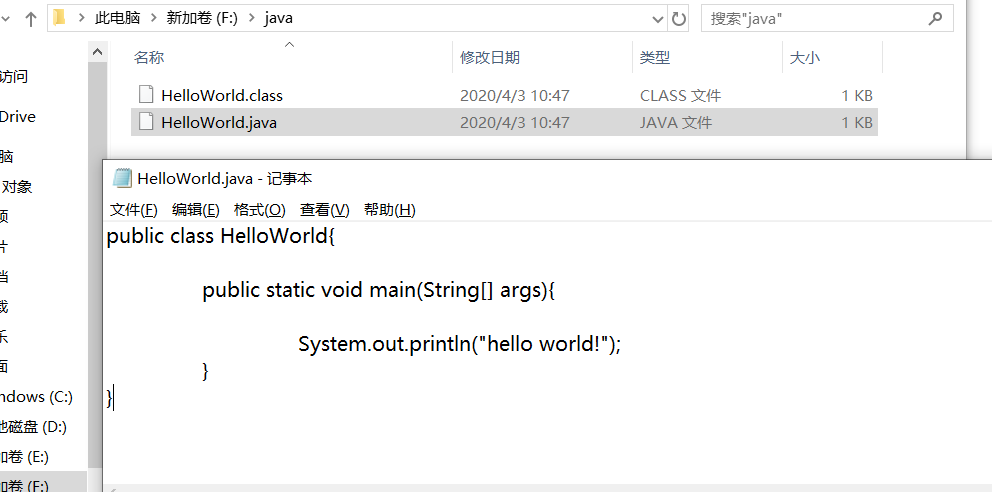
Use Notepad to run java program 1. Create a text file HelloWorld.java. 2.public consistent with the class name of the text file name creation. 3.win + r cmd into the command line 4. enter the file pat...

Run the first java program with Notepad
The first step: create a text file HelloWorld.java in the e drive The second step: open cmd, enter the e disk 1. Runjavac HelloWorld.java<Add suffix name> 2. Runjava Helloworld operation result:...

Run the HelloWorld program (Java) with Notepad
New file and edit the text Run the program by command. Call the console through the Win + R, enter the CMD call system command box. Enter CD C: \ Users \ M \ Desktop (Save Directory Address), After ru...
Notepad ++ run the first Java program
1. Open a new file with NOTEPAD ++ Enter the following: Save file as Myfirstjava.java II.CMD enters the DOS window, enter the file storage address D: \ Java \ Project 3. Compile Javac Myfirstjava.java...
Notepad Write Python Program
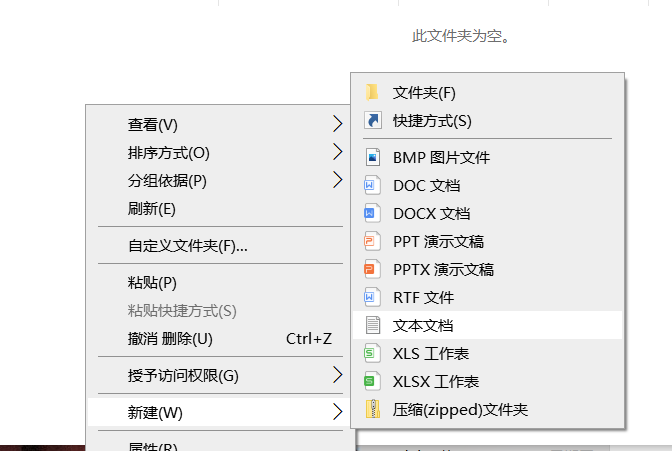
1. Create a folder, named Python here 2. Create a notepad in the file 3. Enter the code that wants to be implemented in NotepadNote: The symbol should be an English symbol! 4. Cha...
More Recommendation

notepad ++ run Python code configuration
The normal notepad ++ installed software can not run Python code directly, it should be configured notepad ++ 1. Click on the menu bar or shortcut keys F5 to run the following dialog box will pop up, ...
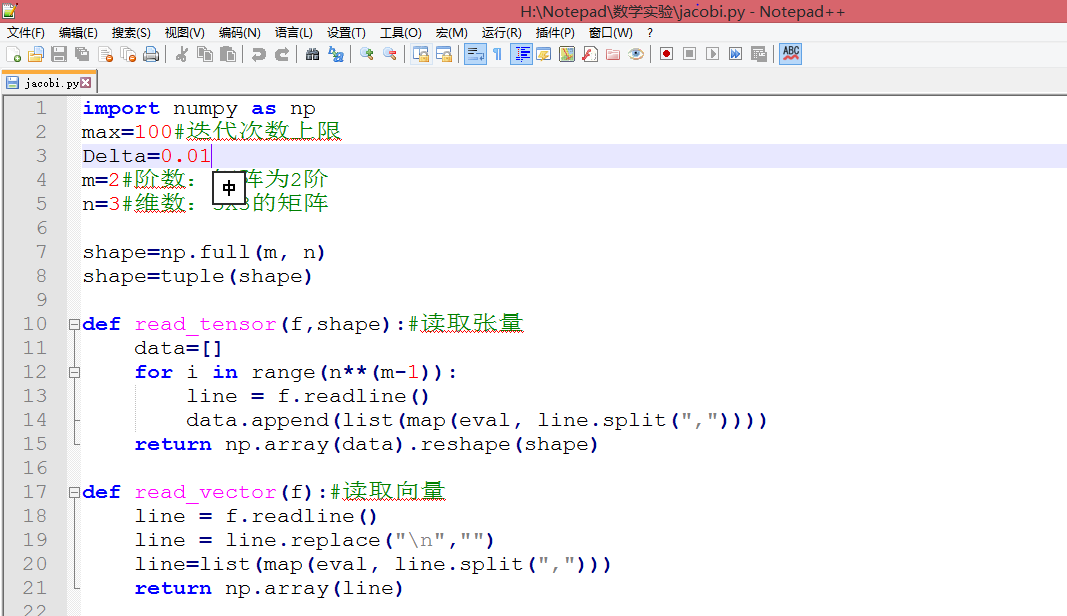
[Turn] Notepad ++ directly run python
Click to go to the browser screen viewhttps://mubu.com/doc/a8VGCUfqqw First, the use Notepad ++ to edit python files, and run directly 1. Open the python file with notepad ++. Or create a new file, sa...
Run python code directly in notepad++
1. Install Python No more details 2. Configure notepad++ 1) Notepad++ -> "Run" menu -> "Run" button2) Enter the following command in the pop-up window: The red marked part is...

Notepad++ shortcut keys to run Python
Fill in the running column seen online: There are 2 errors: 1. No $ is added before CURRENT_DIRECTORY and FULL_CURRENT_PATH 2. No /d added after cd Explanation: 1. $CURRENT_DIRECTORY and $FULL_CURRENT...
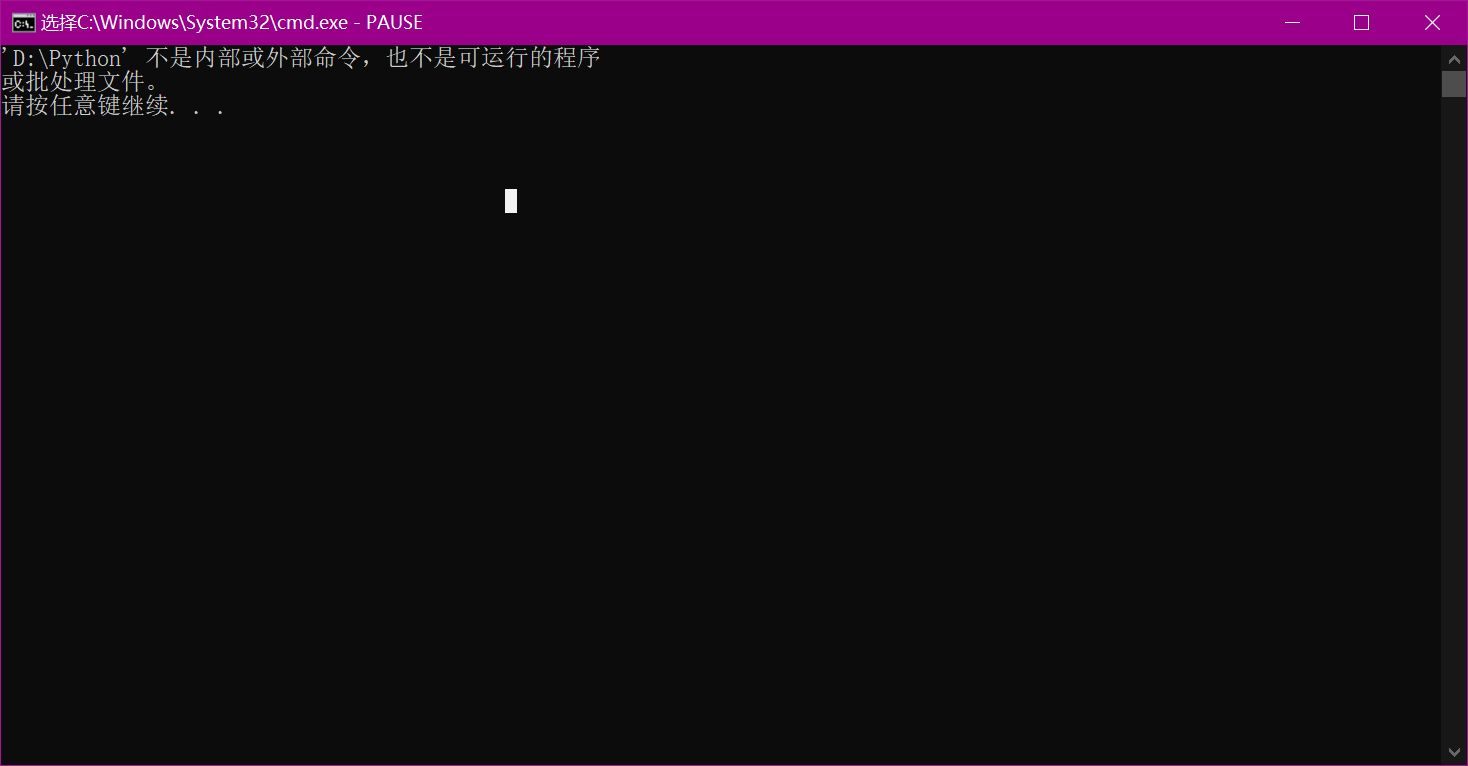
About notepad cannot run python
too difficult. This is my installation directory, and it seems that there is a space in the middle of python 3.7, so it can’t be opened at runtime, as shown below So how can we solve this proble...