Use JDBC to connect to SQL Server database in IDEA
1. Preparation
SQL Server database installation, IDEA and JDK environment installation and configuration. I installed SQL Server 2008, the JAVA environment is as follows, IDEA is installed automatically 。
。
Download the driver that matches your own SQL Server version number:https://www.microsoft.com/zh-cn/download/driver.aspx
I downloaded
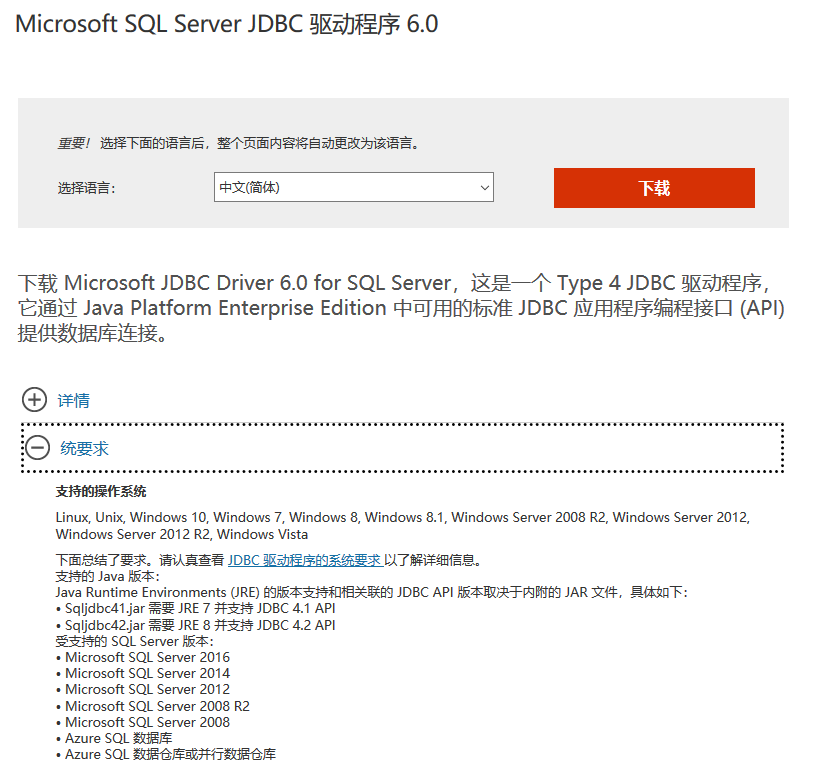

Just download one of the three programs. I downloaded the exe and got the compressed file after execution, the uncompressed file Put it under the IDEA installation path (D:\IntelliJ IDEA 2019.2.3\jbr).
Two, configure SQL Server
1. Configure login users
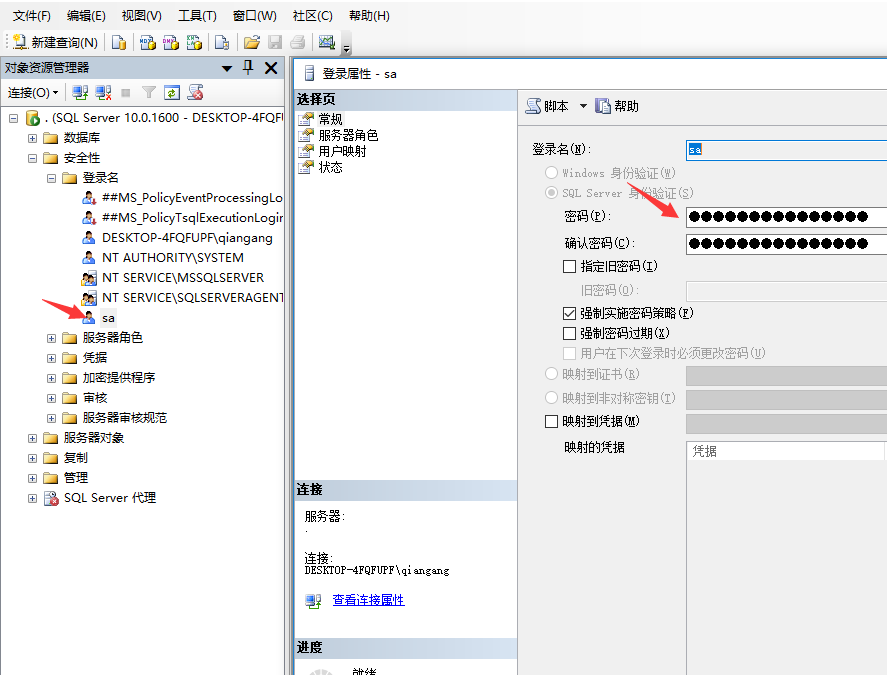
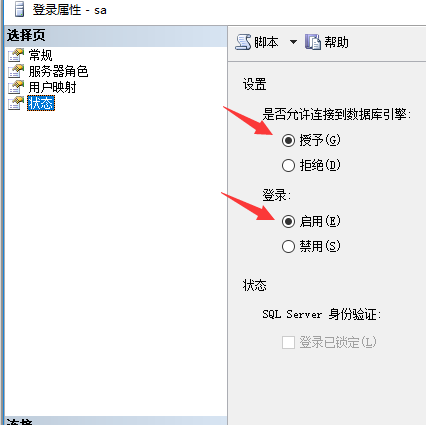
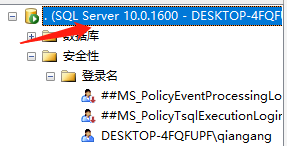 Right-click the database server name and click Properties
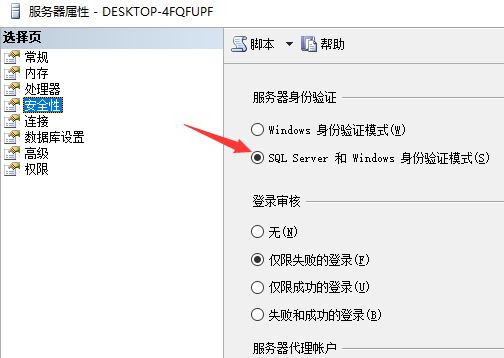 Enable SQL Server and windows authentication mode.
Three, SQL Server IP and port settings
Right click on my computer and select Manage-"
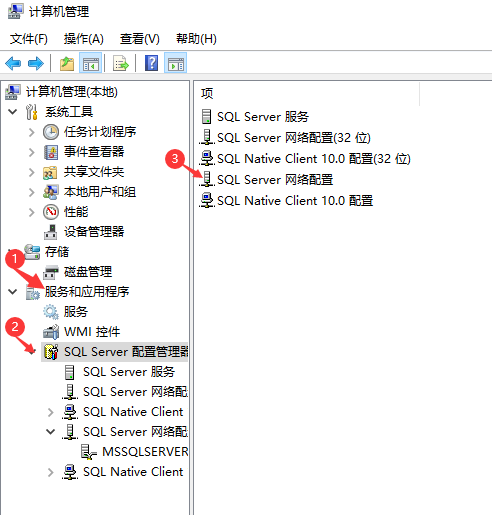
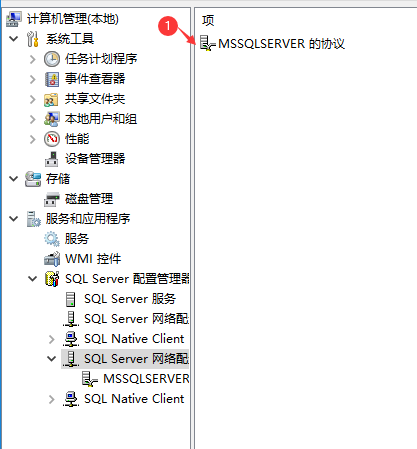

Select the IP address and TCP port you want to use, and start it. Restart the database.
Four, IDEA creation project
The project directory is as follows
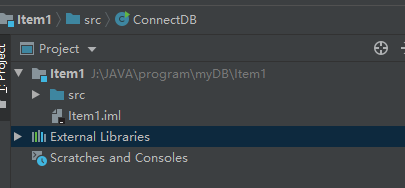
Add JDBC driver package. Click File-> Project Structure-> Libraries -> + -> java -> select the file directory of sqljdbc42.
The test procedure is as follows:
import java.sql.Connection;
import java.sql.DriverManager;
import java.sql.ResultSet;
import java.sql.Statement;


public class ConnectDB {

    public static void main(String args[]) {
        String url = "jdbc:sqlserver://127.0.0.1:1433;databaseName=Test;user=sa;password=123456";//sa connection

        // Declare the JDBC objects.
                 Connection con = null; //Session connection
                 Statement stmt = null; //Object used to execute static SQL statements and return the results they generate.
                 ResultSet rs = null; //Data table of database result set

        try {
                         //1-Register the driver, the driver manager class loads the static method of the SQLServerDriver class, if the driver is not added, create the driver
             Class.forName("com.microsoft.sqlserver.jdbc.SQLServerDriver");

                         //2- Get connection with data source
            con = DriverManager.getConnection(url);

                         //3- Create a Statement object to send SQL statements to the database
            stmt = con.createStatement();

                         //4- SQL statement
            String SQL = "SELECT  * FROM Stu";

                         //5-Execute SQL, return data
            rs = stmt.executeQuery(SQL);

                         //6-traversal
            while (rs.next()) {

                System.out.println(rs.getString(1) + "," + rs.getString(2).trim()+"," + rs.getString(3));
            }
        }

        catch (Exception e) {
            e.printStackTrace();
        } finally {
            if (rs != null)
                try {
                    rs.close();
                } catch (Exception e) {
                }
            if (stmt != null)
                try {
                    stmt.close();
                } catch (Exception e) {
                }
            if (con != null)
                try {
                    con.close();
                } catch (Exception e) {
                }
        }
    }
}
There is only one record in my database, containing (ID, name, age). Output result:

Five, there is an error
If it appearsException in thread "main" java.lang.NoClassDefFoundError: javax/xml/bind/DatatypeConverter。
Download javax.xml.bind.jar,http://www.java2s.com/Code/Jar/j/Downloadjavaxxmlbindjar.htm。After decompression, put the file in(D:\IntelliJ IDEA 2019.2.3\jbr) and import the package again.
Intelligent Recommendation
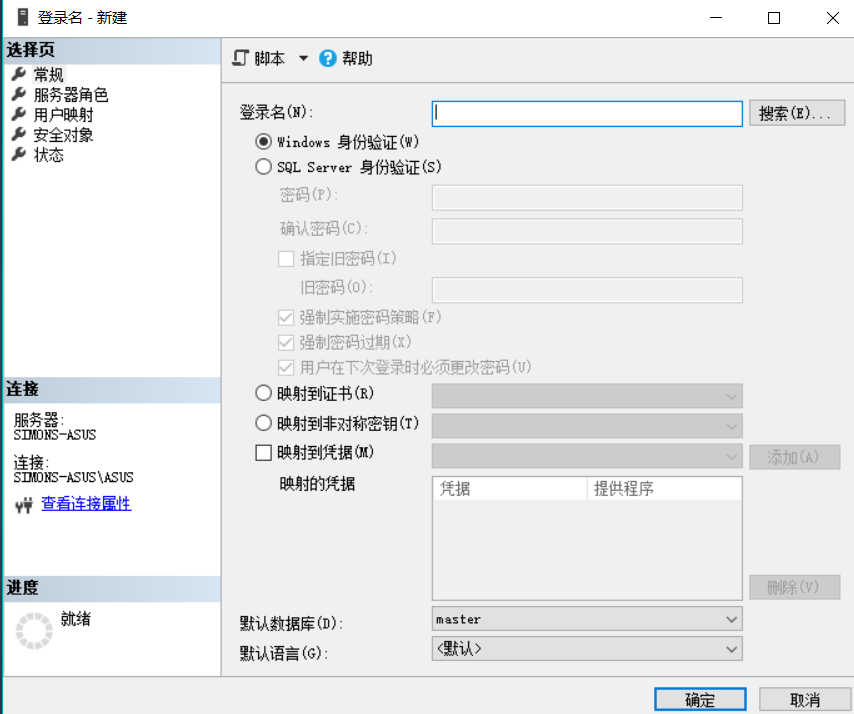
Connect SQL Server 2017 database with JDBC
After installing SQL server 2017, select SQL authentication login, You can log in with windows authentication first. Then create a new login name: (login name as shown below) Right click on the login ...
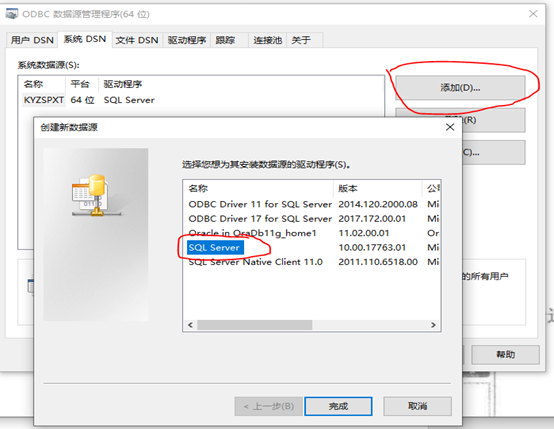
Connect to SQL Server database through JDBC-ODBC
Connect to SQL Server database through JDBC-ODBC Since the ODBC driver is widely used, after establishing this bridge to connect to the database, JDBC has the ability to access all databases. Here is ...
Use JDBC to connect to the database in Eclipse and IntelliJ IDEA
I. Introduction I saw that the next lesson of database practice is about JDBC, so if you want to get on the machine, you must load the JDBC driver in the corresponding project. Installing this driver ...

How to use JDBC to connect to the database in IDEA
One: How to use JDBC in IDEA 1. Summary This article introduces how to create a new Web project in IDEA, and use JDBC to complete the connection to the database mysql 2. Statement The tools used in th...
Use JDBC to connect mysql database in IDEA
** JDBC connection MySQL database error is generally the MYSQL driver error or the database connection is unsuccessful. ** Attach mysql driver download link Click on the official website to download N...
More Recommendation
Use JDBC to connect to the database (IDEA version
# Use JDBC to connect database (IDEA version) mysql:8.0 idea:2020.3 method one Two ways Iteration of method 1: No third -party API appears in the following programs, so that the program has better por...

IDEA, using JDBC driver to connect SQL Server server exceptions
This article applies to IDEA, the user of the sqlserver server. Studying the JDBC connection server today, I have been pondering for one night to solve this problem. There are many similar blogs on th...
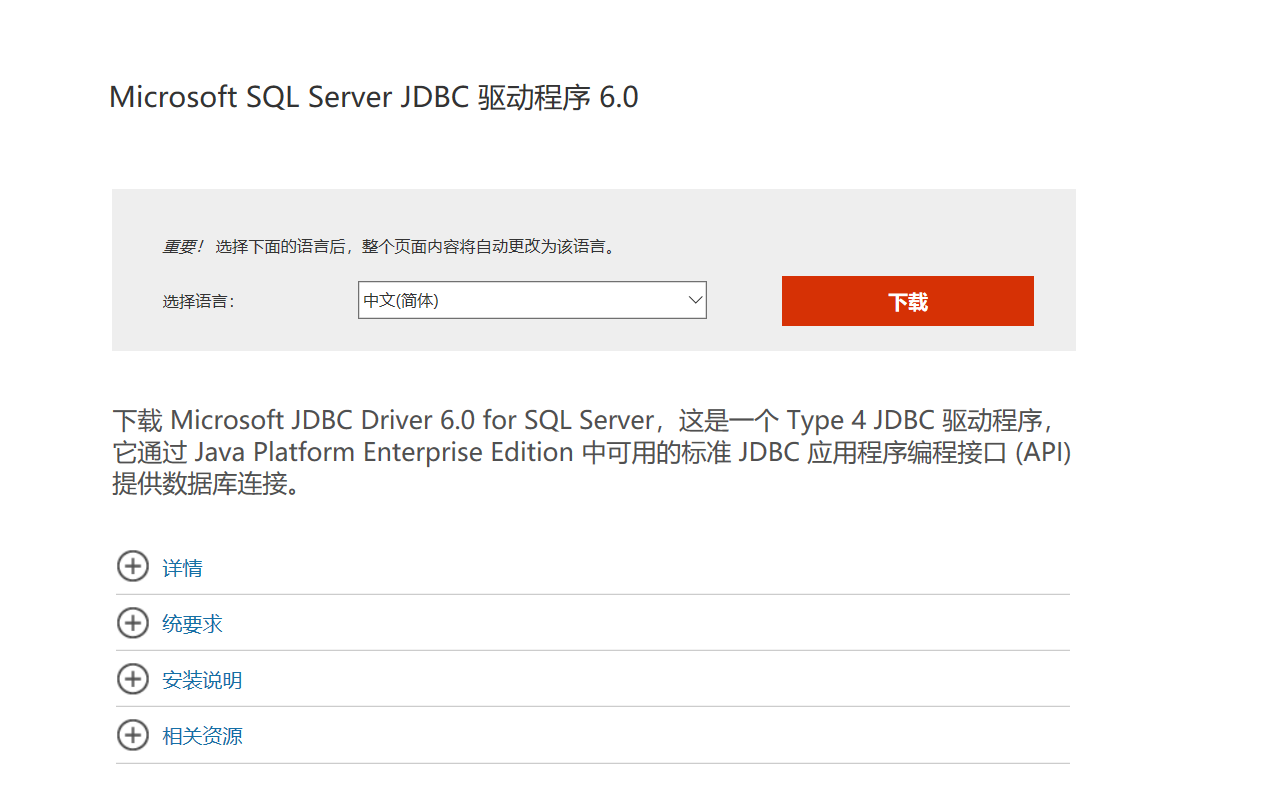
JDBC connect to SQL server
Article Directory JDBC connect to SQL server Download the Jar package of SQL Server JDBC Build a java project How to determine the port How to restart the service? JDBC connect to SQL server Download ...
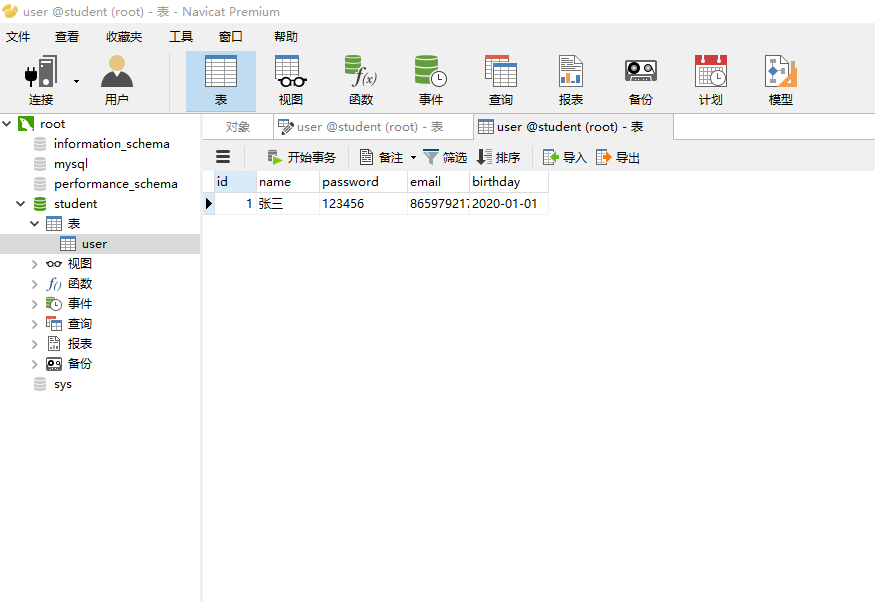
Use IDEA to connect to JDBC
database java code Import the corresponding jdbc jar package first result...
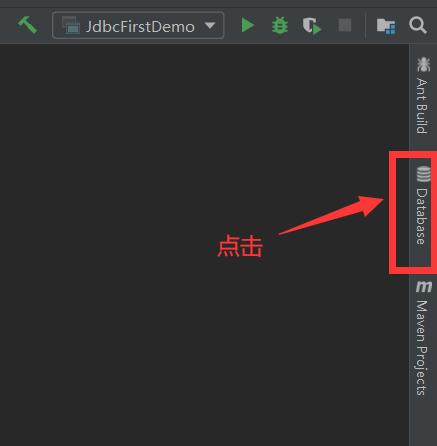
JDBC-use IDEA to connect to the database, database connection pool
1. Use IDEA to connect to the database (1) Click Database on the right side of IDEA interface (2) Click +, then click Data Source, and finally click MySQL (3) Fill in the user name and password, test ...