Installation and use of google gflags library under Windows+Visual Studio2017
tags: gflags c/c Command line parsing
Before writing a specific program, you need to run it through the command line to determine the specific function according to the input parameters. Parsing argv is very troublesome, so Google's gflags library is used. This tool can easily parse command line parameters. gflags official function introductionHow To Use gflags (formerly Google Commandline Flags)
- Download the source code of gflags:gflags
- The gflags-master obtained by cloning is the source code of gflags and needs to be compiled. Open CMake, fill in the source code path and compilation path as needed, and click Configure after setting:

- Select the compiler version, if you want to use it in a 64-bit environment, select the Win64 version, and then click Finish:

- If the configuration is successful, the dark interface will be displayed. Check the items that need to be generated as needed. After checking, click Generate:

- Generated successfully, click Open Project:

- Select the compilation environment according to your needs in VS. The default is Debug. If you need Release, choose to generate in the Release environment. Right-click on ALL_BUILD and INSTALL-generate, which may report errors, generally ignore:

- After the compilation is successful, if you want to use it in the project, you also need to configure the environment variables. Right-click on the solution-configure and select the VC++ directory. The include directory is the address of the include folder in the previously compiled folder. The library directory is The address of lib\Release (or Debug) in the folder:

- Select the linker-input and write gflags_static.lib, gflags_nothreads_static.lib, shlwapi.lib in the additional dependencies;

- The configuration is successful. You can also refer to this article based on learning how to use it from the official documentation:The google gflags library is fully used
- Write a program to test:
#include <iostream> #include <gflags/gflags.h> DEFINE_string(var, "", "input var"); int main(int argc, char ** argv) { google::ParseCommandLineFlags(&argc, &argv, true); std::cout << FLAGS_var << std::endl; system("pause"); return 0; } - Right-click on the solution-Properties-Debug, enter -var test in the command parameters

- Compile and run, check the result, if the command line parameter information is output, the setting is successful:

- Next, you can use the gflags library to parse the command line parameters. More advanced features can be learned in the documentation.
Intelligent Recommendation
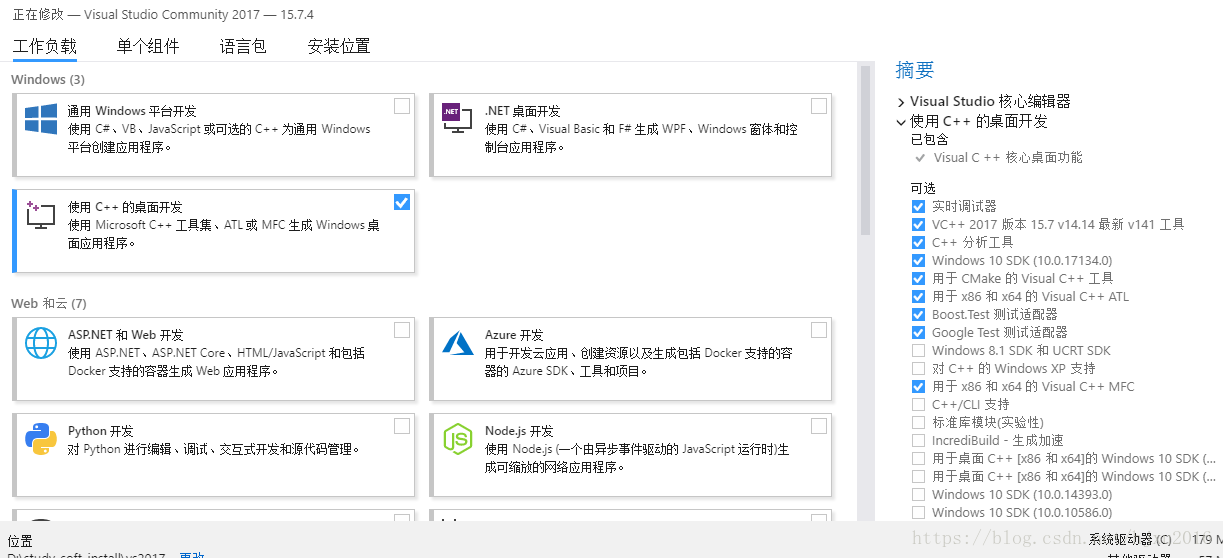
window7+visual Studio2017+opencv3.4.1 installation
Explore the C++ version of opencv3. In the past, in order to achieve a certain function, the laboratory painted a ppt or something, such as image corrosion and expansion, which directly called the ope...
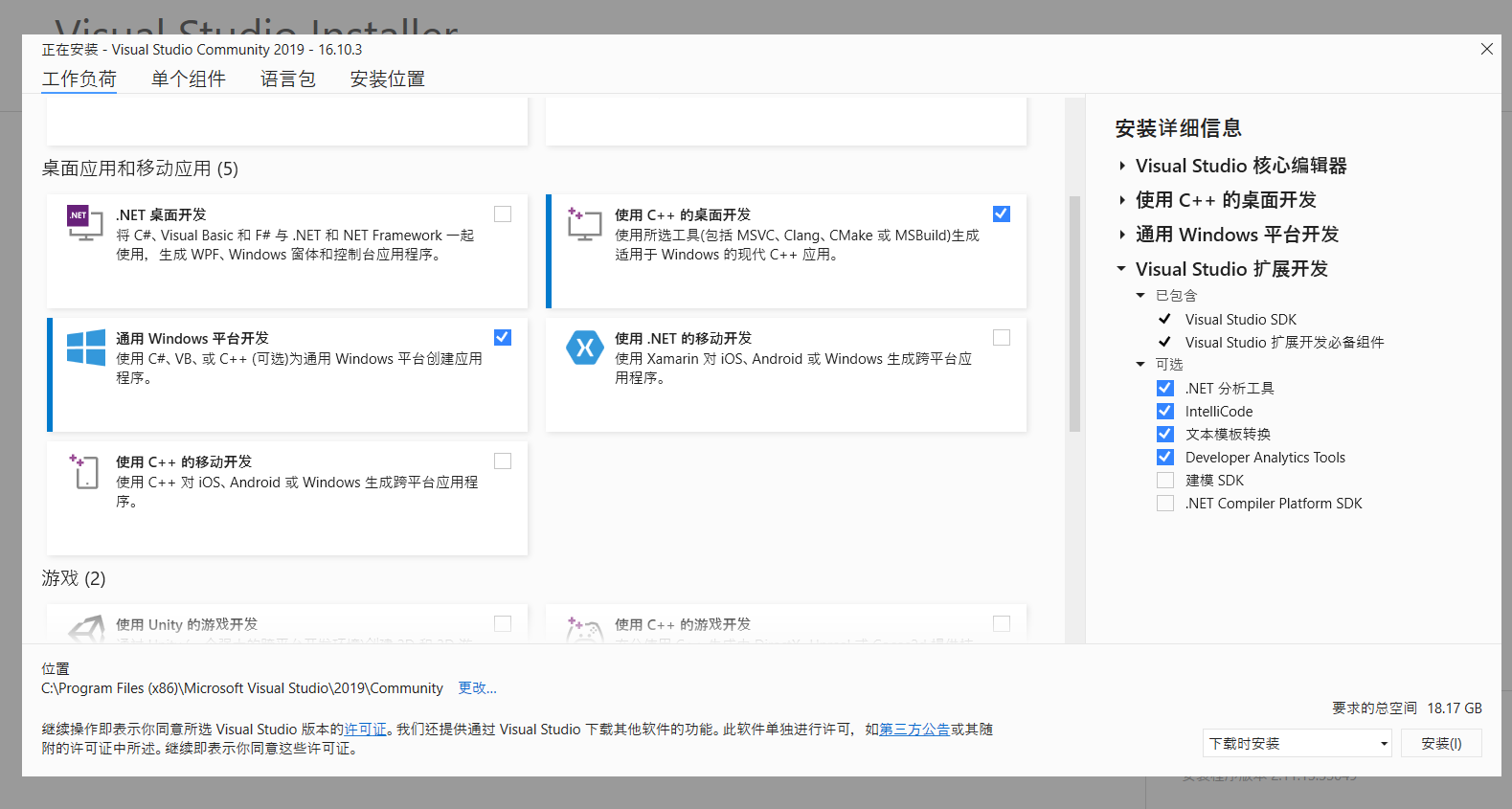
Visual Studio2017 · 2019 software use
We need to download a software to write C language, I am using Visual Studio2017 version, this can be downloaded in the official website Official website:Visual Studio Older Downloads - 2017, 2015 &am...

Install and use google test (gtest) under Windows Visual Studio
I wrote one beforeArticles《Installation and use of Google Test test environment under Linux, actual combat summary》Since google test is cross-platform, we also have many code projects that are also cr...
Use GFLAGS and UMDH under Windows to find memory leakage
(Official document) Windows debugger's symbol path -Windows Drivers | Microsoft Docs GFLAGS and UMDH are the same as Windbg. They are tools in Debugging Tools for Windows. 1. Set the symbol path Go to...
[C ++] GFLAGS installation and use
Install install gflags just run: Install_gflags.sh content is as follows: install glog just do: Install_glog.sh content is as follows: use demo run: Output:...
More Recommendation
GFLAGS installation use -cmake
GFLAGS installation use -cmake Install use Install On the Debian / Ubuntu Linux system, install it as follows use (1) Source file 1)#include <gflags/gflags.h> 2) DefinitionDEFINE_string(name, &q...

Write C++ static library with Visual Studio2017
Making wheels is an interesting thing. VS is a powerful tool that can handle super-large projects, but it's true that it's not so friendly to a project that's not so big (other tutorials on the Intern...
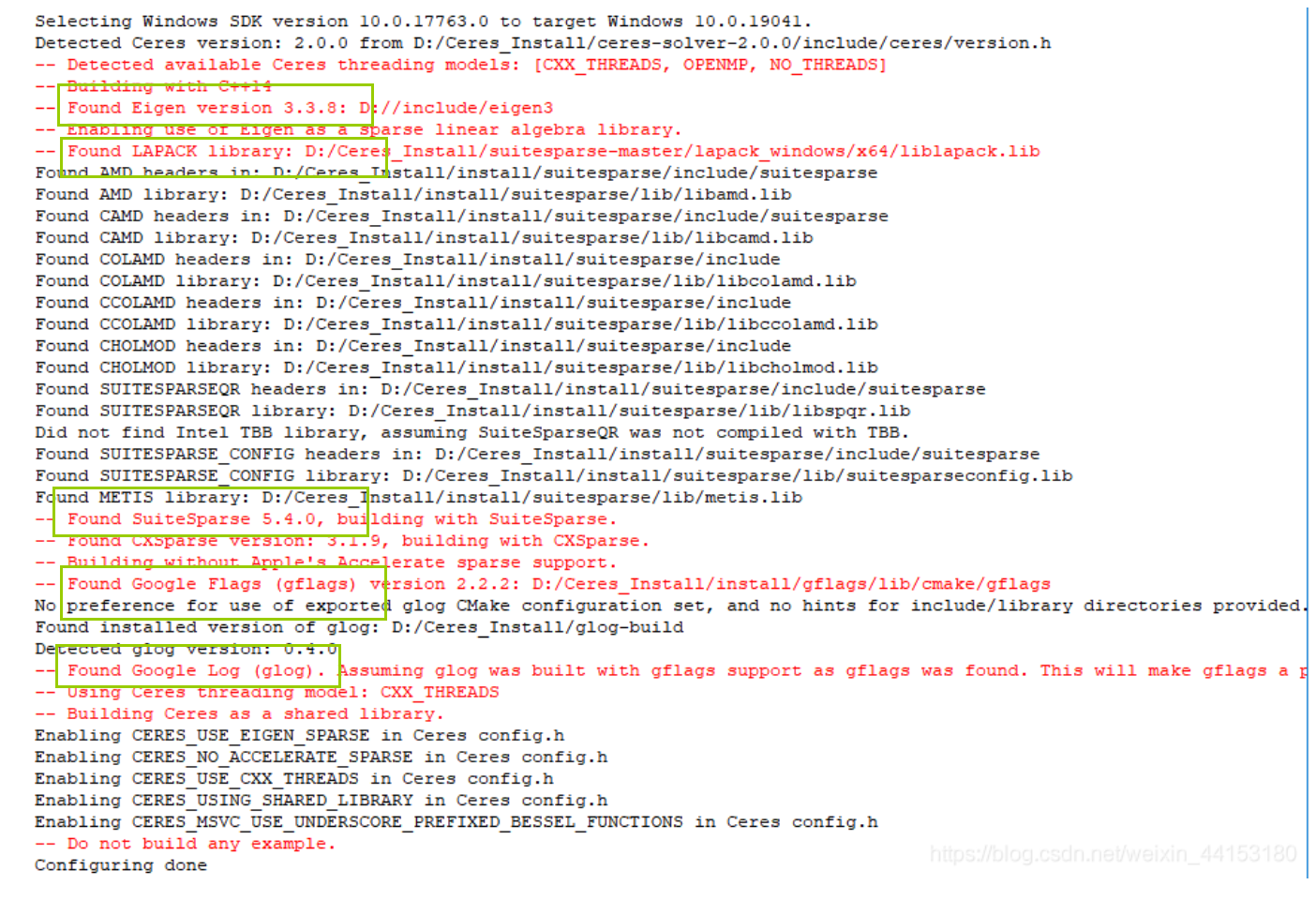
The configuration of the Ceres library under Windows includes the configuration of four dependent libraries Eigen, gflags, glad, and suitesparse-metis-for-windows
1. First of all, Eigen, gflags, and glad are necessary in the configuration process of the Ceres library under Windows. Although suitesparse is not necessary, it affects performance very much, so it c...

Installation and use of the boost library under Windows
content 1. Basic introduction 2. Download and install 3. Configure the boost environment (vs2010) 4. Test 1. Basic introduction The boost library is some of the expansion for the C ++ language standar...
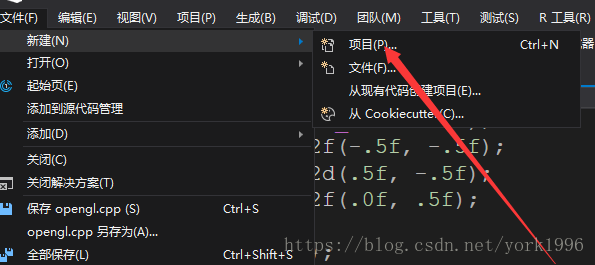
Visual studio2017 installation using openGL (c++) steps
Video tutorial:Visual studio2017 installation using openGL (c++) steps 1. First install and open visual studio 2017 or a similar version. , 2. Create a new C++ solution and add a .cpp file: 3. Then cl...