Click to go to the browser screen viewhttps://mubu.com/doc/a8VGCUfqqw
First, the use Notepad ++ to edit python files, and run directly
- 1. Open the python file with notepad ++. Or create a new file, save it as a .py format.
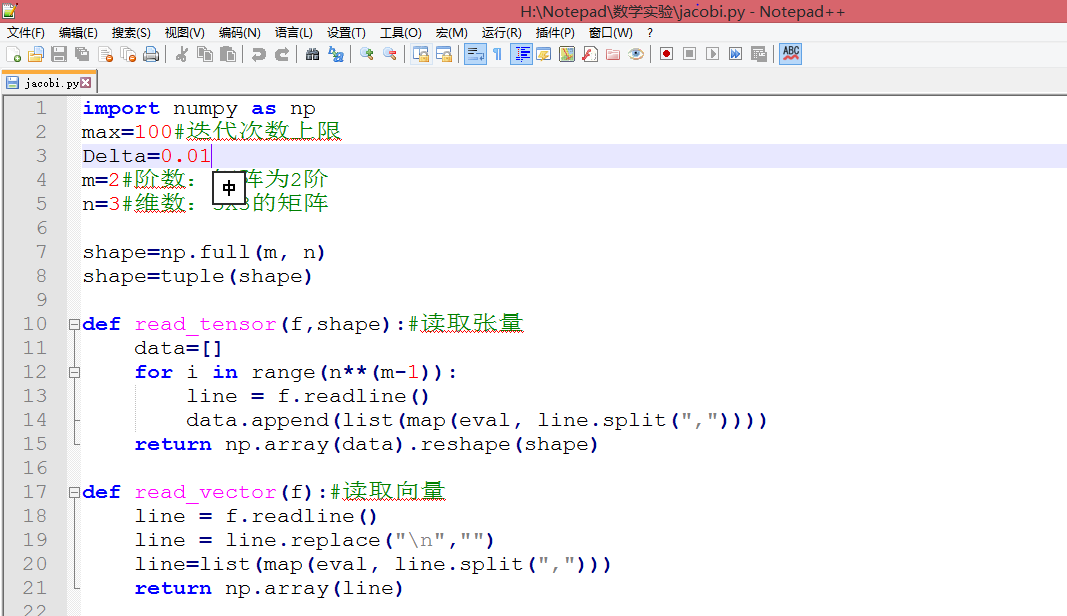
- 2. Direct run python file
- Press F5.
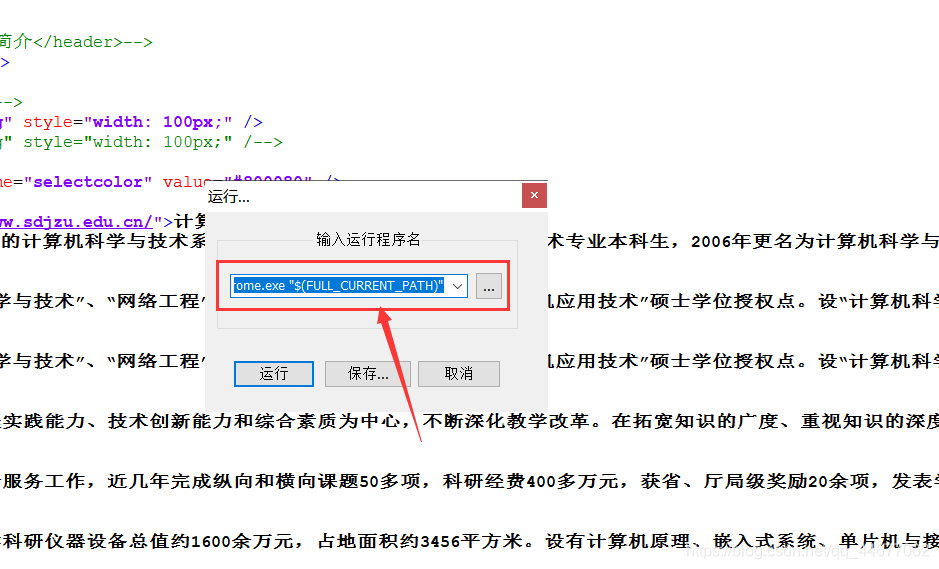
- In the pop-up menu, enter: cmd / k C: \ Users \ Fengqiao_x \ AppData \ Local \ Programs \ Python \ Python36 \ python.exe "$ (FULL_CURRENT_PATH)" & PAUSE & EXIT NOTE: The path must be your python path.

- Click Save. Enter your preferred name and shortcut keys (choose easy to remember keyboard shortcuts, and the shortcut key definition can not be repeated). Then click OK.

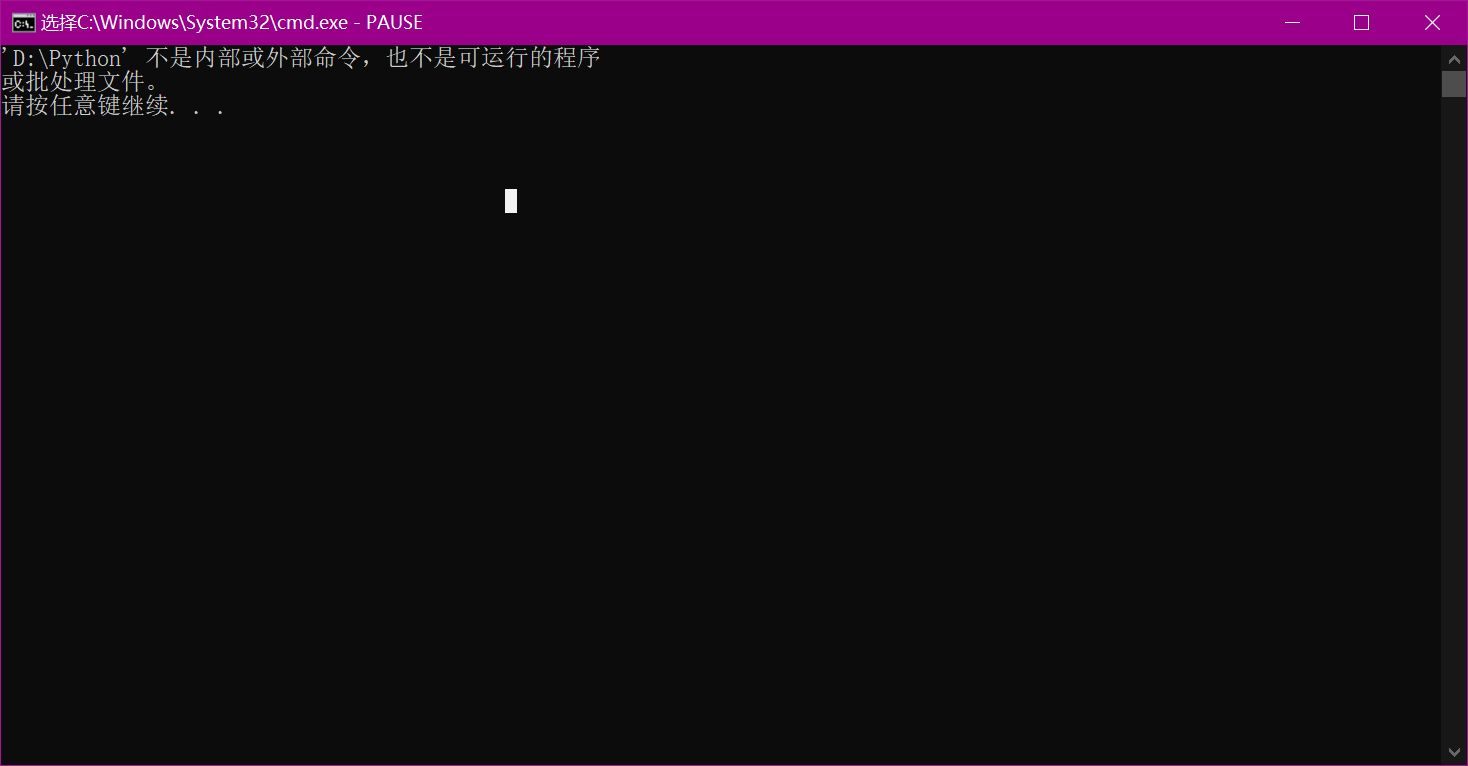
- Press the shortcut you just entered, to run the current python file. After just press the shortcut keys you can run python files, without the previous steps. Results are as follows.