DJI Tello EDU UAV python control tutorial 2-Use Tello-Python-master sample program to control Tello EDU
Use Tello-Python-master sample program to control Tello EDU
In the last article, we should be able to use socket debugging tools to control Tello EDU drones. In this article, we will use the "authentic" python language to control the Tello EDU. Next, we will directly upload the code, and I will comment in the code. Explain the code:
#
# Tello EDU Control Demo
#
# Hopes_li
#
#2020/4/28

import threading #import threading module
 import socket #import socket module
 import sys #Import system module (actually useless)
 import time #import time module

 #Set the host and port number
host = ''
port = 8889
locaddr = (host,port)


 # Create UDP socket communication
 #Get Udp/Ip socket (socket is socket)
sock = socket.socket(socket.AF_INET, socket.SOCK_DGRAM)
 #The first parameter is the socket family: AF_UNIX is based on the file type, and AF_INET is based on the network type
 #The second parameter is socket_type: the stream socket type is SOCK_STREAM, the datagram socket type is SOCK_DGRAM (datagram), the original socket SOCK_RAW

 tello_address = ('192.168.10.1', 8889) #Set the tello host and port number

 sock.bind(locaddr) #bind (host, port number) to the socket

 #Define data receiving function (information returned from Tello EDU)
def recv():
    count = 0
    while True:
        try:
                         data, server = sock.recvfrom(1518) #Receive UDP data; data is the received data, server is the client address, 1518 is the number of bytes received each time
                         print(data.decode(encoding="utf-8")) #Output the data received from the socket, and use the code as "utf-8";
        except Exception:
            print ('\nExit . . .\n')
            break


print ('\r\n\r\nTello EDU Demo.\r\n')

 print ('end - Enter to exit.\r\n')


 #Start multithreading
 recvThread = threading.Thread(target=recv) #Instantiate objects as recvThread through the Thread class;
 recvThread.start() #Start multi-thread

while True:
         try: #Use exception
                 msg = input("") #input instruction

        if not msg:
                         break #If there is no instruction, exit

        if 'end' in msg:
            print ('...')
                         sock.close() #Close the socket
            break

        # Send data
                 msg = msg.encode(encoding="utf-8") #Encode the information to be sent
                 sock.sendto(msg, tello_address) #Send UDP data

    except KeyboardInterrupt:
        print ('\n . . .\n')
                 sock.close() #Close the socket
        break
After running, it’s not over yet, that’s for sure, because we still need to enter the corresponding command in the console, and then press Enter to send (this is definitely not necessary for me to talk about) it’s that simple, it feels like this article doesn’t talk about anything ^-^, But we have successfully controlled Tello EDU through python.
In addition, every time we enter an instruction, Tello EDU will give us a message, "ok" means sending successfully, and "error" means sending failed (this is all affirmative).
Sometimes, especially when sending a "takeoff" command, an "error" will be fed back, and I always feel that there is nothing wrong with it! In fact, there is a high probability that Tello’s battery power is low, so it will feedback "error" (why don’t be willful, I haven’t found the point of error)
Of course, the SDK not only provides us with control instructions, but also provides read commands to read Tello information at this time, such as "battery level", "height", etc., which can be queried in the SDK document.
In the end, I felt that the only arc flight "curve" was not easy to understand among all the commands, and it was the one that reported the most errors. Then I sent an email to Ruizhi for consultation. Quite positive)
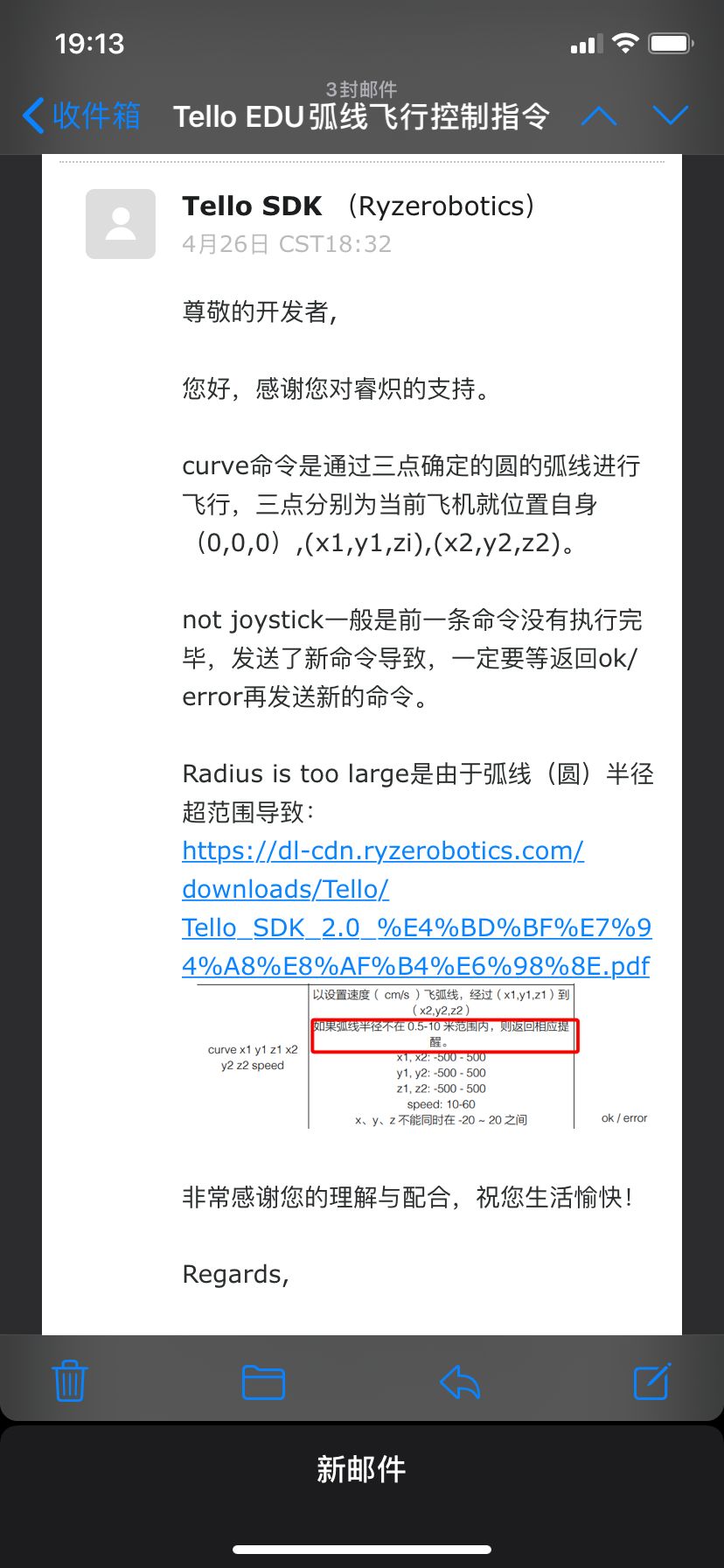
The above is all the content of this article. It is that simple to use the Python sample program to control Tello EDU!
Intelligent Recommendation
Control TELLO drone scan barcode
I have always want to play drones, and I have rented a big found for flying. Fortunately, TELLO has been found recently, I have bought an addiction. By the way, the integrated barcode scan function is...

First, learn the basic situation of TELLO (EDU / TT) drones
Official website:https://www.ryzerobotics.com/cn/tello First, TELLO User Manual 1, basic system performance The longest flight time is about 13 minutes, the fifth flight is 100 meters away. Have an un...
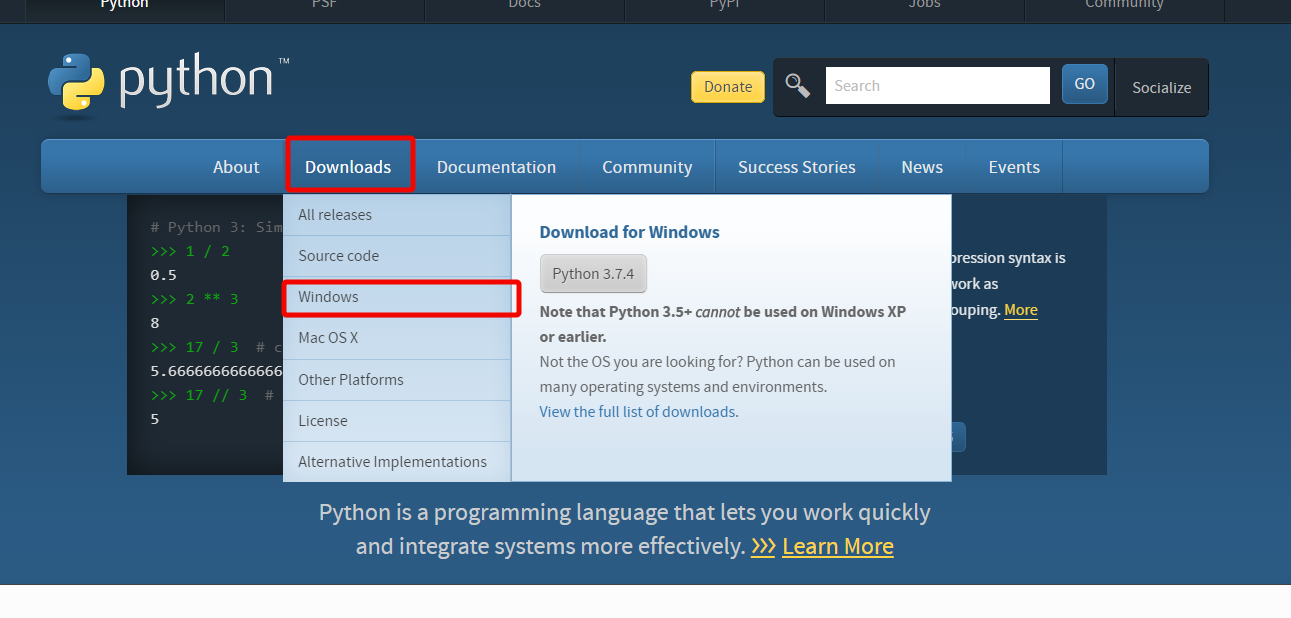
DJI Tello SDK environment setup (windows)
Install Python2.7 download link:https://www.python.org/ Select the default settings during installation. Check all the check boxes. Remember to use the installation path to configure the environment. ...
Tello: UAV new gesture recognition (minor experiment)
GitHub-based DJI-SDK New tello_pose.py...
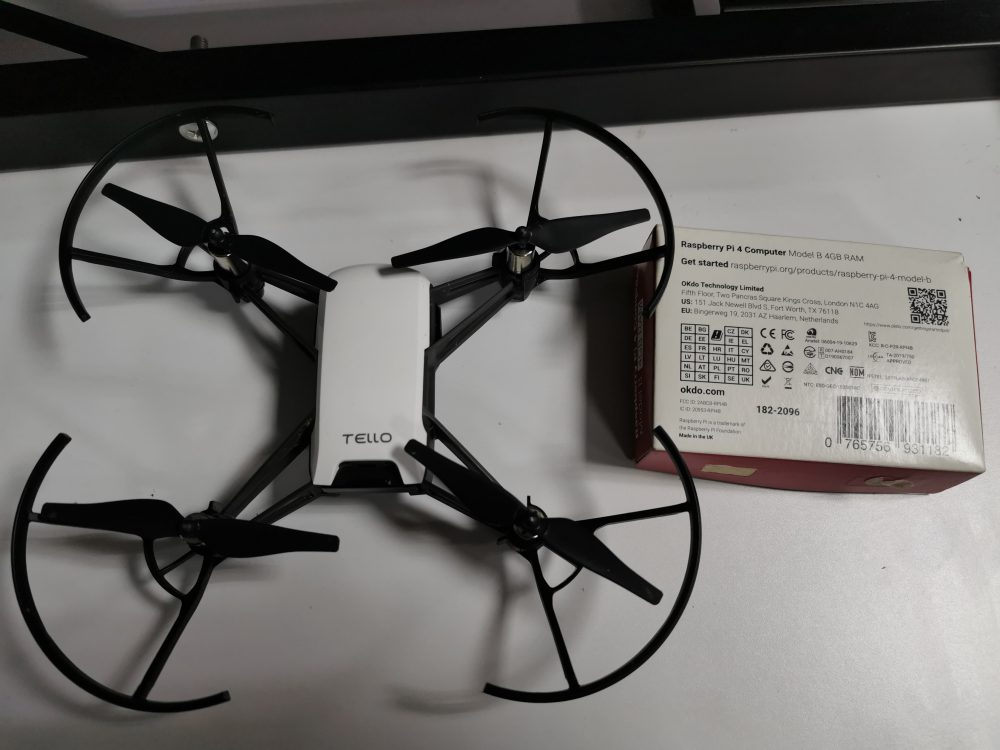
How to enable Tello drones to scan barcodes via Python?
Dynamsoft Barcode Reader SDK is a multi-functional barcode reading control that can embed the barcode reading function into web or desktop applications with just a few lines of code. This can save mon...
More Recommendation
Tello SDK 2.0 User Guide (Part 2)
SDK commands are these categories First build the connection between Tello and PC or MAC or mobile device After connecting, you must send commands to control Also accept the response to know the execu...

Super simple video implementation of DJI tello drone (very little code)
It has been a year since the DJI tello drone came out, and the function of viewing videos with PCs was only opened this year. After 2 days of exploration, it was finally realized in a simple way. I da...
Analysis of Tello talent UAV extension module library (default.ino)
This place changes the ino suffix to cpp, which does not affect Ardunio's programming language, the prototype is wring This is an article on the official website Although there are comments, b...

Complete installation and filling tip of DJI small plane Tello in Win10 (valid for pro-test)
Tello small plane 1. Download Tello-SDK 2. Installation Double-click install.bat to automate the installation. 3. Manual download 3.1 python2.7.15 Not much to say about this installation, the official...