Installing OpenCV 3.4.0 on Jetson Xavier
tags: jetson xavier opencv nvidia
set -e

folder=${HOME}/src
mkdir -p $folder

echo "** Purge old opencv installation"
sudo apt-get purge -y libopencv*

echo "** Install requirements"
sudo apt-get update
sudo apt-get install -y build-essential make cmake cmake-curses-gui git g++ pkg-config curl
sudo apt-get install -y libavcodec-dev libavformat-dev libavutil-dev libswscale-dev libeigen3-dev libglew-dev libgtk2.0-dev libpostproc-dev
sudo apt-get install -y libtbb2 libtbb-dev libv4l-dev v4l-utils qv4l2 v4l2ucp
sudo apt-get install -y libdc1394-22-dev libxine2-dev libgstreamer1.0-dev libgstreamer-plugins-base1.0-dev
# sudo apt-get install -y libjasper-dev
sudo apt-get install -y libjpeg8-dev libjpeg-turbo8-dev libtiff-dev libpng-dev libjpeg-dev libtiff5-dev
sudo apt-get install -y libxvidcore-dev libx264-dev libgtk-3-dev
sudo apt-get install -y libatlas-base-dev libopenblas-dev liblapack-dev liblapacke-dev gfortran
sudo apt-get install -y qt5-default
sudo apt-get install -y zlib1g-dev libgl1 libglvnd-dev


sudo apt-get install -y python2.7-dev python3.6-dev python3-testresources
rm -f $folder/get-pip.py
wget https://bootstrap.pypa.io/get-pip.py -O $folder/get-pip.py
sudo python3 $folder/get-pip.py
sudo python2 $folder/get-pip.py
sudo pip3 install protobuf
sudo pip2 install protobuf
sudo pip3 install -U numpy matplotlib
sudo pip2 install -U numpy matplotlib

if [ ! -f /usr/local/cuda/include/cuda_gl_interop.h.bak ]; then
  sudo cp /usr/local/cuda/include/cuda_gl_interop.h /usr/local/cuda/include/cuda_gl_interop.h.bak
fi
sudo patch -N /usr/local/cuda/include/cuda_gl_interop.h < opencv/cuda_gl_interop.h.patch && echo "** '/usr/local/cuda/include/cuda_gl_interop.h' appears to be patched already.  Continue..."

echo "** Download opencv-3.4.0"
cd $folder
if [ ! -f opencv-3.4.0.zip ]; then
  wget https://github.com/opencv/opencv/archive/3.4.0.zip -O opencv-3.4.0.zip
fi
if [ -d opencv-3.4.0 ]; then
  echo "** ERROR: opencv-3.4.0 directory already exists"
  exit
fi
unzip opencv-3.4.0.zip
cd opencv-3.4.0/

echo "** Building opencv..."
mkdir build
cd build/

cmake -D CMAKE_BUILD_TYPE=RELEASE -D CMAKE_INSTALL_PREFIX=/usr/local -D WITH_CUDA=ON -D CUDA_ARCH_BIN="7.2" -D CUDA_ARCH_PTX="" -D WITH_CUBLAS=ON -D ENABLE_FAST_MATH=ON -D CUDA_FAST_MATH=ON -D ENABLE_NEON=ON -D WITH_GSTREAMER=ON -D WITH_LIBV4L=ON -D BUILD_opencv_python2=ON -D BUILD_opencv_python3=ON -D BUILD_TESTS=OFF -D BUILD_PERF_TESTS=OFF -D BUILD_EXAMPLES=OFF -D WITH_QT=ON -D WITH_OPENGL=ON -D CUDA_NVCC_FLAGS="--expt-relaxed-constexpr" -D WITH_TBB=ON ..
make -j8
sudo make install
sudo ldconfig

python3 -c 'import cv2; print("python3 cv2 version: %s" % cv2.__version__)'
python2 -c 'import cv2; print("python2 cv2 version: %s" % cv2.__version__)'

echo "** Install opencv-3.4.0 successfully"
Intelligent Recommendation
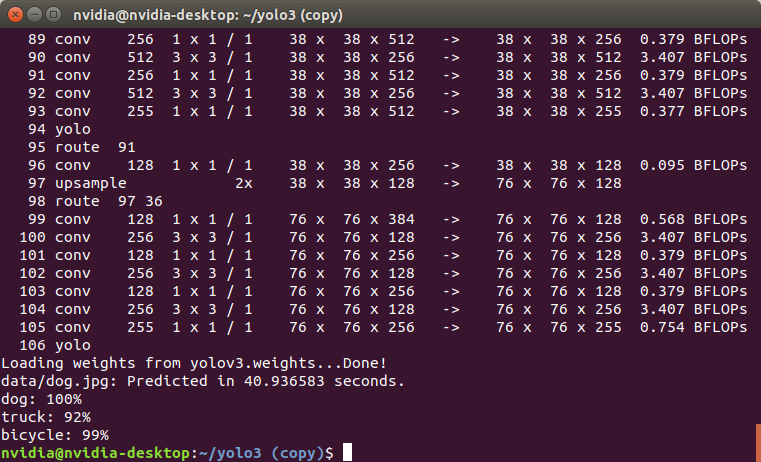
Jetson TX2 (jetpack4.3) install opencv 3.4.0 and deploy YOLOV3
1. Install opencv The method I use is the same as the way to install opencv from source code under ubuntu. 1.1 Clear the old version First, completely uninstall the old version of opencv that comes wi...
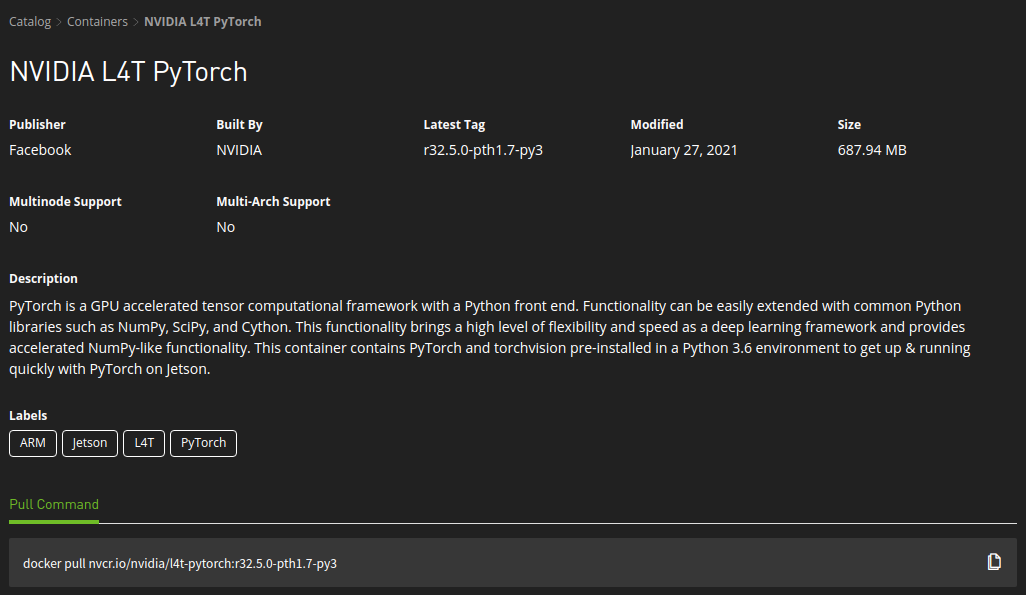
[Jetson AGX Xavier] Several methods for installing pytorch (ion)
【method one】 Verify: [Method 2] https://ngc.nvidia.com/catalog/containers/nvidia:l4t-pytorch...
Error: Failed Building Wheel For ONNX Installing ONNX Jetson Xavier NX
ERROR: Failed building wheel for onnx Running setup.py clean for onnx Failed to build onnx Installing collected packages: onnx Running setup.py install for onnx … error 1. Install dependency: 2...
Install any version of opencv on nvidia jetson xavier, tx2
Why write this There are too many tutorials on the Internet, nothing more than manual compilation or automatic compilation with the help of written scripts. In many tutorials, the part of installing d...
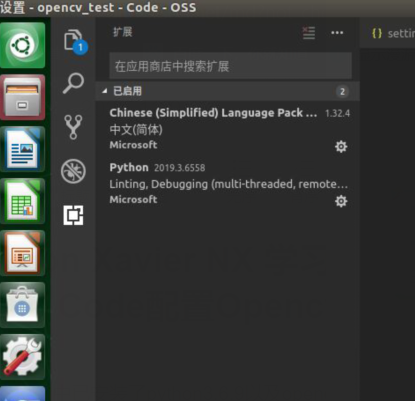
Jetson Xavier NX learning (5) Visual Studio Code configuration Opencv
Jetson Xavier NX learning (5) Visual Studio Code configuration Opencv Python 3.6.9 and opencv4.1.1 have been installed in JetPack 4.4.1 So we just need to configure it on Code Configure opencv Open Co...
More Recommendation
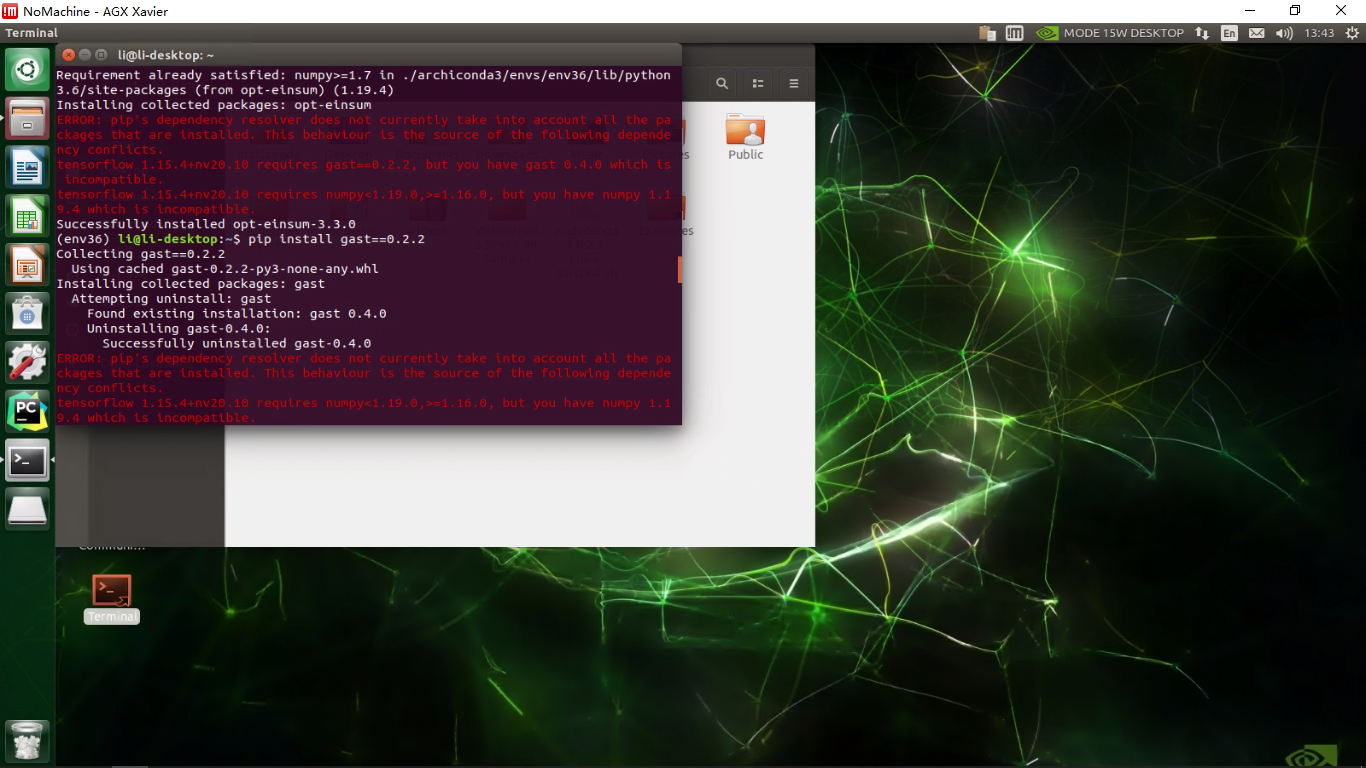
Jetson AGX Xavier Python Virtual Environment + YOLO Configuration + OpenCV
First, install the virtual environment main reference these two blogs: Archiconda3 Jetson AGX Xavier Configures Python Environment Since the ARM architecture cannot install Anaconda, you select Archic...

NVIDIA Jetson Xavier / TX2 uses OpenCV calls USB camera summary
Call the USB camera half a day call, Linux is the same as XXX. NVIDIA Jetson Xavier / TX2 uses OpenCV calls USB camera summary Install V4L2-CTL to check the device on the camera Check the Camera list ...
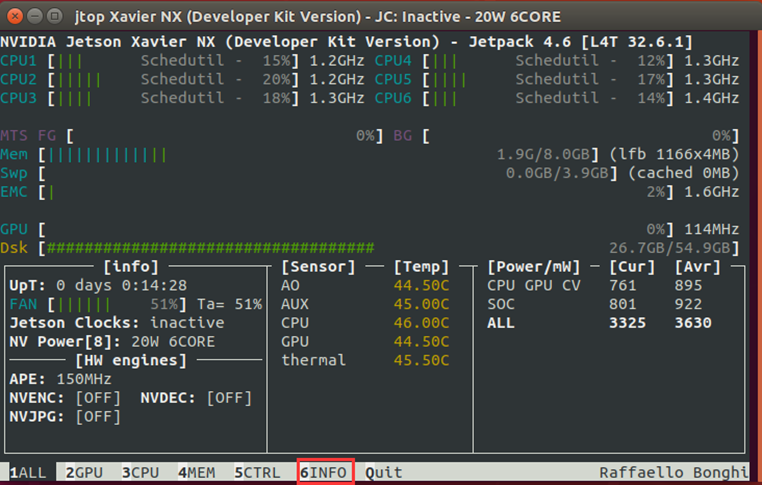
Version and configuration information of CUDA, CUDNN, Tensorrt, OpenCV on Jetson Xavier NX
The above functions can be implemented through JTOP. How to install JTOP: The interface after starting is as follows, you can check the use of the development board resources, and thenClick Info If th...
NVIDIA Jetson Nano / TX1 / TX2 / Xavier NX / AGX Xavier Installing ROS
Environmental requirements: Version: rosMelodic(Ubuntu18.04) supportJetPack >= 4.2 (Jetson Nano / TX1 / TX2 / Xavier NX / AGX Xavier) 1, installation dependence 2, add ROS mirroring source It is be...
"NVIDIA Jetson Xavier Notes" Xavier (arrch64 architecture) install Tensorflow, Keras and compile opencv-python!
Xavier (arrch64 architecture) install Tensorflow, Keras and compile opencv-python! Article Directory 1. Install TensorFlow 2. Install Keras Three. Compile Opencv-python library 4. Appendix Environment...