Huawei eNSP-single-arm routing configuration
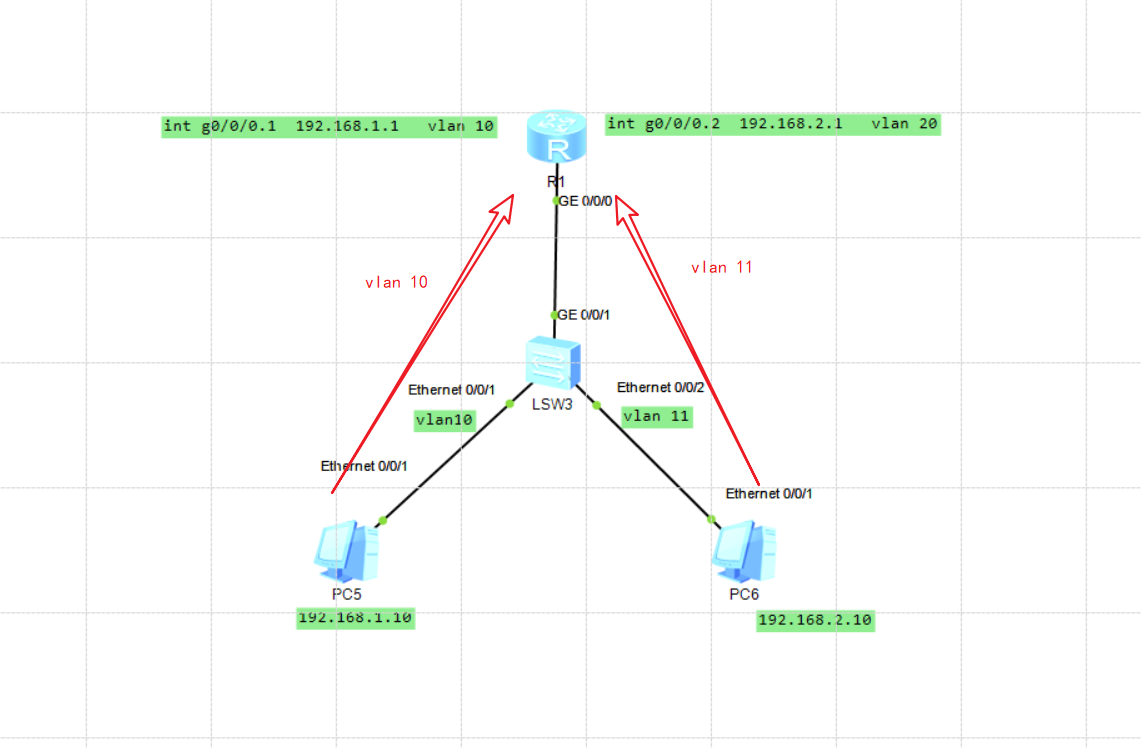
Experimental topology
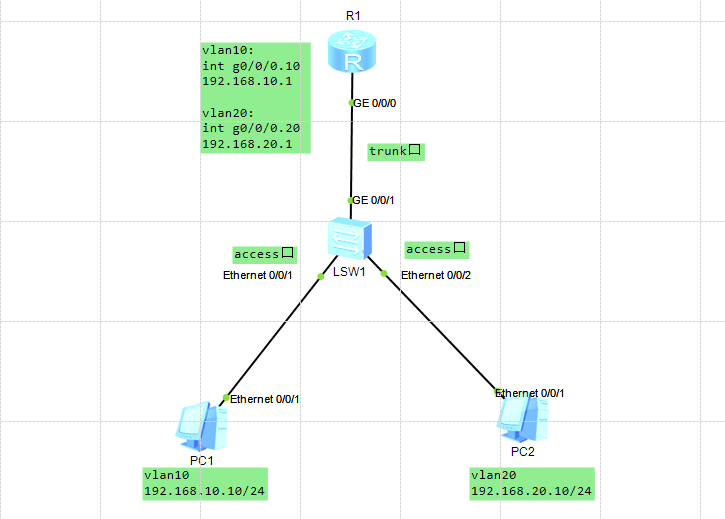
1. Configure sw1 switch
<Huawei>sys ##Enter system view mode
Enter system view, return user view with Ctrl+Z.
 [Huawei]sys sw1 ##Modify name
 [sw1]vlan batch 10 20 ##Create vlan10 20
 [sw1]int e0/0/1 ##Enter the interface
 [sw1-Ethernet0/0/1]port link-type access ##Set access
 [sw1-Ethernet0/0/1]port default vlan 10 ##Put the interface into vlan10
[sw1-Ethernet0/0/1]q
[sw1]int e0/0/2
[sw1-Ethernet0/0/2]p l a
[sw1-Ethernet0/0/2]p d v 20
[sw1-Ethernet0/0/2]int g0/0/1
 [sw1-GigabitEthernet0/0/1]p l t ##Set the trunk link
 [sw1-GigabitEthernet0/0/1]p t a v a ##Put all vlans into the interface
2. Configure R1 router
<Huawei>sys
Enter system view, return user view with Ctrl+Z.
[Huawei]sys R1
[R1]int g0/0/0.10 ##Enter the logical sub-interface
 [R1-GigabitEthernet0/0/0.10]dot1q termination vid 10 ##encapsulate dot1q protocol, this sub-interface corresponds to vlan10
 [R1-GigabitEthernet0/0/0.10]ip add 192.168.10.1 24 ##Set the gateway
 [R1-GigabitEthernet0/0/0.10]arp broadcast enable ##Enable broadcast
[R1-GigabitEthernet0/0/0.10]interface g0/0/0.20
[R1-GigabitEthernet0/0/0.20]d t v 20
[R1-GigabitEthernet0/0/0.20]ip address 192.168.20.1 24
[R1-GigabitEthernet0/0/0.20]arp b e
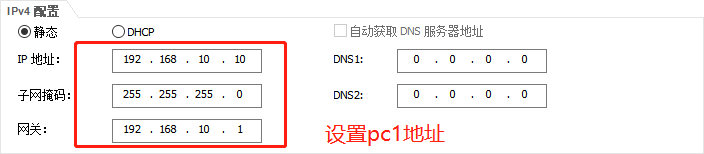
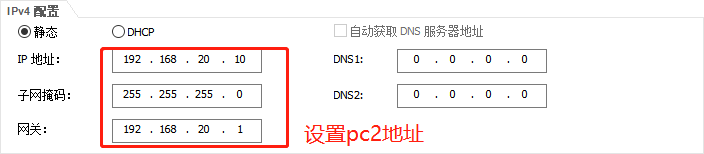
3. Set the ip address of the PC
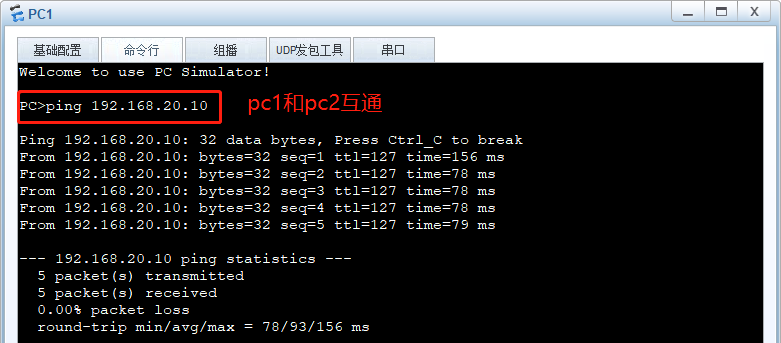
4. Test interoperability
thanks for reading!
Intelligent Recommendation
ENSP practice: single-arm routing configuration
Preface Experimental topology The principle of communication between two hosts, combined with the red arrow Basic principles of routers Purpose experiment procedure Achievement inspection: One-arm rou...
ENSP single arm routing and spanning tree configuration
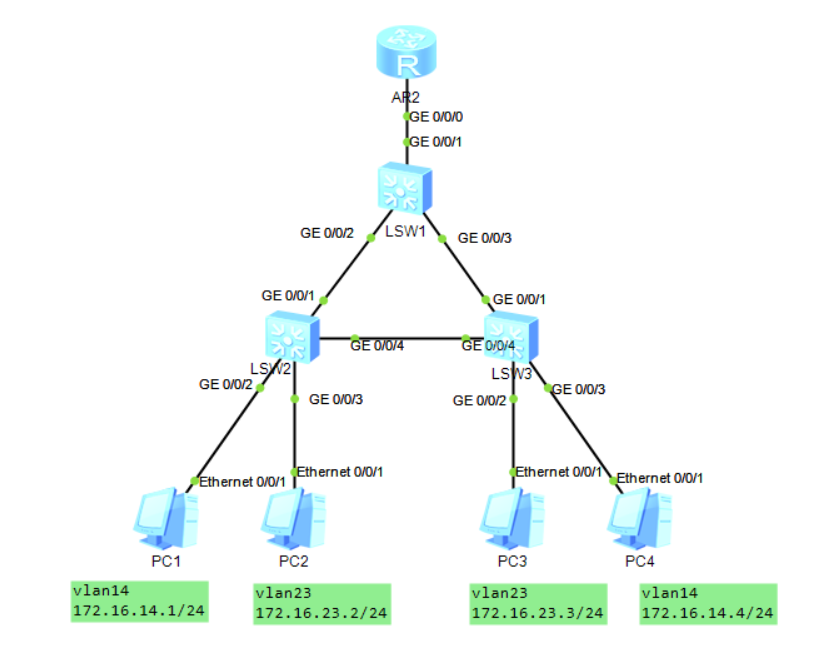
The first step is to build a topology. The second step is configured to generate a tree on the switch to avoid loop. (With the theory) Selecting the STP mode is STP, set the LSW1's bridge priority to ...

Huawei single arm routing configuration
table of Contents 1. When the router is a normal router: 2, when the router is the AR router: 1. When the router is a normal router: Switch configuration: <SW1> System-View (enter system mode) [...
Single arm routing ENSP
The single arm routing configures sub-interfaces on a router physical interface to communicate with each other through the third layer. The function is consistent with the communication between the VL...
[ENSP Huawei Simulator] Single-arm routing configuration based on Layer 3 switches
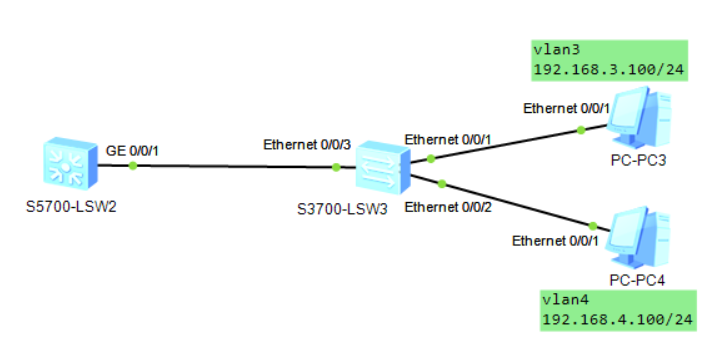
eNSP Huawei Simulator Single-arm routing configuration based on three-layer switch 1. Experiment overview 2. Configuration of Layer 2 Switch Three, the configuration of the three-layer switch 4. Exper...
More Recommendation
Huawei ENSP ----- Telnet, Access, Trunk, Hybrid, single arm routing configuration and VLAN related concept
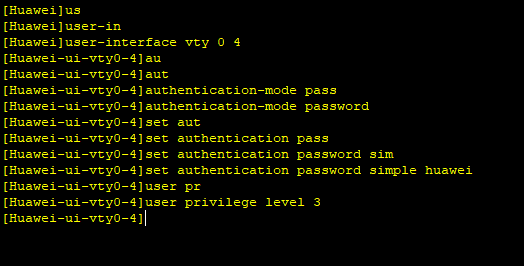
Article catalog First, Telnet Second, Access Third, Trunk Fourth, Hybrid V. Single arm route Sixth, VLAN related concept First, Telnet Topology: SW1 configuration file: SW2 configuration file: Second,...
Simulation of single-arm routing experiment on Huawei ensp software
Experimental case: Simulation of the working principle experiment of single-arm routing on Huawei ensp software Experimental environment As shown in the picture, use Huawei ensp software to conduct s...
Huawei eNSP experiment-single-arm routing for network communication
Layer 2 switch-router experiment (single arm routing) R1: The device is running! u t m Info: Current terminal monitor is off. sys Enter system view, return user view with Ctrl+Z. [Huawei]sys [Huawei]s...
Huawei Ensp Simulator Experiment: Single-arm routing to realize VLAN communication
Experimental networking: I won’t give too much explanation to VLAN here, mainly to explain the experiment. The first step is to configure the corresponding IP address and gateway for the PC mach...
[ENSP] single arm routing + static routing configuration exercises
Single arm routing + static routing configuration exercises Single arm routing: also named the son interface, is actually a logical interface, does not have a real physical sub-interface. With a singl...