Set the default encoding of Windows 10 to UTF-8 and the known issues after setting
tags: Software installation and environment configuration
Setting method
Setting method: Control Panel->Area->Administration>Change system area settings
After setting, restart, the system code will change to UTF-8 format.

Known issues:
I just started using it, I haven't found any more problems, I will continue to add it later
1. Custom configuration file garbled
As shown in the figure below, I write the following content in a folder to make the folder display my custom Chinese name, but when I set Windows to UTF-8, this file will not be automatically changed and needs to be manually changed to UTF- After 8 can be used normally, otherwise the folder display will be garbled

2.7-ZIP, WinRAR and Windows Explorer open GBK encoded zip will be garbled
WinRAR version 5.90 Simplified Chinese version
7ZIP version: 19.00
Windows version: 19041.329


3.chm help file viewer opens Chinese garbled
As shown in the figure below, the file name is not garbled here, but the title is garbled after opening, and it will be garbled when searching, and no garbled characters are found in the index and other pages.


Intelligent Recommendation
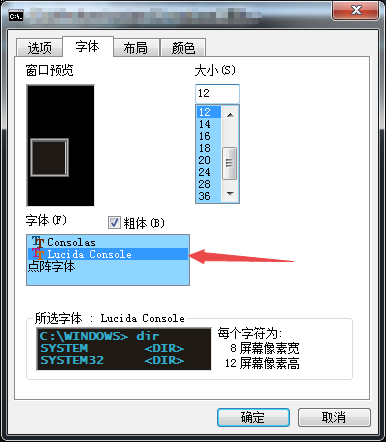
[Windows CMD] Set the encoding format (UTF-8)
The default encoding format of the Windows command line CMD is the gbk encoding format (codepage encoding table number: cp936). But in some cases gbk decoding will produce garbled characters, I hope t...
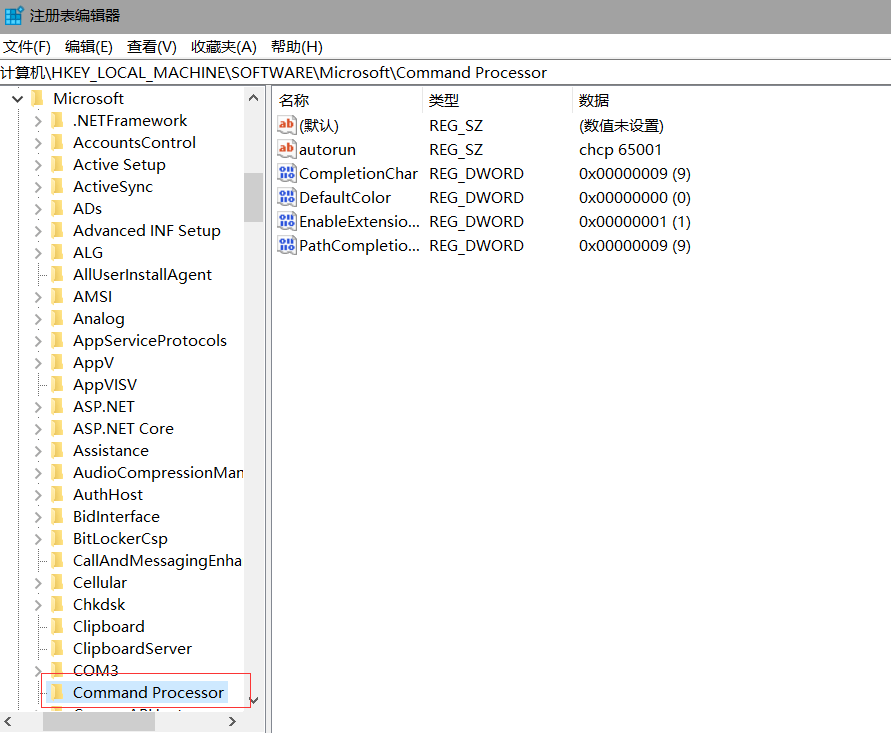
Windows cmd permanently set UTF-8 encoding
CMD set UTF-8 Temporary modification Just work on the current window, first enter the CMD command window (shortcut WIN button + R) Enter "CHCP 65001" directly, the Enter key (Enter) is execu...

mysql database character encoding issues (windows system) --- need to modify the character set is UTF-8
1.1 NeedModify the character set is UTF-8 cmd into the mysql command: mysql -u root -p test (in which the root user name, test name for the library, pay attention to the need to run cmd.exe with admin...

Graphic setting Eclipse global encoding default UTF-8
table of Contents 1. Why do you want to set the settings globally to UTF-8? ‘ 2, how to set up, need to set those key positions? 3, modify the properties file default encoding utf-8 1. Why do yo...
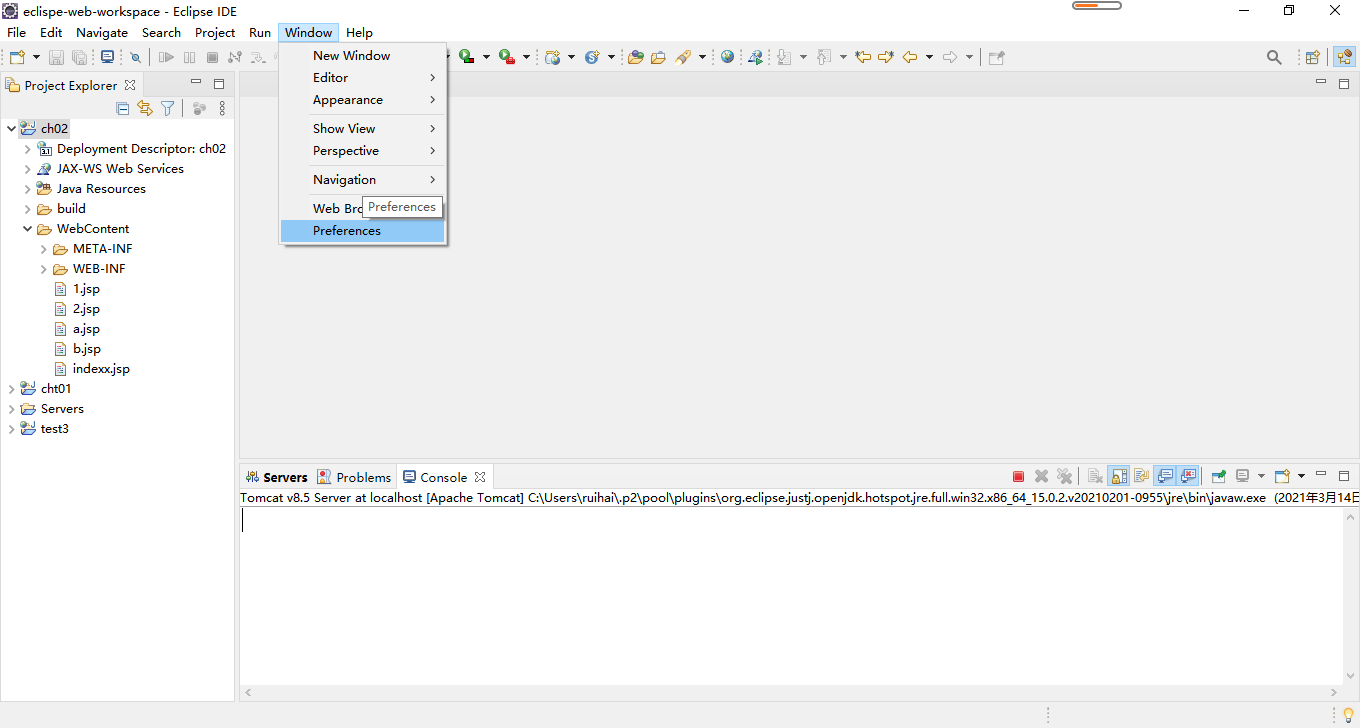
The default encoding format for setting the JSP file in Eclipse is UTF-8
The default encoding format for setting the JSP file in Eclipse is UTF-8 When we created a JSP file, we often encounter the encoding format in the generated JSP file default as ISO-8859-1. This encodi...
More Recommendation
Python programming, setting UTF-8 as a method of default encoding
Python default encoding is ASCII, and you can view the default encoding via sys.getdefaultencoding (). When there is a non-ASC encoding in the program, Python's processing often reports the above erro...
The VIM setting of CentOS7 The default encoding method is UTF-8
When we use VIM to open the file with CENTOS, there will be garbled problems. How to solve it? We know that VIM's default encoding method is Latin-1 You can enter the following command in the file to ...
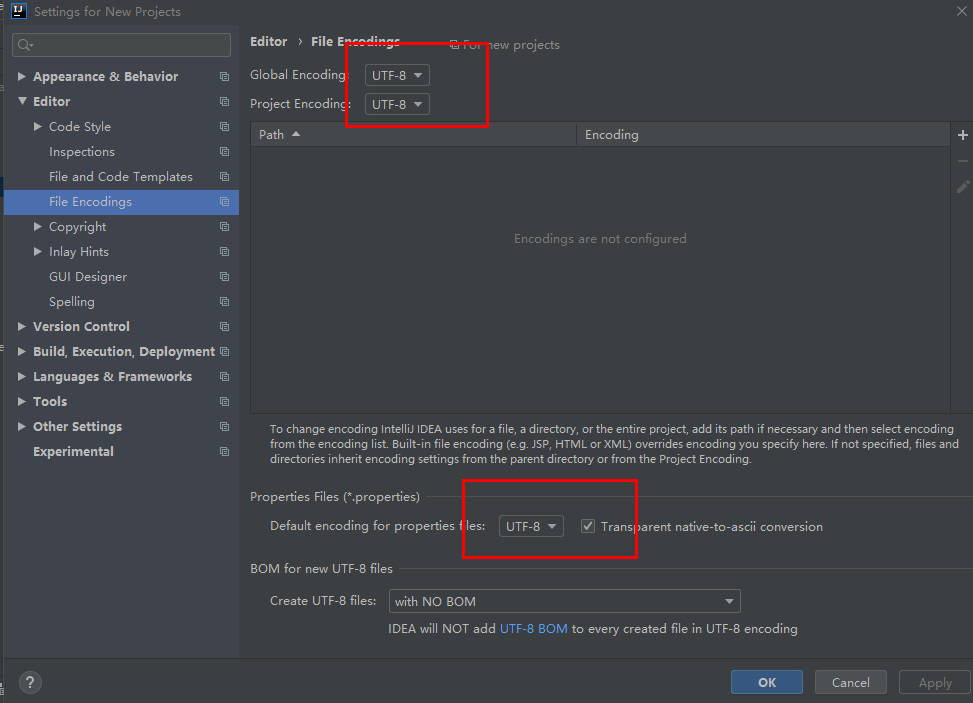
UTF-8 encoding setting after installing IntelliJ IDEA
After installing IntelliJ IDEA, you need to set the encoding to utf-8 encoding as follows: 1、File—>Other Settings—>Settings for New Projects—>Editor—>File Encodings...
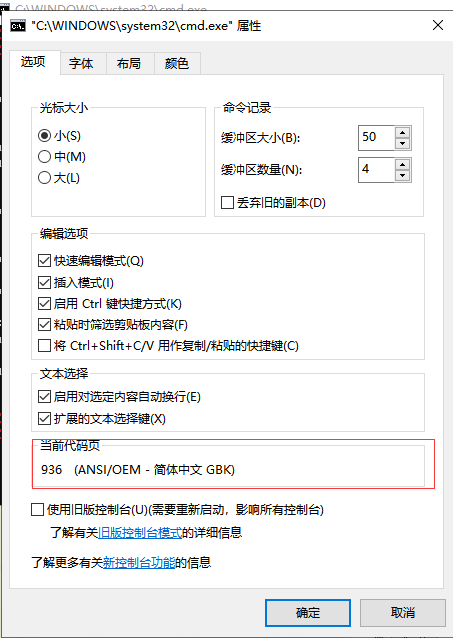
Windows CMD window setting encoding format: UTF-8
The CMD window under Windows uses non-GBK encoding by default, and sometimes the output of running some batch files written in UTF-8 in the console is garbled. CHCP is a command in MD DOS used to disp...

How to make the Windows console CMD default encoding mode is UTF-8
How to make the Windows console CMD default encoding mode is UTF-8 When we usewin+ROpen the run window inputCMDOpen the console. Enter in the consolechcpEntering the coding method of current CMD, defa...