Install caffe using anaconda
Install caffe-gpu and caffe via conda
By constantly searching for various problems, I finally found a solution, linkhere. installationcaffe_gpuWhen the corresponding versioncudatoolkit 、cudnn Will also be installed. It should also pass when loading other frames.condaTo install these two libraries (not tested).
conda create -n caffe_gpu -c defaults python=3.6 caffe-gpu
conda create -n caffe -c defaults python=3.6 caffe
The original words of Daxie are:
I will repeat my comment from earlier in this issue, please do not use the anaconda channel when installing caffe, it does not preserve the priority between the main and free sub-channels. Installing caffe or caffe-gpu from the defaults channel is the only method supported by Anaconda and currently works. For example the following two command will create working environments:
conda create -n caffe_gpu -c defaults python=3.6 caffe-gpu
conda create -n caffe -c defaults python=3.6 caffe
The meaning is to passcondainstallationcaffeAll libraries must be useddefaultsThis channel cannot be used or mixedAnaconda 、 conda-forgeA library of these channels.
due to the beginningcreate python Use when using virtual environmentconda-forge, installationcaffeMixeddefaults(the first time),Anaconda(Second time) the library, the result of the following error:
>>> import caffe
Failed to include caffe_pb2, things might go wrong!
Traceback (most recent call last):
  File "<stdin>", line 1, in <module>
  File "/home/allen/anaconda3/envs/caffegpu/lib/python3.5/site-packages/caffe/__init__.py", line 4, in <module>
    from .proto.caffe_pb2 import TRAIN, TEST
  File "/home/allen/anaconda3/envs/caffegpu/lib/python3.5/site-packages/caffe/proto/caffe_pb2.py", line 7, in <module>
    from google.protobuf import descriptor as _descriptor
  File "/home/allen/anaconda3/envs/caffegpu/lib/python3.5/site-packages/google/protobuf/descriptor.py", line 47, in <module>
    from google.protobuf.pyext import _message
ImportError: /home/allen/anaconda3/envs/caffegpu/lib/python3.5/site-packages/google/protobuf/pyext/_message.cpython-35m-x86_64-linux-gnu.so: undefined symbol: _ZNK6google8protobuf10TextFormat17FieldValuePrinter9PrintBoolEb
>>>
>>> import caffe
Traceback (most recent call last):
  File "<stdin>", line 1, in <module>
  File "/home/allen/anaconda3/envs/caffe/lib/python3.5/site-packages/caffe/__init__.py", line 1, in <module>
    from .pycaffe import Net, SGDSolver, NesterovSolver, AdaGradSolver, RMSPropSolver, AdaDeltaSolver, AdamSolver, NCCL, Timer
  File "/home/allen/anaconda3/envs/caffe/lib/python3.5/site-packages/caffe/pycaffe.py", line 13, in <module>
    from ._caffe import Net, SGDSolver, NesterovSolver, AdaGradSolver, \
ImportError: /home/allen/anaconda3/envs/caffe/lib/python3.5/site-packages/caffe/../../../libcaffe.so.1.0.0: undefined symbol: _ZNK7leveldb6Status8ToStringB5cxx11Ev
>>>
Intelligent Recommendation

Install TensorFlow using anaconda
First, you need to install anaconda first, then the rest is to open the cmd window to start the installation, my computer is win10 First of all, you must first confirm whether the anaconda is successf...
Install Graphviz using Anaconda
Install Graphviz using Anaconda System: Win10 Enter the Win10 search box Anaconda Prompt Then enter the command line input the command conda install -c anaconda python-graphviz Waiting for the install...
Install RDKit using Anaconda
Anaconda and Rdkit Introduction Anaconda is an open source cross-platform package manager that creates a virtual Python execution environment to resolve the problem of version of the library version. ...

Install Pytorch using Anaconda
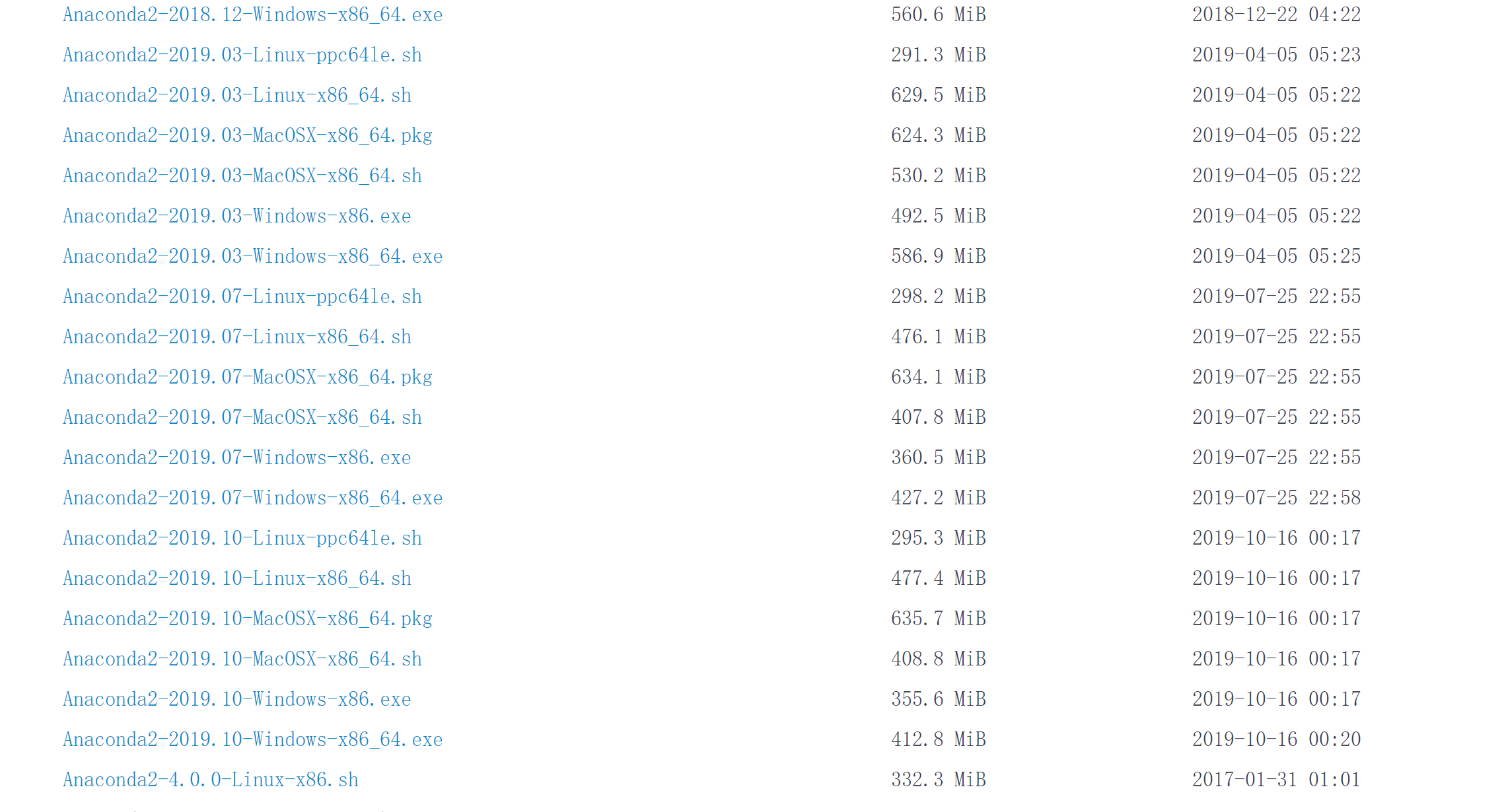
Install Pytorch First install Anaconda, generally downloading the latest version may have problems, enter an Anaconda historical version websitehttps://repo.anaconda.com/archive/ I downloaded the vers...

Install skimage using Anaconda
Open Anaconda Prompt Check the current environment:conda env list Switch to pytorch environment: conda activate pytorch Install: pip install scikit-image Enter pip list Check whether the installation ...
More Recommendation
Install matplotlib using Anaconda
Open Anaconda Prompt Check the current environment:conda env list Switch to pytorch environment: conda activate pytorch Install matplotlib:conda install matplotlib If the installation fails, you can e...

Install caffe image using docker
1. Install docker docker pull tleyden5iwx/caffe-cpu-master 2. Transform the mirror image Write Dockerfile FROM tleyden5iwx/caffe-cpu-master:latest RUN apt-get update RUN apt-get install ...

Install tensorflow-gpu using anaconda
In order not to download CUDA, CUDNN or not, I decided to directly download the tensorflow-gpu version directly with anaconda. First of all, I want to create a new virtual environment, because I found...
Install tensorflow and pytorch using anaconda
It has been a long time since I used python. I have been using pip for installing third-party packages. I can say that I have formed a habit that I do not want to change. Some third-party packages, es...
Install Python environment using Anaconda
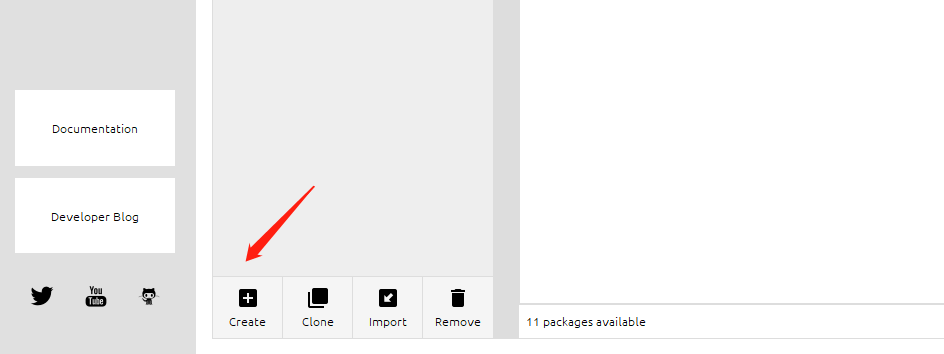
1. Install Anaconda After installation, enter the python command in cmd and find a warning, prompting us to activate this environment: Add Tsinghua Mirror to Anaconda: Second, use Anaconda to create a...