Configure wsl and SSH in pycharm
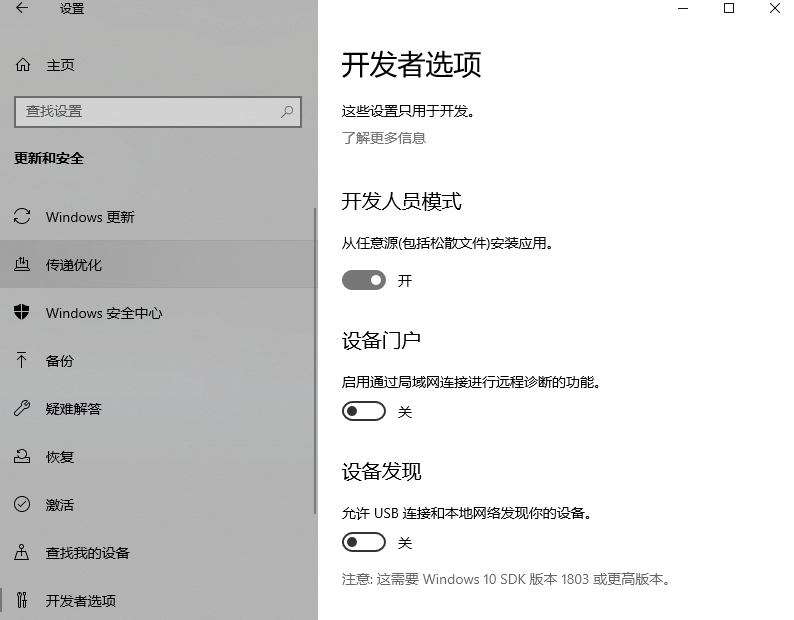
First enter windows settings and confirm whether it is turned on Developer Mode
Install miniconda
wget https://repo.anaconda.com/miniconda/Miniconda3-latest-Linux-x86_64.sh
sudo bash Miniconda3-latest-Linux-x86
Install third-party library
pip install -i https://pypi.tuna.tsinghua.edu.cn/simple numpy matplotlib pandas jieba turtle keras tensorflow==1.14
Configure pycharm
Enter settings
In project pycharmPro-->project interpreter
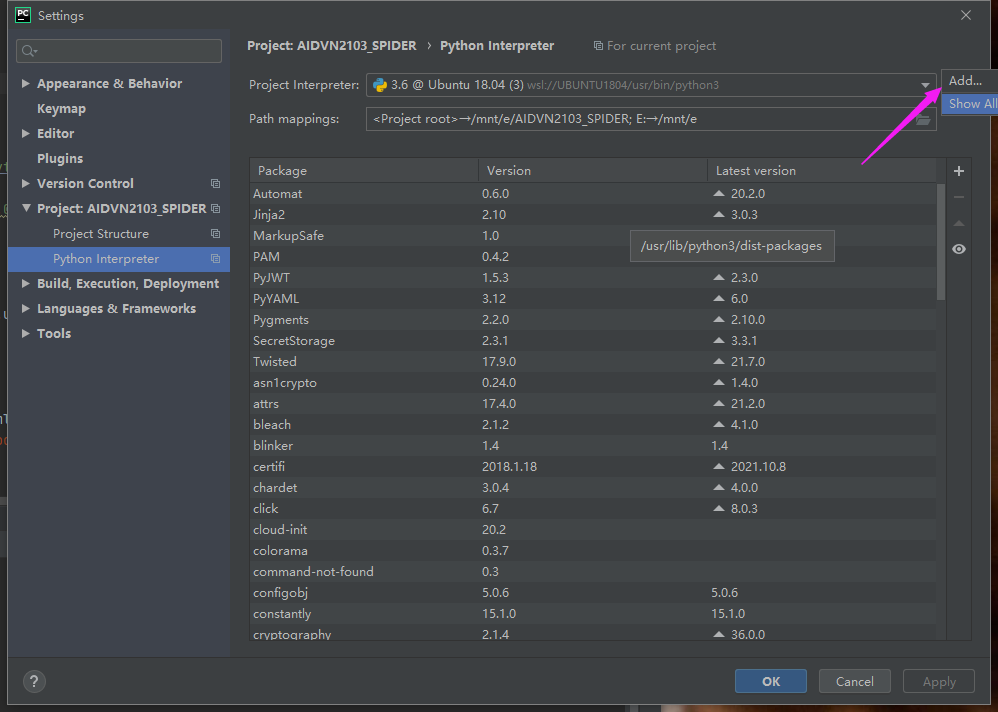
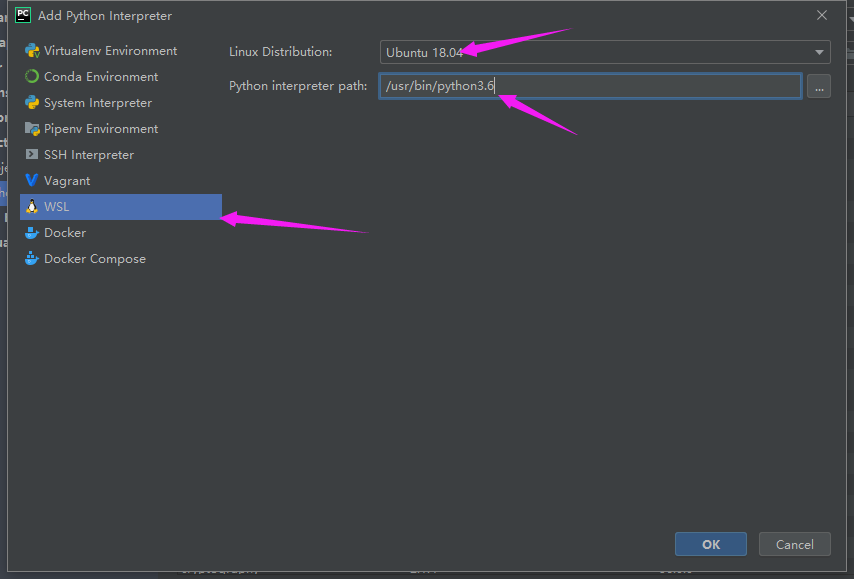
Find wsl and add the ubuntu environment path (usually default)
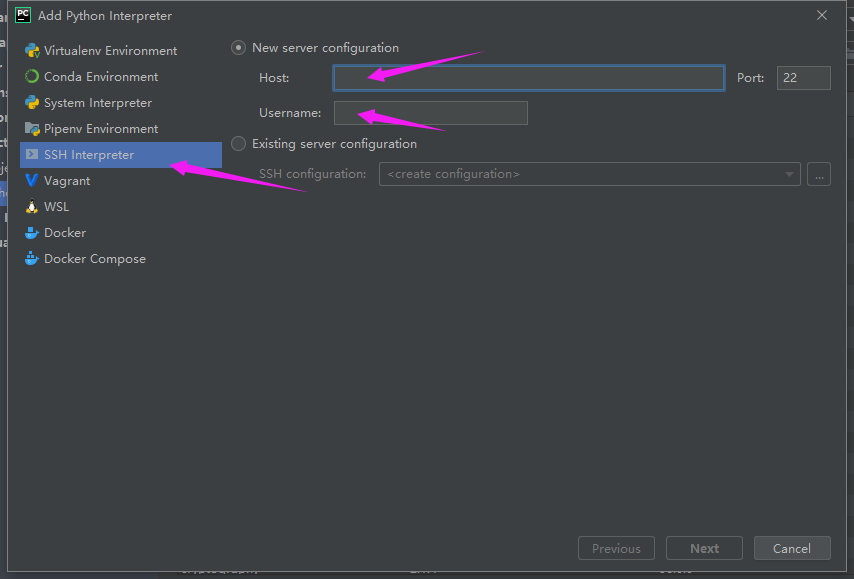
SSH
Enter the server address, port, username, next
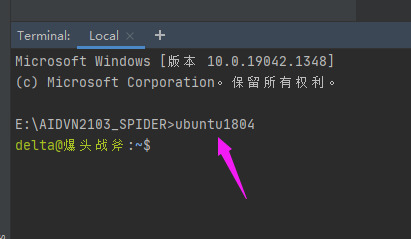
Enter the corresponding Ubuntu version in pycharm terminal
Intelligent Recommendation
Connect WSL using SSH
1 Introduction Look at the SSH connection WSL, although there are already many tutorials, Let's explain the basic steps: First, since the SSH part of WSL comes is not very complete, you need to remove...
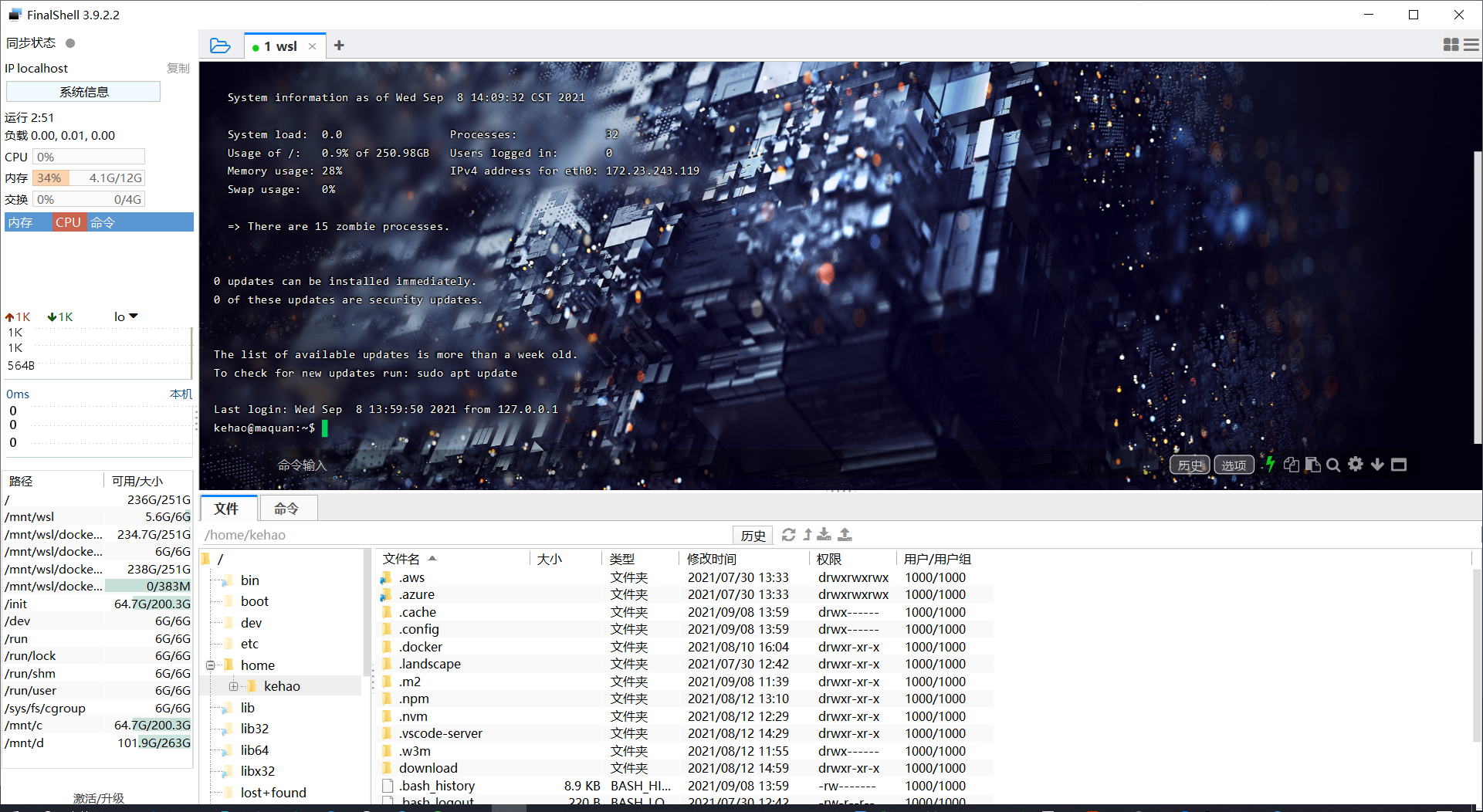
WSL uses SSH connection
Enter command modificationssh_configdocument: sudo vim /etc/ssh/sshd_config Mainly modify the following two places Execute in WSLsudo /etc/init.d/ssh start, Start the SSH service may appearsshd: no ho...
SSH remote login WSL
SSH remote login WSL Under normal circumstances, WSL does not require SSH to log in remotely, just open it in Windows Terminal. But there are exceptions, that is, another computer wants to log in to t...
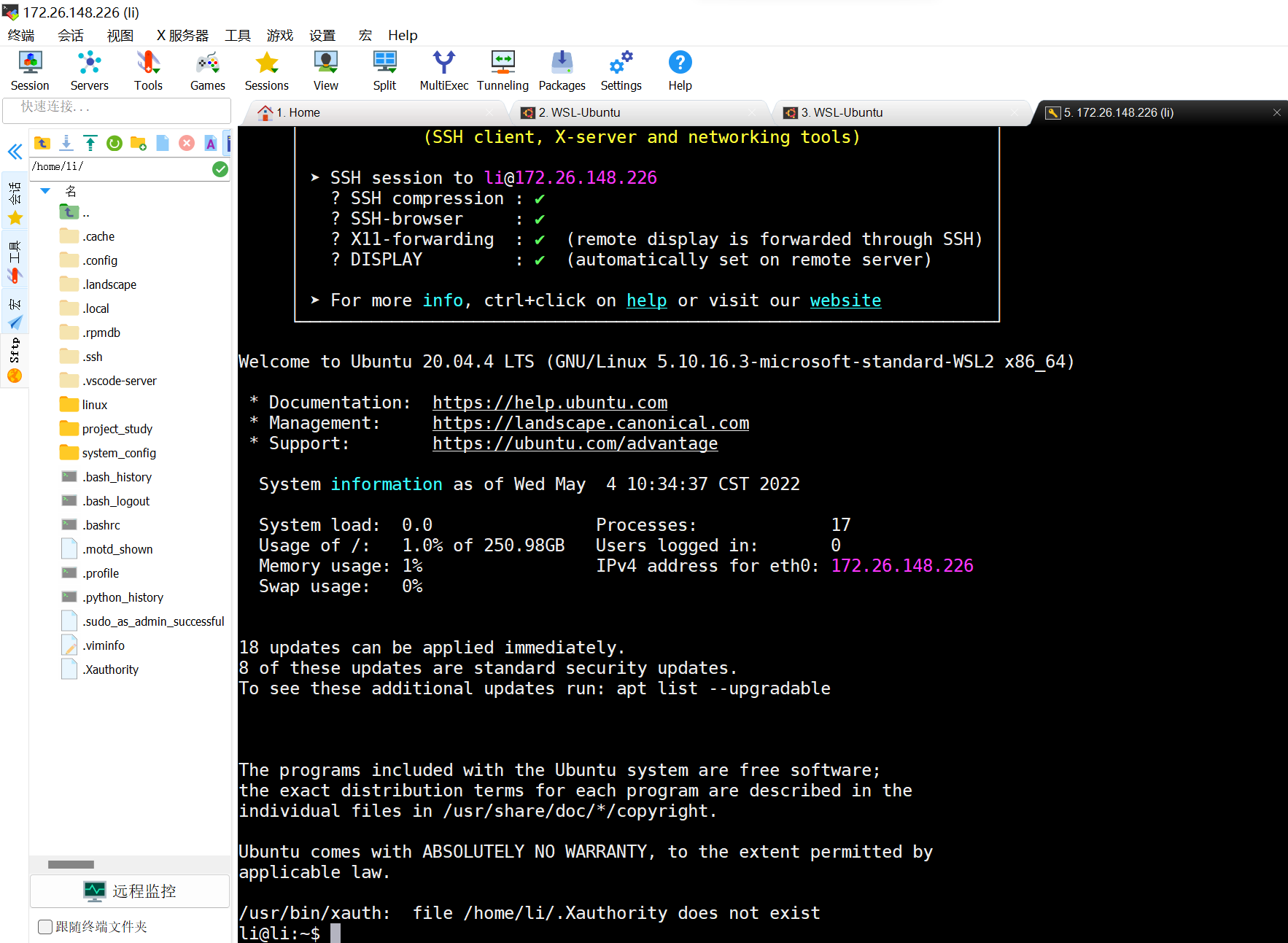
SSH configuration method in WSL
Local host win11 system, wsl2:Ubuntu 20.04.4 LTS 1. Update linux $ sudo apt-get update li@li:~$ sudo apt-get update [sudo] password for li: Ign:1 http://mirrors.ustc.edu.cn/ubuntu precise-updates InRe...
Pycharm configures WSL and enables WSL Virtualenv
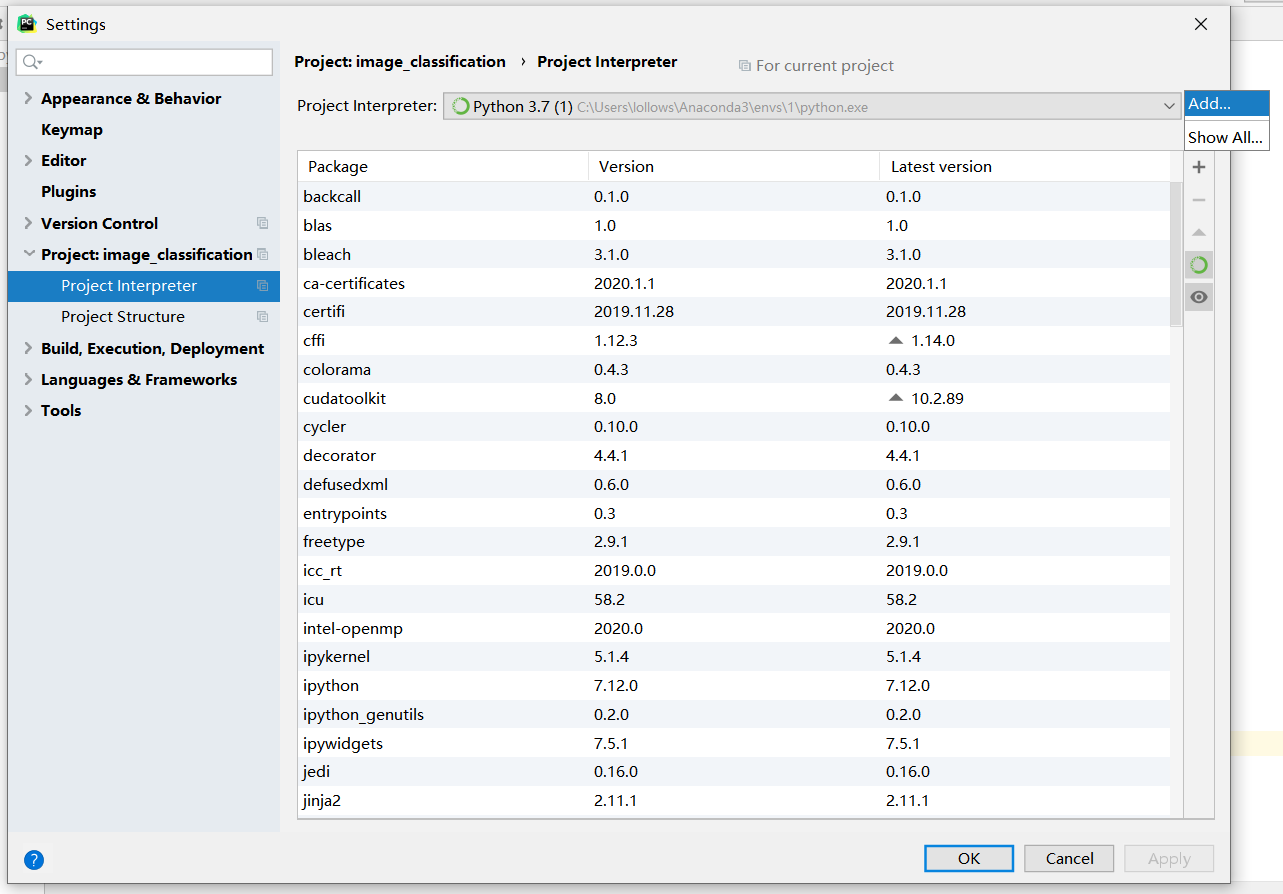
Pycharm configures WSL and enables WSL Virtualenv 1. Pycharm Configures WSL, using WSL Python Interpreter (Example Pycharm2020.1) Official documentConfigure an interpreter using WSL WSL installed in n...
More Recommendation
pycharm link WSL and WSL configuration CUDA NVIDIA
1. First install the finest NVIDIA driver on Windows 2, and then install WSL 3, and then enter WSL to execute the following command 4. At this time, you can test whether Windows can drive WSL to execu...
Pycharm configure ssh to achieve debugging and development on linux server (ubuntu 16.04)
Pycharm can remotely access the server through ssh (Secure Shell), log in via Tool – >> Start SSH Session – >> Edit credentials, fill in Host, User name, Password, etc. to comp...
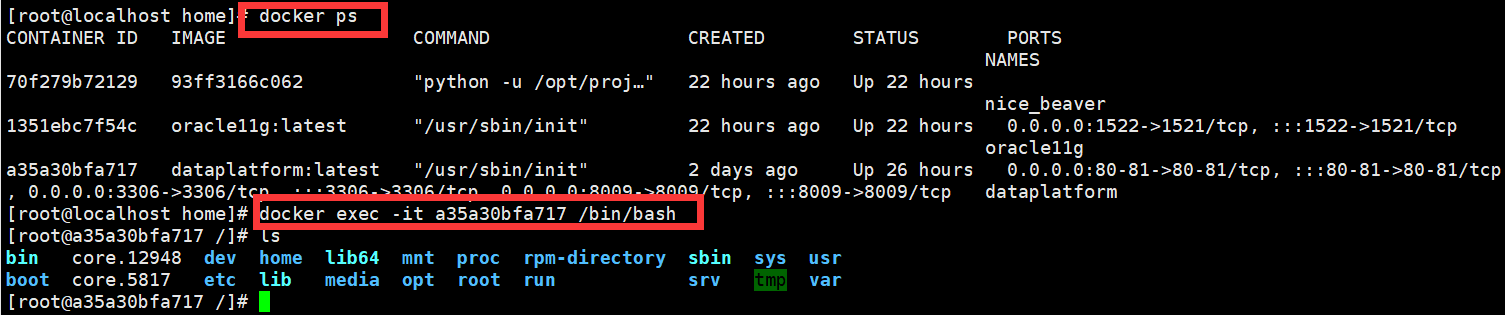
How does Pycharm configure docker on the same machine (ssh method)
Configuration process: Let me declare: all dependent environments are under the docker container, and I want to use Pycharm to use docker dependencies (because I am too lazy to go to pip, of course th...
Install and configure VSCode in WSL
Install and configure VSCode in WSL Download WSL WSL (Windows Subsystem for Linux) can install a Linux subsystem in windows, which is very convenient and easy to use. First download Ubuntu in the Micr...
Windows install and configure WSL
What is WSL To quote a passage from Baidu Baike: Windows Subsystem for Linux (referred to as WSL) is a compatibility layer for natively running Linux binary executable files (ELF format) on Windows 10...