Intel realsense D435 driver installed and embedded in ROS
Ubuntu 16.04 Installation
Ubuntu Build Dependencies
Will be used during the installation processwget, git, add-apt-repositoryIf the order is blocked by the firewall, it is recommended not to use the company's network (I have this problem, how can the company's network command not be connected, open the mobile phone hotspot, it will be solved.)
1. Preparation in advance
Update Ubuntu:
- Update Ubuntu distribution, including getting the latest stable kernel:
sudo apt-get update && sudo apt-get upgrade && sudo apt-get dist-upgrade
If you need to view the kernel version, run the following command:
uname -r
2. Download the latest librealsense SDK package:
The download address is as follows:https://github.com/IntelRealSense/librealsense/tagsAfter unzipping, move to the home directory of the system.
3、Prepare Linux Backend and the Dev. Environment:
Note: Do not connect the camera to your computer during installation.
3.1 Switch directory tolibrealsenseThe root directory, then install the necessary packages
cd ~/librealsense
sudo apt-get install git libssl-dev libusb-1.0-0-dev pkg-config libgtk-3-dev
3.2 Install the corresponding version of the package:
Ubuntu 16:
sudo apt-get install libglfw3-dev
3.3 Install the license script in the original librealsense directory
sudo cp config/99-realsense-libusb.rules /etc/udev/rules.d/
sudo udevadm control --reload-rules && udevadm trigger
3.4 Build and apply patched kernel modules
* Ubuntu 14/16/18 with LTS kernel script will download, patch and build realsense-affected kernel modules (drivers).
Then it will attempt to insert the patched module instead of the active one. If failed the original uvc modules will be restored.
./scripts/patch-realsense-ubuntu-lts.sh
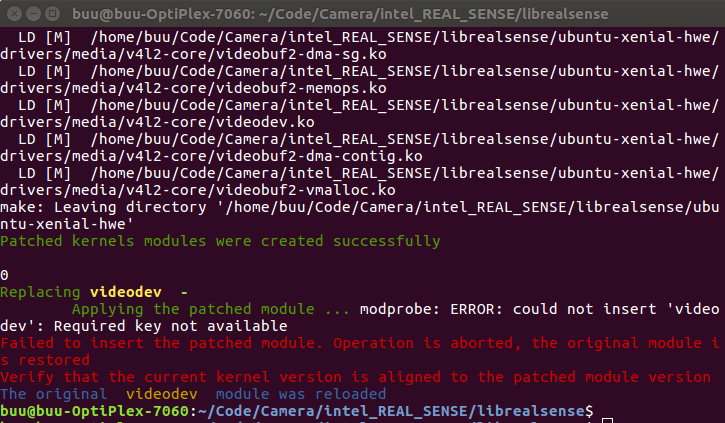
Note: There may be an error: Failed to unload module videobuf2_core,The solution is as follows:
https://github.com/IntelRealSense/librealsense/issues/2846
sudo modprobe -r uvcvideo
sudo modprobe -r videobuf2_core (imho it unwinds automatically once you release uvcvideo)
sudo modprobe -r videodev
And reapply the patch. If it doesn't work, restart it.
3.5 TM1-specific (optional):
In order to accomplish this add the driver's name hid_sensor_custom to /etc/modules file, eg:
echo 'hid_sensor_custom' | sudo tee -a /etc/modules
4、Building librealsense2 SDK
4.1、Run the following command:
cd ~/librealsense
mkdir build && cd build
cmake ../
cmake ../ -DBUILD_EXAMPLES=true
4.2、Recompile and installlibrealsense binaries:
sudo make uninstall && make clean && make && sudo make install
4.3、Install IDE (Optional): We use QtCreator as an IDE for Linux development on Ubuntu * Follow the link for QtCreator5 installation
4.4 Run the following command to verify:
realsense-viewer
The high probability is that the operation is unsuccessful and the firmware needs to be updated, see below.
5, update DFU (Device Firmware Update) firmware
This is the tutorial download link, pages 8-9:
Excerpt as follows:
1) Add Intel server to list of repositories:
echo 'deb http://realsense-hw-public.s3.amazonaws.com/Debian/apt-repo xenial main' | sudo tee /etc/apt/sources.list.d/realsense-public.list
2) Register the servers public key:
sudo apt-key adv --keyserver keys.gnupg.net --recv-key 6F3EFCDE
3) Refresh the repository installation package list:
sudo apt-get update
4) Install the intel-realsense-dfu (with an asterisk) package, and link the mobile hotspot to install successfully:
sudo apt-get install intel-realsense-dfu*
5) Download the latest D400 series firmware .bin file (Signed Binary), where the .bin file download address:
6) Connect the camera to the computer, USB3.0 interface, input lsusb, and query the bus number and device number corresponding to “Intel Corp”:
lsusb
7) Upgrade the camera firmware of the D400 series:
intel-realsense-dfu –b 002 –d 002 –f –i /home/intel/downloads/Signed_Image_UVC_5_9_2_0.bin
(This command specifies bus #, device #, -f flag to force upgrade, and –i Flag for complete system path to downloaded FW.bin file, the following link is the storage path of the .bin file)
8) Verify firmware: Check firmware with command:
intel-realsense-dfu –p
9) Run the following command to verify:
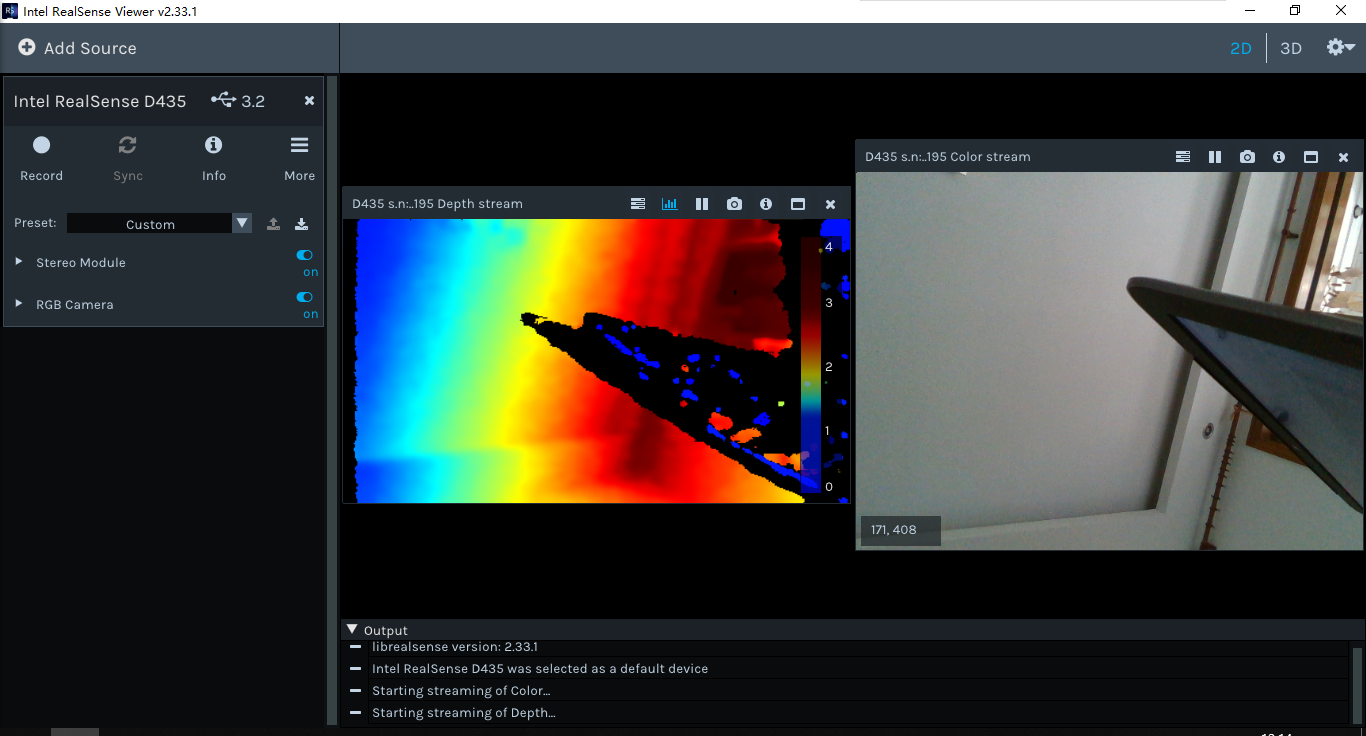
realsense-viewer
If you still don't display the image, you can restart your computer and try it.
6, ROS package installation
1)Clone the latest Intel® RealSense™ ROS from hereInto 'catkin_ws/src/', then compile:
catkin_init_workspace
cd ..
catkin_make clean
catkin_make -DCATKIN_ENABLE_TESTING=False -DCMAKE_BUILD_TYPE=Release
catkin_make install
echo "source ~/catkin_ws/devel/setup.bash" >> ~/.bashrc
source ~/.bashrc
2) For how to call the camera in ROS, please see the link below.
Intelligent Recommendation
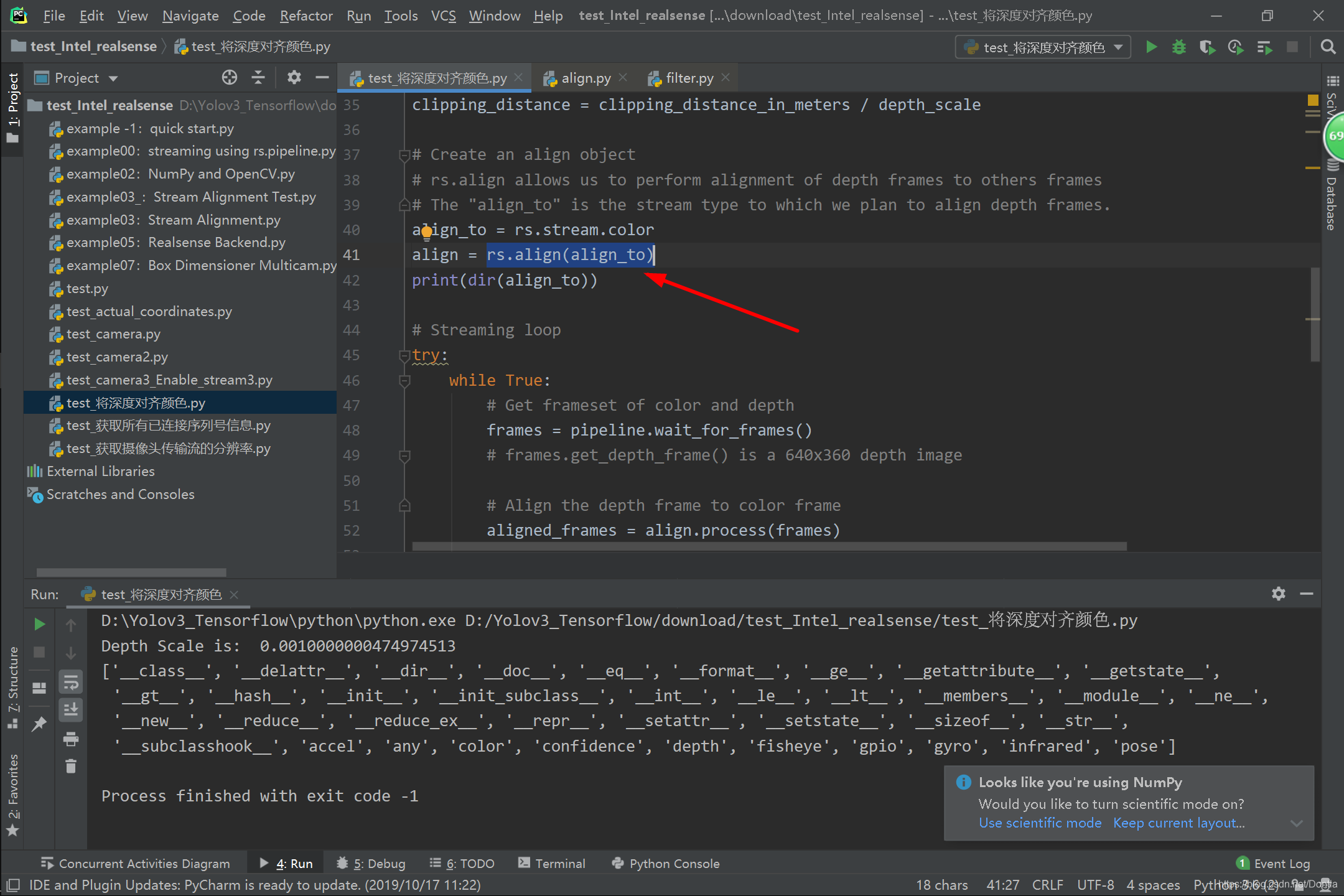
Intel Realsense D435 python wrapper pyrealsense.align class
Inheritance: As shown,rs.align(rs.stream.color)Just onealignObject:...

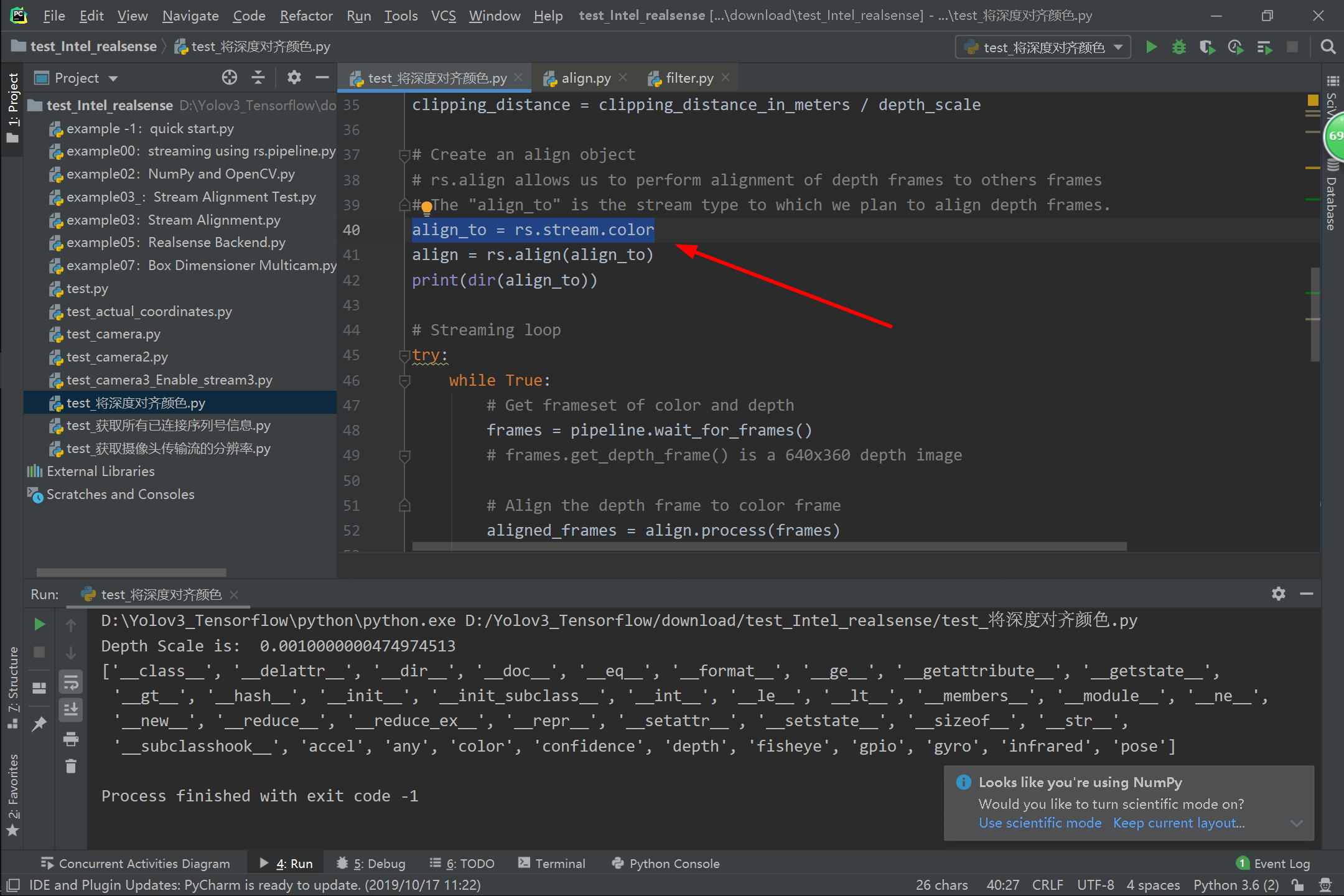
Intel Realsense D435 python wrapper pyrealsense.filter class
As shown,rs.stream.colorJust onefilterObject:...
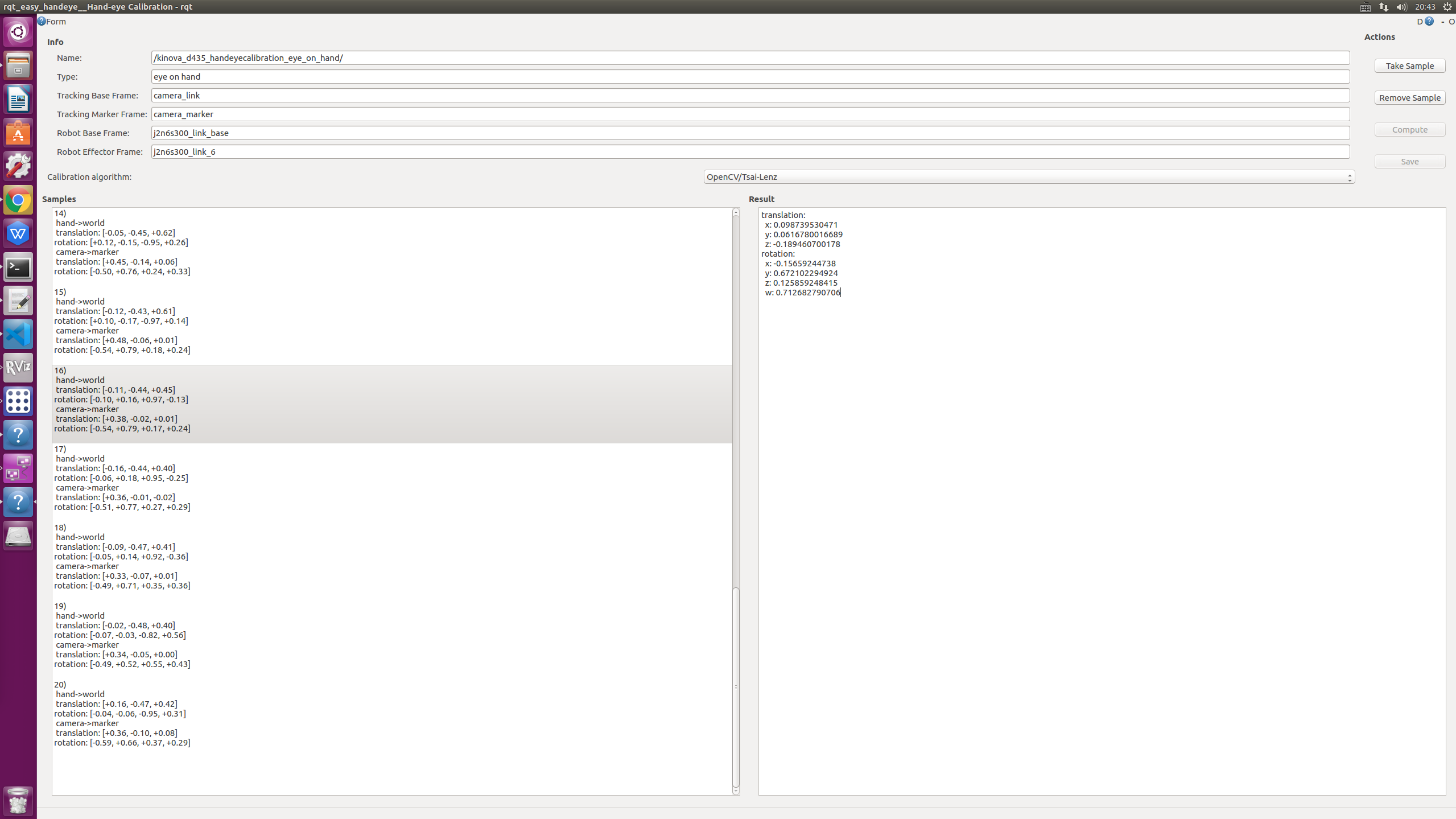
Kinova and Intel Realsense D435 hand calibration
Hand-eye calibration catalog background Calibration process easy_handeye Error 1 - Lack of TRANSFORMS3D Error 2-cv2.calib_hand_eye_tsai Error 3-Cannot Calibrate from Current Position ros-realsense(d43...
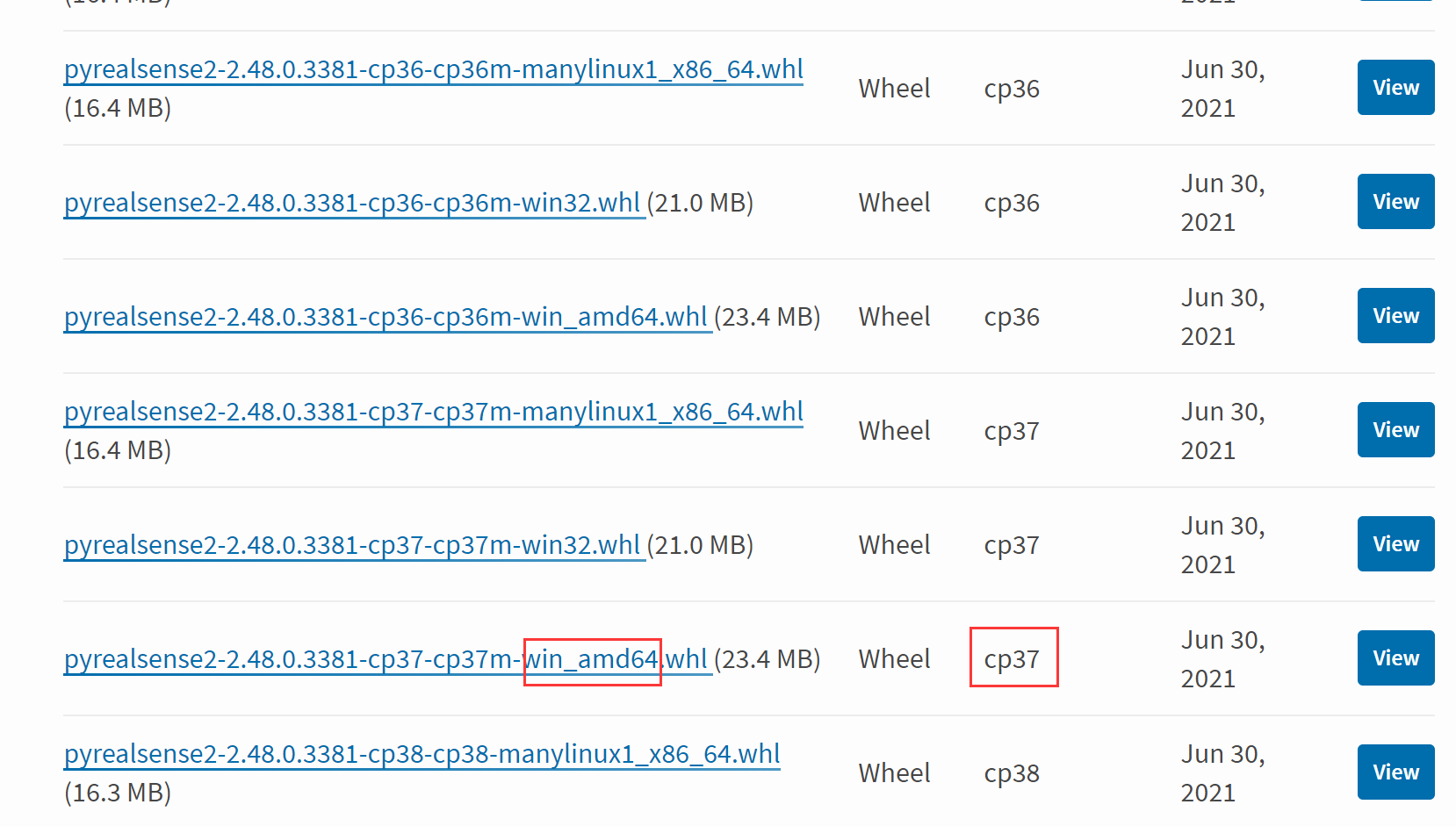
Intel Realsense D435 Environment Construction Pyrealsense2
When installing pyrealsense2, it is difficult to install success by the following command. pip install pyrealsense2 Next, introduce a method of installation by .WHL file First, computer configuration ...
More Recommendation
Install the intel RealSense D435i driver on Ubuntu16.04 and use it in ROS
reference: https://blog.csdn.net/qq_43265072/article/details/106437287 https://blog.csdn.net/zhangfenger/article/details/84998082 https://blog.csdn.net/sinat_23853639/article/details/88044019?utm_medi...
Intel Realsense D435 python (Python Wrapper)example05: Realsense Backend
example05: Realsense Backend https://github.com/IntelRealSense/librealsense/blob/development/wrappers/python/examples/pybackend_example_1_general.py Example of controlling devices using the backend in...
Realsense D435 based on ROS running through ORBSLAM2
Realsense D435 based on ROS running through ORBSLAM2 System ubuntu16.04 ROS Kinetic Camera RealsenseD435 SLAM system: ORBSLAM2 1. Install the SDK for Realsense Official link:https://github.com/intel-r...
RealSense D435 configuration under ROS kinetic
Last time I said that there was no sensor at home during the epidemic, the teacher shipped an Intel RealSense Depth Camera D435, thank you boss! When ZED mini was installed and configured before, beca...
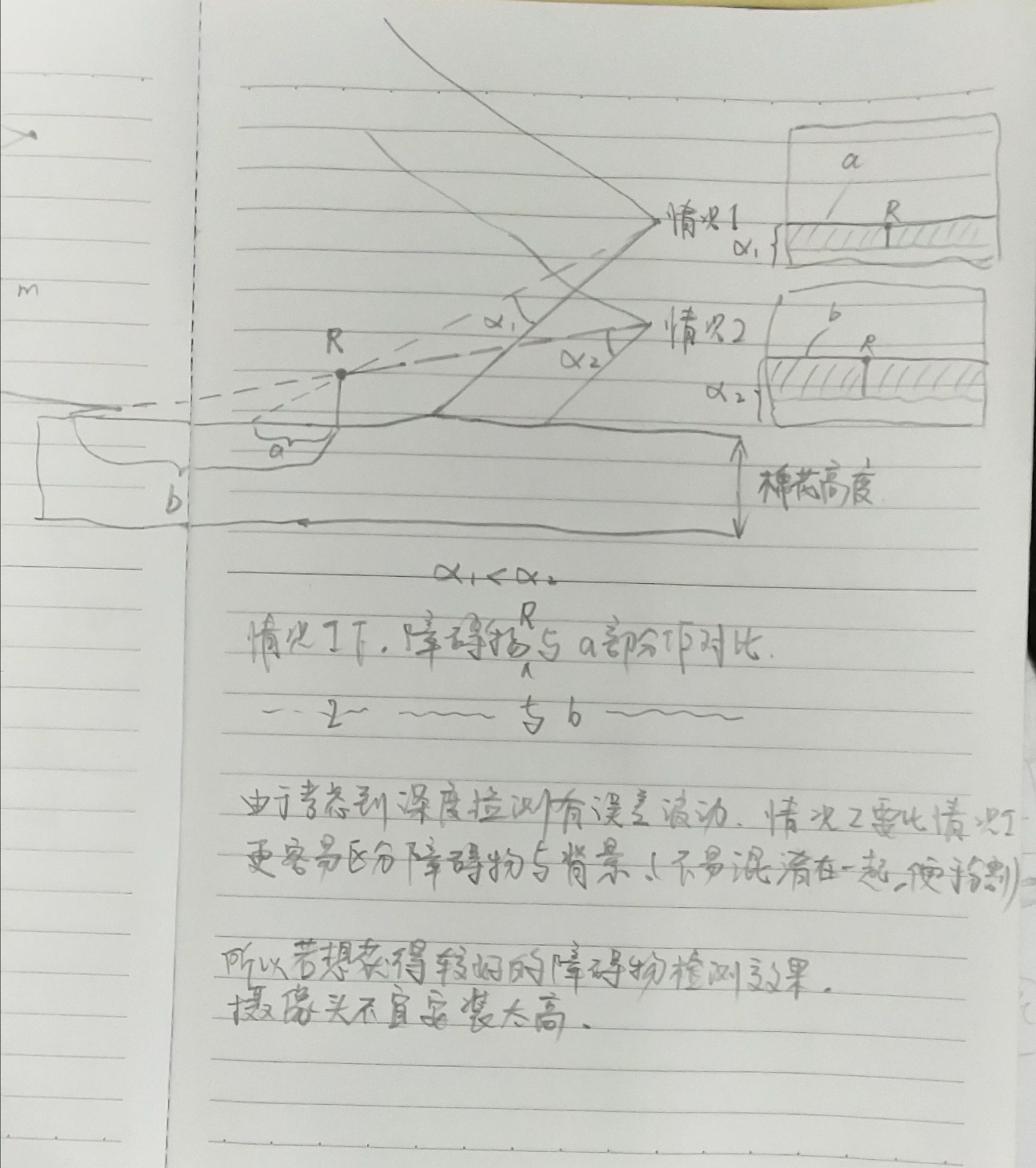
Why Intel Realsense D435 depth cameras (obstacle avoidance) horizontal obstacle detection scheme based on the depth, the camera should not be installed too high?
complement a, b and R why should easier to distinguish contrast with a contrast ratio of R? Since a and b of the obstacle and a right end R of the same depth, but the left end b significantly large th...